@TonyContreras-1130 Thank you for reaching out to us, seems to be generic error, couldnt find much information do you have any correlation id/request id with the time stamp to investigate this issue further, if this information is not available Capture a browser trace for troubleshooting and share the same with us. https://learn.microsoft.com/en-us/azure/azure-portal/capture-browser-trace
Failed to update inbound access settings/Failed to update outbound access settings error is not access issue, can you logout/try to perform the same steps, see if it helps to resolve this issue.
Let me know if you have any further questions.
' cx='32' cy='32' r='32' /%3E%3Ctext x='50%25' y='55%25' dominant-baseline='middle' text-anchor='middle' fill='%23FFF' %3ET1%3C/text%3E%3C/svg%3E)
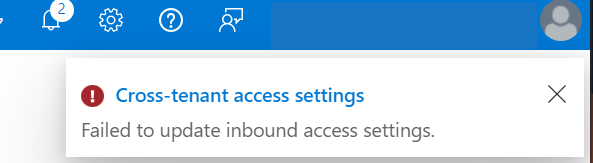
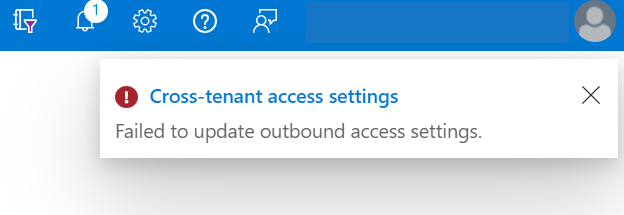 When I try to change my Azure cross-tenant B2B inbound access settings to deny I receive a "Failed to update inbound access settings". Error "Failed to update outbound access settings" appears when I try to add a new user to my allow outbound access settings. Just a few days prior I was able to set up my B2B cross-tenant access settings and add users with no issues.
 ' cx='32' cy='32' r='32' /%3E%3Ctext x='50%25' y='55%25' dominant-baseline='middle' text-anchor='middle' fill='%23FFF' %3EGM%3C/text%3E%3C/svg%3E)