Hi @Kim Burmester ,
Welcome to Microsoft Q&A forum.
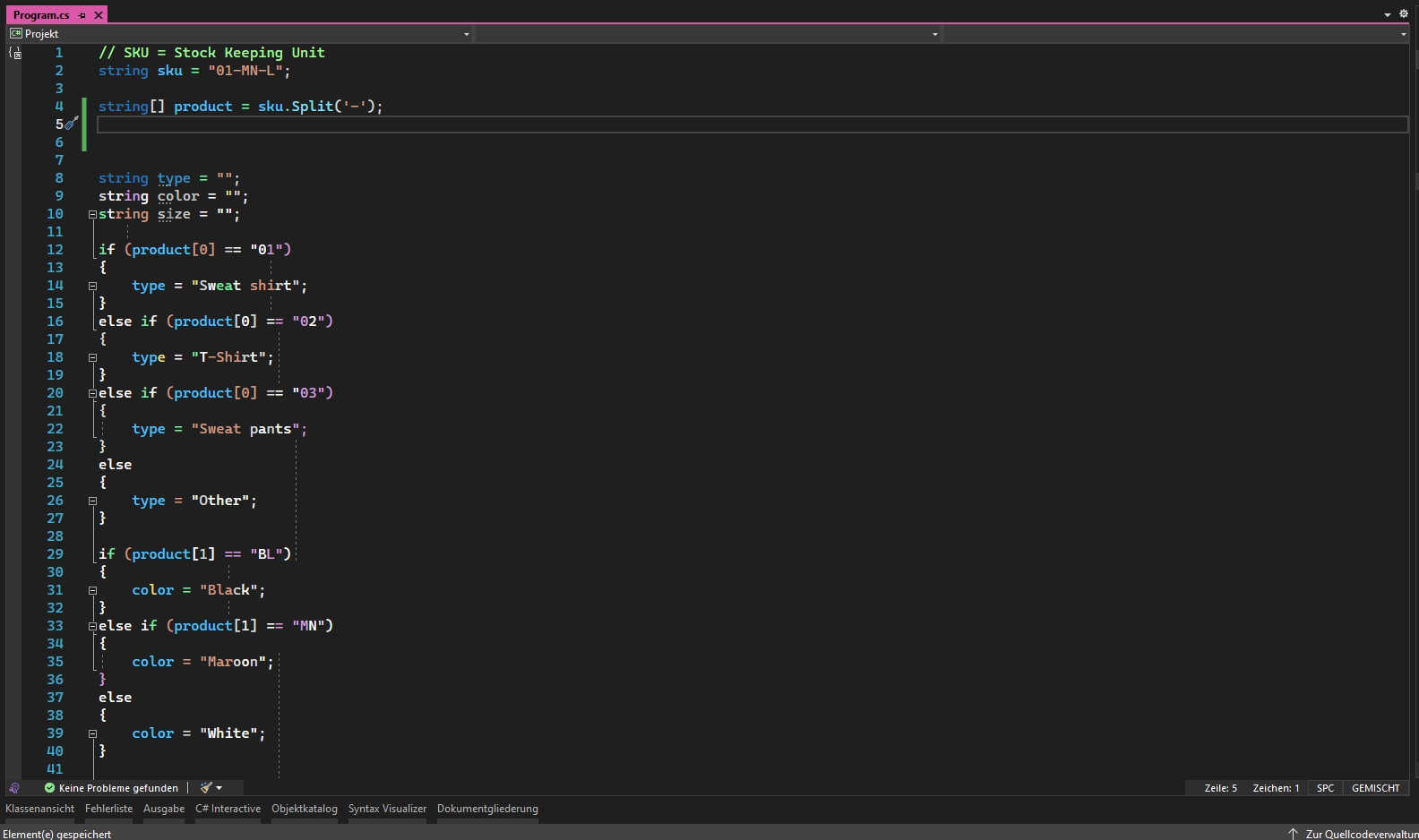
Did you update Visual Studio Community 2022 Preview(as I see that you are using the currently latest version of preview version of VS, and I guess that the error appeared after VS was updated?)?
In addition to "this is a potential issue of VS Community 2022 Preview", perhaps, the latest version of VS Community 2022 Preview isn’t fully compatible with the related extension(s) that you installed.
If it’s possible, you can try to check the description of related extension(s) or ask the extension author to confirm this. Or you can try to disable the extension(s) and double confirm whether this is a compatible issue.
In case it’s a potential issue of VS Community 2022 Preview, could you please also submit a ticket on our Developer Community for further investigate?
Besides, you said that the errors did not reoccur after a while, I’m not sure if it appears again now or in the future. Please try to repair and reset Visual Studio, if it reoccurs.
Feel free to contact us.
Best Regards,
Tianyu
- If the answer is the right solution, please click "Accept Answer" and kindly upvote it. If you have extra questions about this answer, please click "Comment".
Note: Please follow the steps in our documentation to enable e-mail notifications if you want to receive the related email notification for this thread.


' cx='32' cy='32' r='32' /%3E%3Ctext x='50%25' y='55%25' dominant-baseline='middle' text-anchor='middle' fill='%23FFF' %3ETS%3C/text%3E%3C/svg%3E)