
Hi Doria,
You can use the guidance in following links.
This browser is no longer supported.
Upgrade to Microsoft Edge to take advantage of the latest features, security updates, and technical support.

Hi everyone!
What would be the best way to check the functioning of the WSUS service? As an example, SQL Server log records all the revealing events in an easy way to read and understand what is happening, but the WSUS log is very difficult to read... so it is complicated to search for errors and adjust the settings. Based on that, is there any material that explains or a tool that helps in understanding the 'WindowsUpdate.log' log file and troubleshooting?
I do not kwon what is error and what is not.
Hope I was clear enough.

Hi @Doria I think the windows update log link provided by LeonLaude is very detailed and could be used for a learning material. But I would likely to know if you encounter any problems when update clients. If yes, would you describe the range of influence and symptom?
Bests,
============================================
If the Answer is helpful, please click "Accept Answer" and upvote it.
Note: Please follow the steps in our documentation to enable e-mail notifications if you want to receive the related email notification for this thread.

Hi Doria,
You can use the guidance in following links.

Hi @Doria ,
Hopefully the links below will help you understand more of the contents within the WindowsUpdate.log file.
Windows Update log files
https://learn.microsoft.com/en-us/windows/deployment/update/windows-update-logs
How to View and Parse WindowsUpdate.log on Windows 10 / Windows Server 2016?
----------
(If the reply was helpful please don't forget to upvote or accept as answer, thank you)
Best regards,
Leon
Good morning everyone and thanks for all answers!
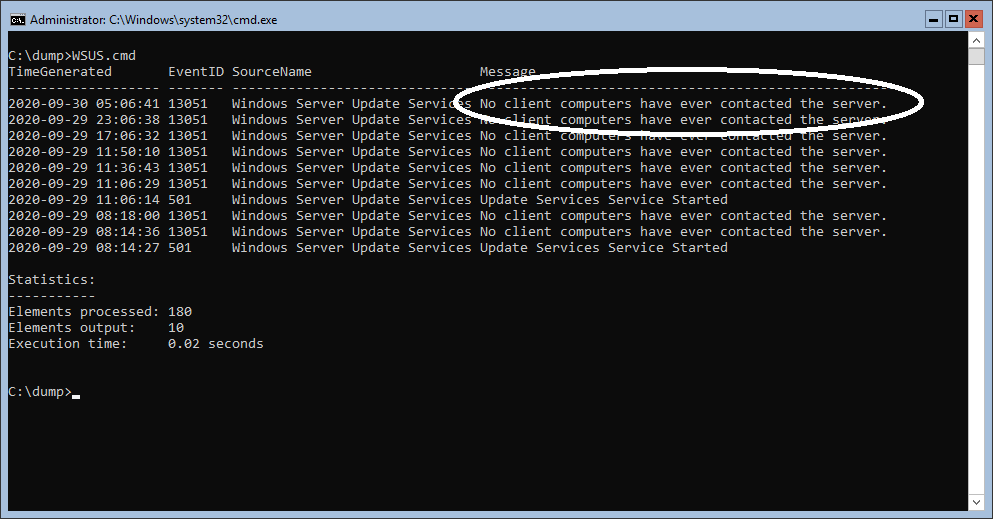
The material was very useful and I noticed that the file 'WindowsUpdate.log' corresponds to the client side of the service and the logs on the server side of the service can be found in the Windows Application log, source 'Windows Server Update Services'. Am I right?
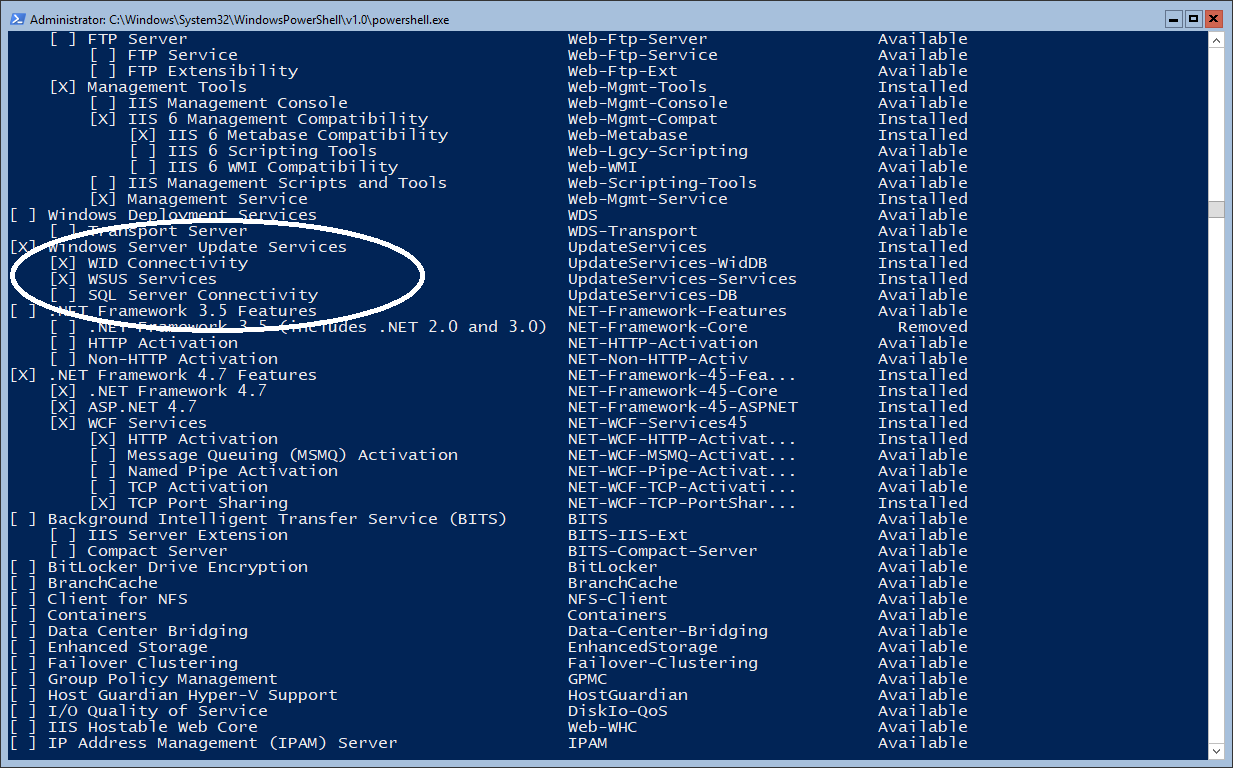
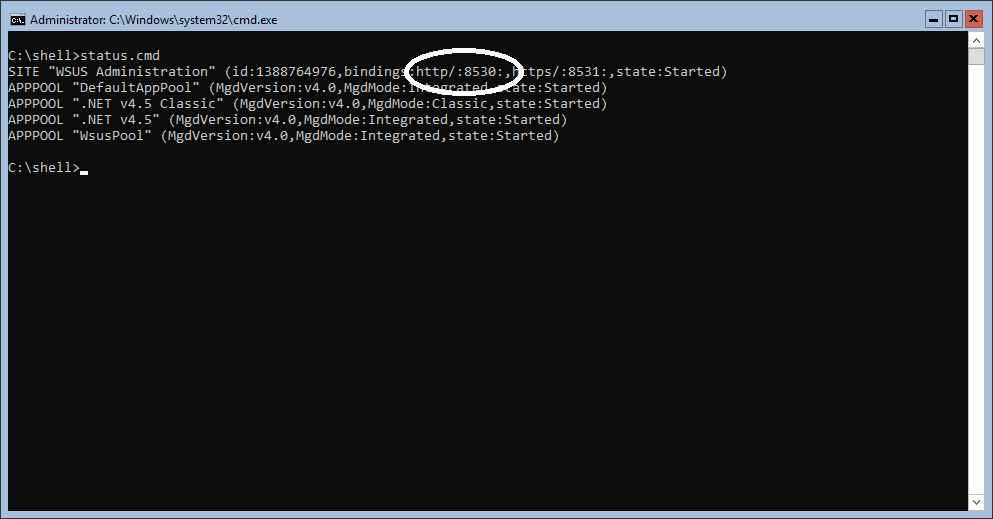
Well, I have the following problem with the WSUS service that I installed on a new 2K19 core server: 'No client computers have ever contacted the server.' Looking at the services installed, everything seems okay to me. The site is live on port 8530, but I can't open any pages. Is that a mistake? How can I manually test the site?
Also, I saw on some websites the recommendation to create a new GPO and that would be the cause of the issue, so I did it. But what I really did different was to add the port number 8530 in the GPO! I forgot that in the previous version the service operated on port 80...
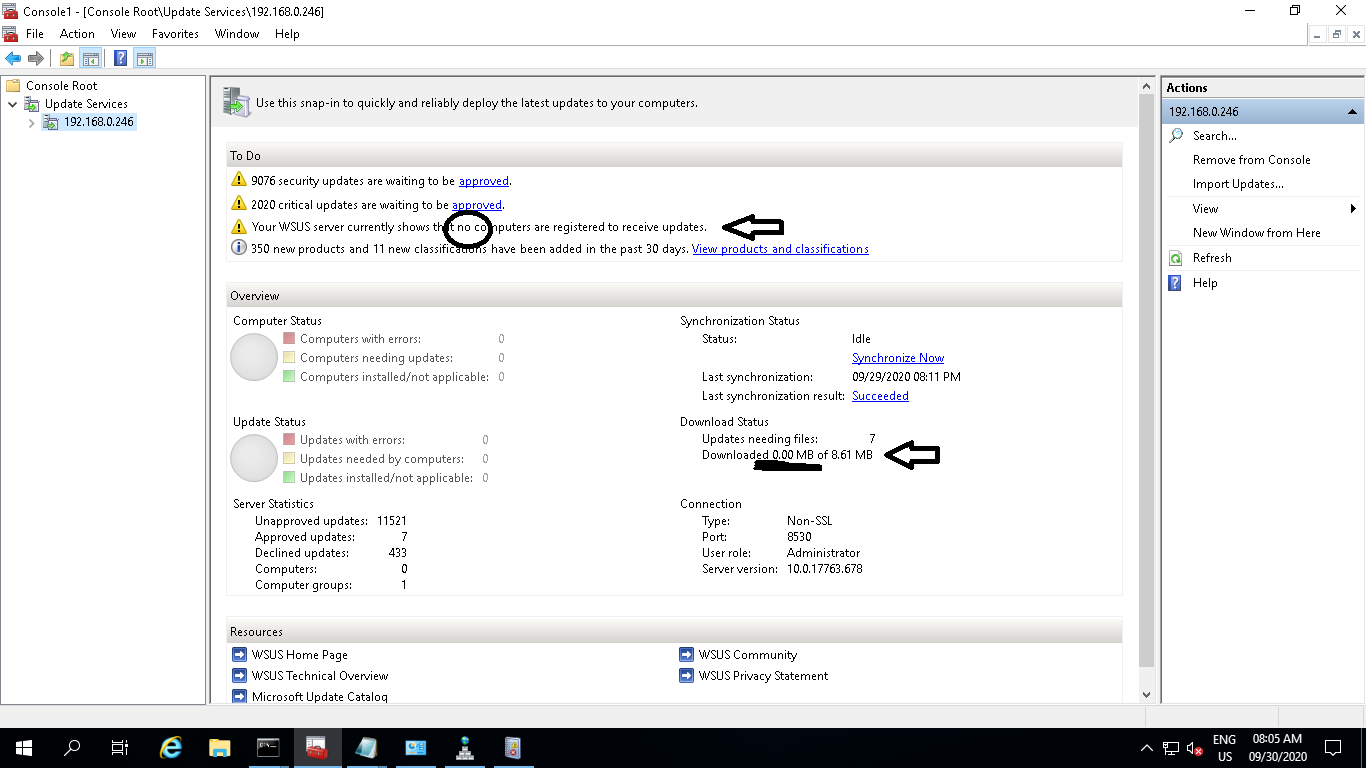
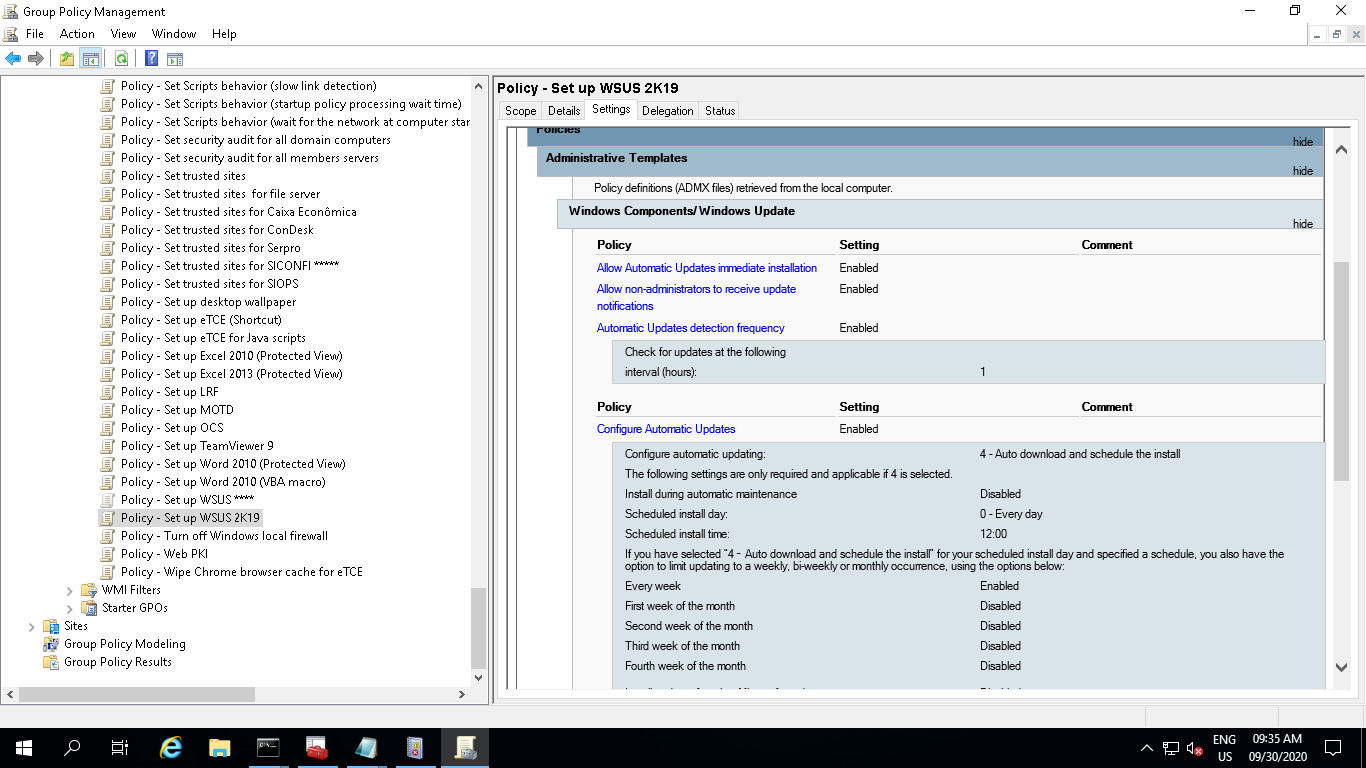
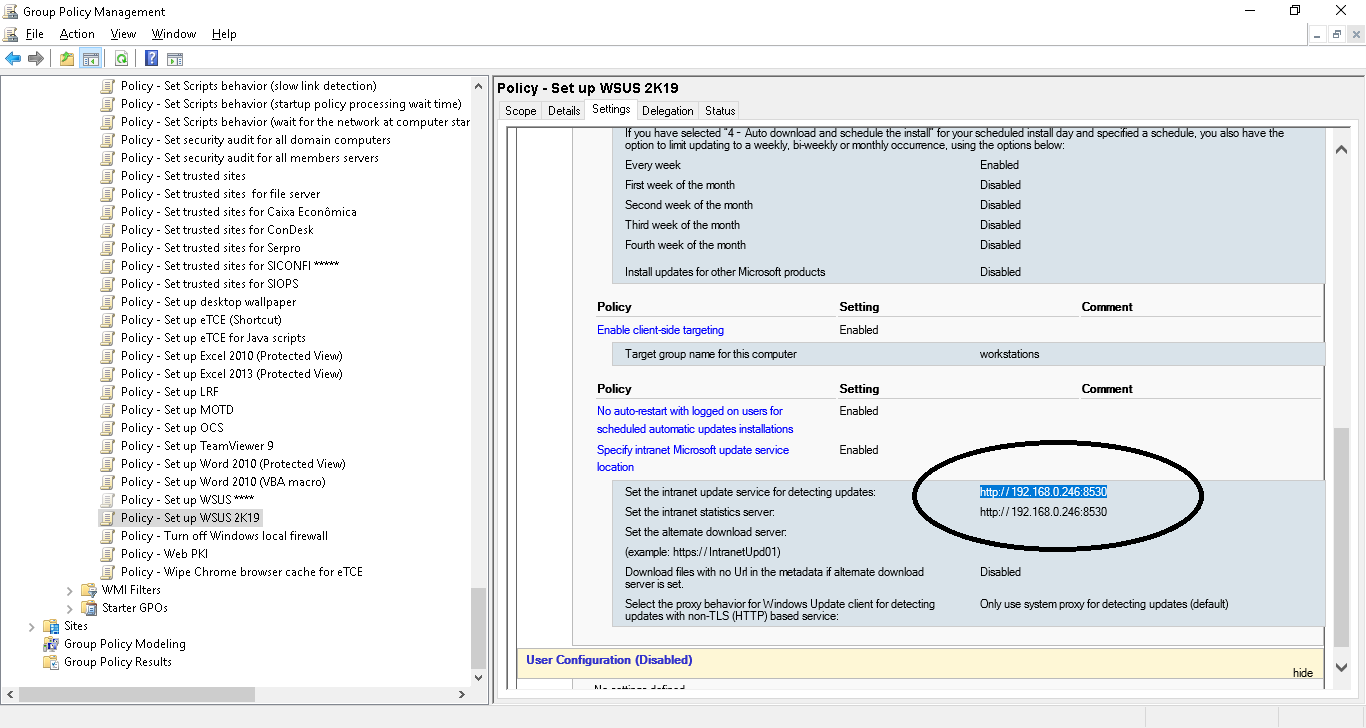
On time, it seems that this was really the problem: port number. However, look at this:
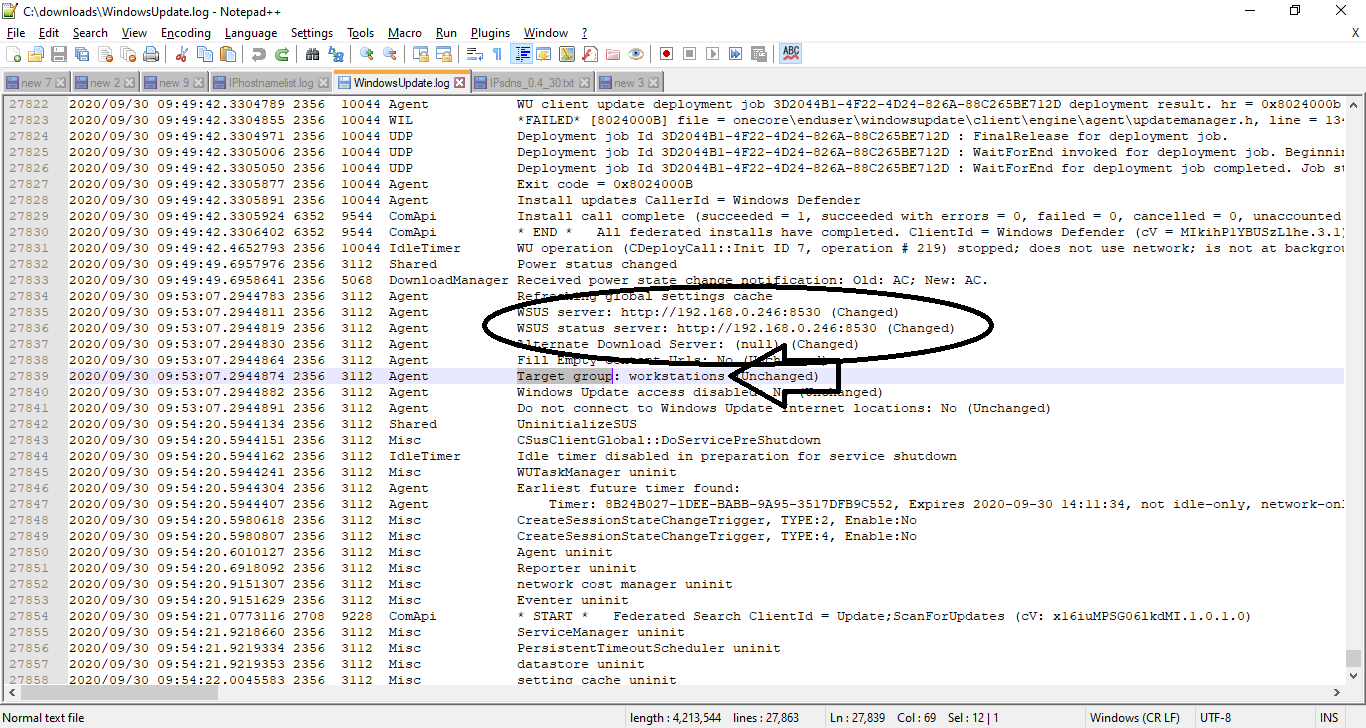
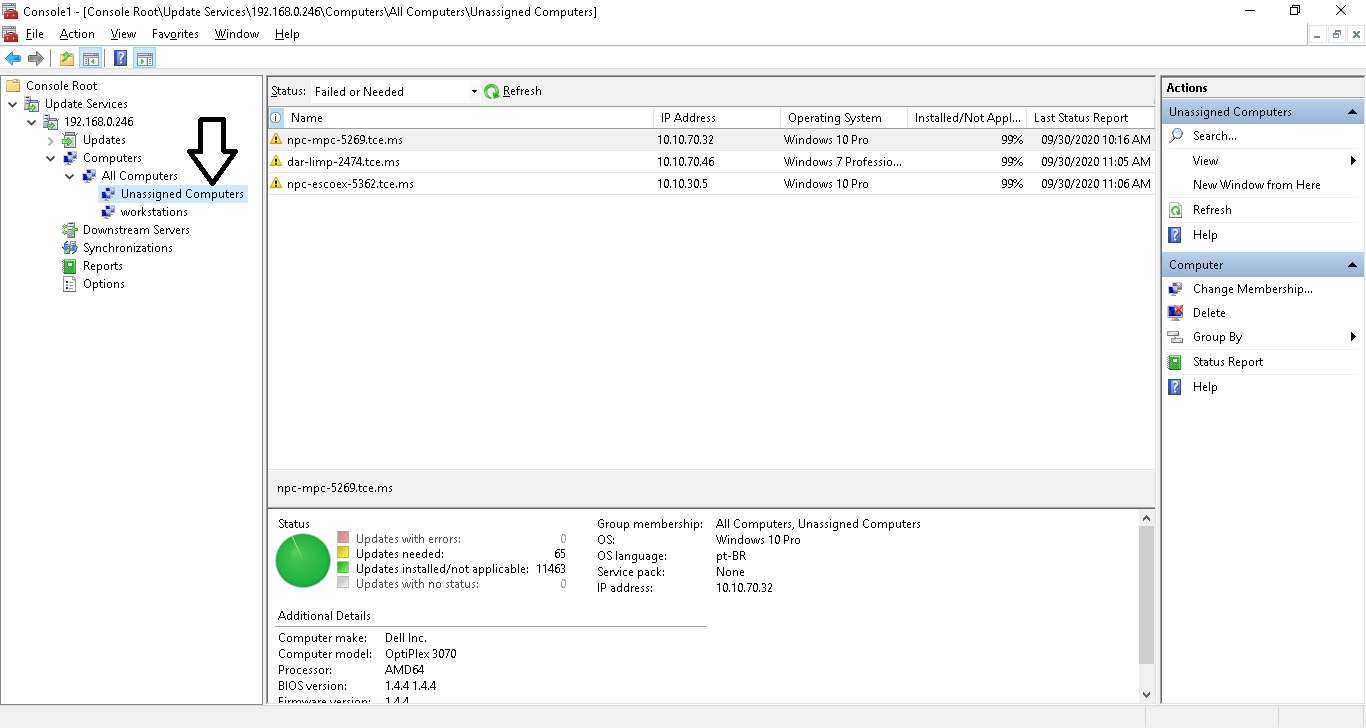
Unassigned?
Really very good article!
Thanks all!