Microsoft Security | Microsoft Authenticator
A Microsoft app for iOS and Android devices that enables authentication with two-factor verification, phone sign-in, and code generation

This browser is no longer supported.
Upgrade to Microsoft Edge to take advantage of the latest features, security updates, and technical support.
' cx='32' cy='32' r='32' /%3E%3Ctext x='50%25' y='55%25' dominant-baseline='middle' text-anchor='middle' fill='%23FFF' %3EMK%3C/text%3E%3C/svg%3E)
Hello, i need an assistance in setting up Microsoft Authenticator App in Shared Devices, because for now it is like that: 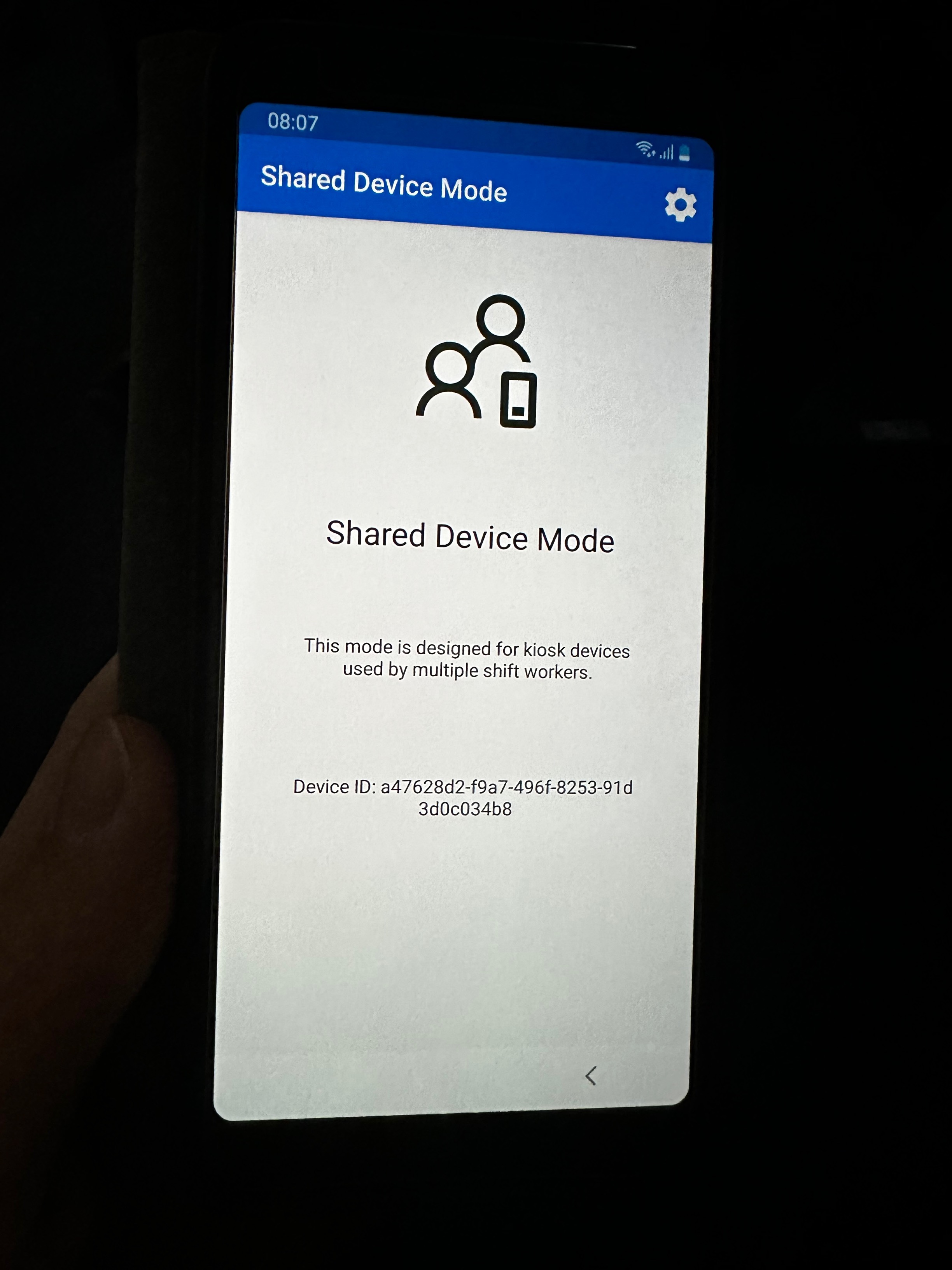
and we want this to be like that:
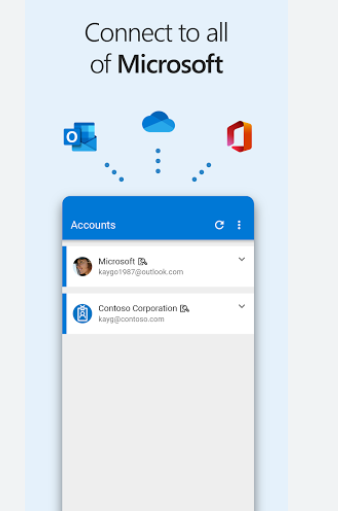
Do you have maybe any suggestions?
' cx='32' cy='32' r='32' /%3E%3Ctext x='50%25' y='55%25' dominant-baseline='middle' text-anchor='middle' fill='%23FFF' %3EA%3C/text%3E%3C/svg%3E)
You can follow along here.
https://learn.microsoft.com/en-us/azure/active-directory/develop/msal-shared-devices#deploy-devices-to-frontline-workers-and-turn-on-shared-device-mode
--please don't forget to upvote and Accept as answer if the reply is helpful--
I was looking at these docs, and the problem is that this app is showing only the following communicate: Shared device mode etc. but what i need is to be fully functional for our employees to log in to bussiness account through this app. Story: I'm a bussiness employee and i want to log in to my bussiness acoount. Im inserting my bussiness e-mail and i want to confirm through MFA my identity on shared device that i did managed to log into earlier. What do we want to achieve is confirming identity in MS Authenticator app, but for now it's displaying Shared device mode.
Looks like an admin can control this via Intune.
https://learn.microsoft.com/en-us/mem/intune/configuration/shared-user-device-settings
I think i forgot to mention that this is on android devices. In short: user is inserting on his computer username and password, through 2-step verification he has to accept his log in with sms/phone call/Microsoft Authenticator on shared device, we have turned off messaging and calling and we want to use only the app to verificate his authentity, but the app Microsoft Authenticator is showing the following communicate: Shared Device Mode, and user cannot do this, so my question is how can we set up the device or app itself to receive the demand for 2-step verification?
Does anyone have an idea how can i manage to do this? :D