Developer technologies | Windows Forms
A set of .NET Framework managed libraries for developing graphical user interfaces.
This browser is no longer supported.
Upgrade to Microsoft Edge to take advantage of the latest features, security updates, and technical support.
' cx='32' cy='32' r='32' /%3E%3Ctext x='50%25' y='55%25' dominant-baseline='middle' text-anchor='middle' fill='%23FFF' %3EO%3C/text%3E%3C/svg%3E)
I have created a custom control derived from button class . I am trying to override its onpaint method but having problems in setting its text colour . Problems are the coloured text is not visible until i click the control and as i run the form it gets disappeared .
 public partial class custombutton : Button
{
    public custombutton()
    {
        InitializeComponent();
    }
    protected override void OnPaint(PaintEventArgs pe)
    {
         base.OnPaint(pe);
        RenderRainbowText(this.Text, 'V', this);
    }
  public void RenderRainbowText(string Text, char keyword, Control Lb)
    {

        using (System.Drawing.Graphics formGraphics = this.CreateGraphics())
        {
            string[] chunks = Text.Split(keyword);
            string word = keyword.ToString();
            // USED FOR DRAWING chunk
            SolidBrush brush = new SolidBrush(Color.Red);
            SolidBrush[] brushes = new SolidBrush[] {
                               new SolidBrush(Color.Black) };

            float x = 0;
            for (int i = 0; i < chunks.Length; i++)
            {
                formGraphics.DrawString(chunks[i], Lb.Font, brushes[0], x, 0); // brushes[i] has been replaced with brushes[0]
                x += (formGraphics.MeasureString(chunks[i], Lb.Font)).Width;
                //CODE TO MEASURE AND DRAW
                if (i < (chunks.Length - 1))
                {
                    formGraphics.DrawString(word, Lb.Font, brush, x, 0);
                    x += (formGraphics.MeasureString(",", Lb.Font)).Width;
                }
            }
        }
    }
what i am trying is to change the color of a single character of the text string of the button . I have checked this code on a form before without using on usercontrol but facing problems on using custom button . Please update me .

Don't use CreateGraphics but use Graphics from PaintEventArgs
@Castorix31 , Now an expection .
protected override void OnPaint(PaintEventArgs pe)
    {
       // RenderRainbowText("Accounting Voucher", 'V', this);
        base.OnPaint(pe);
        RenderRainbowText(this.Text, 'V', this,pe);
    }
   public void RenderRainbowText(string Text, char keyword, Control Lb,PaintEventArgs p )
    {

        using (System.Drawing.Graphics formGraphics = p.Graphics)
        {
            string[] chunks = Text.Split(keyword);
            string word = keyword.ToString();
            // USED FOR DRAWING chunk
            SolidBrush brush = new SolidBrush(Color.Red);
            SolidBrush[] brushes = new SolidBrush[] {
                               new SolidBrush(Color.Black) };

            float x = 0;
            for (int i = 0; i < chunks.Length; i++)
            {
                formGraphics.DrawString(chunks[i], Lb.Font, brushes[0], x, 0); // brushes[i] has been replaced with brushes[0]
                x += (formGraphics.MeasureString(chunks[i], Lb.Font)).Width;
                //CODE TO MEASURE AND DRAW COMMA
                if (i < (chunks.Length - 1))
                {
                    formGraphics.DrawString(word, Lb.Font, brush, x, 0);
                    x += (formGraphics.MeasureString(",", Lb.Font)).Width;
                }
            }
        }
    }
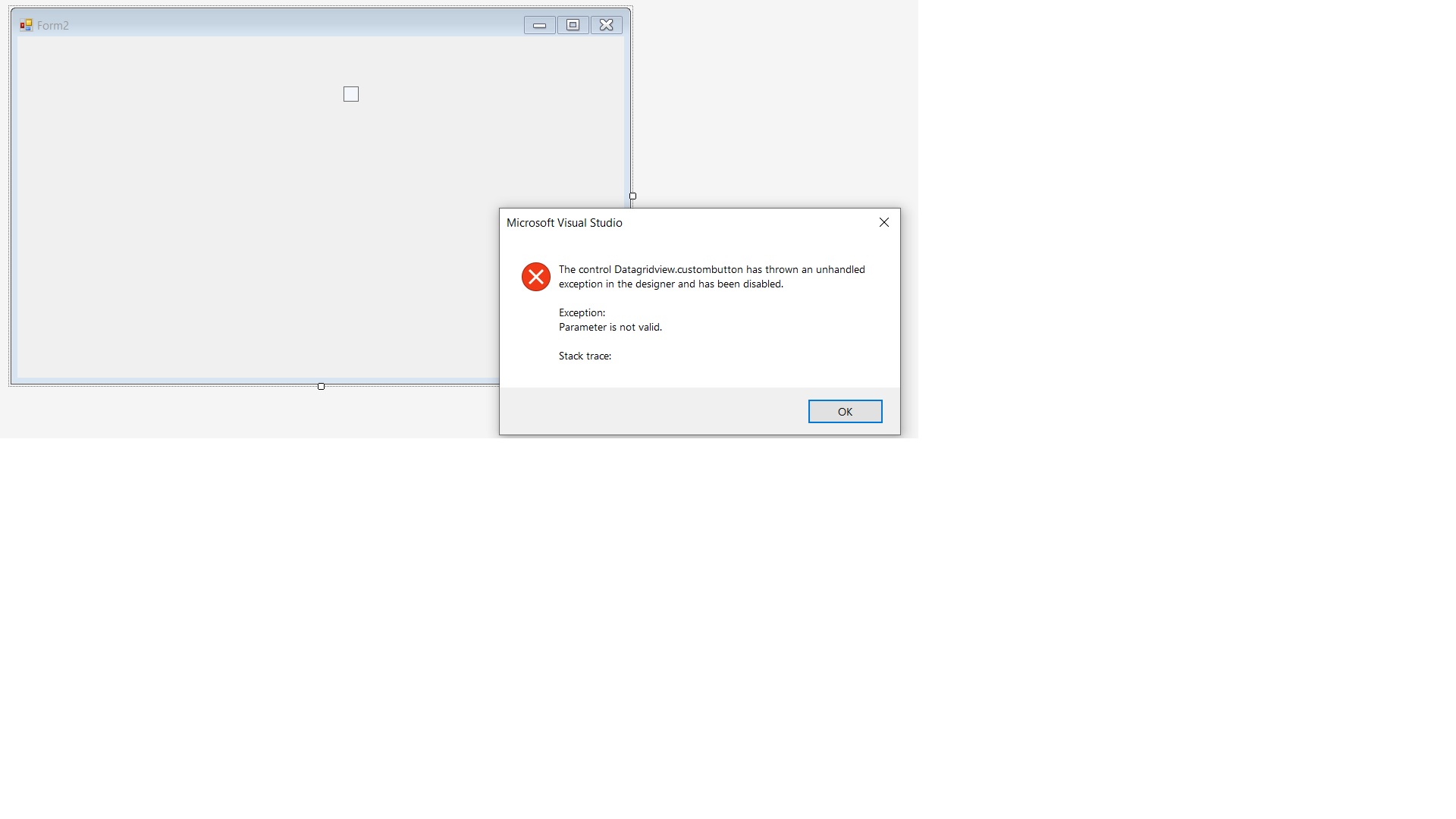
Don"t call Using or the Graphics will be destroyed
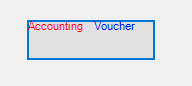
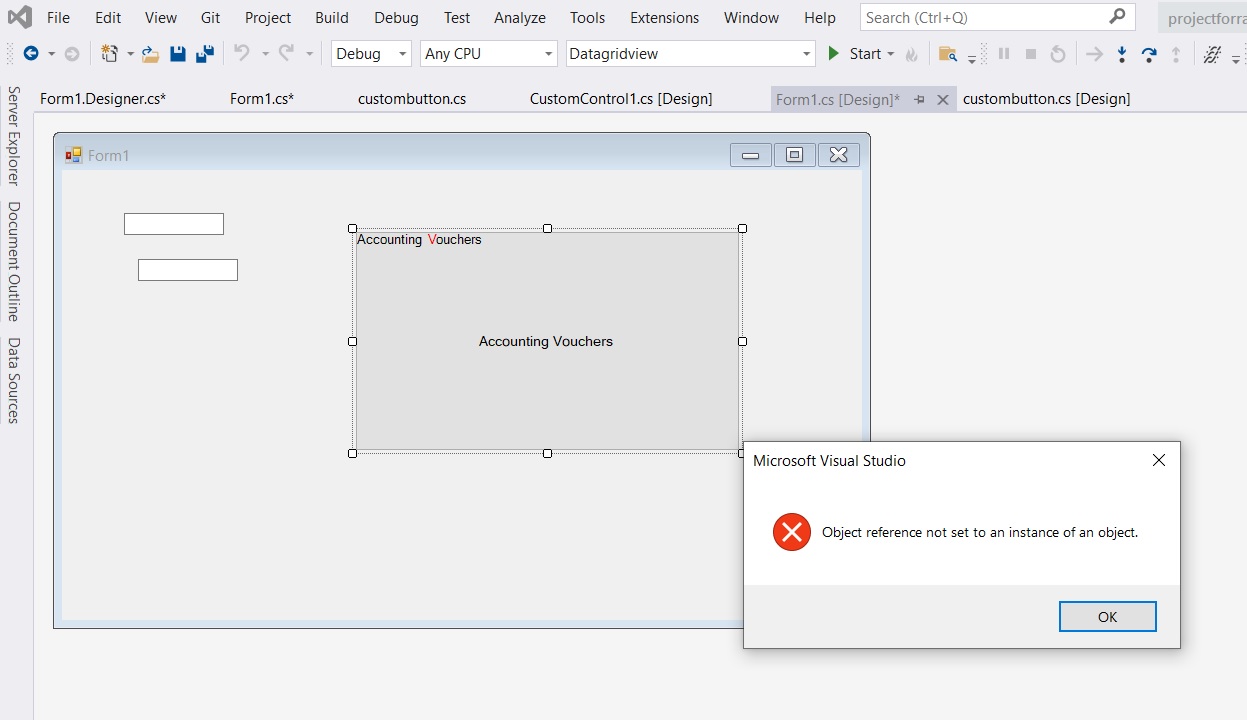
@Castorix31 , now more problems for me
1) when i click on save button
2) no properties are shown for customcontrol
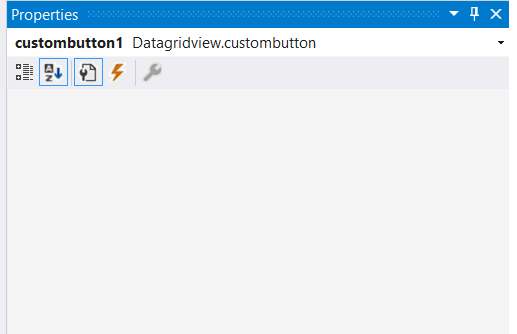

@OmkarHcl , based on my test, I could not reproduce your problem. I recommend that you could remove the current control and drag the control from the toolbox to check if it still exists the problem.