' cx='32' cy='32' r='32' /%3E%3Ctext x='50%25' y='55%25' dominant-baseline='middle' text-anchor='middle' fill='%23FFF' %3ESA%3C/text%3E%3C/svg%3E)





' cx='32' cy='32' r='32' /%3E%3Ctext x='50%25' y='55%25' dominant-baseline='middle' text-anchor='middle' fill='%23FFF' %3EA%3C/text%3E%3C/svg%3E)
Hello,
Welcome to Microsoft Q&A!
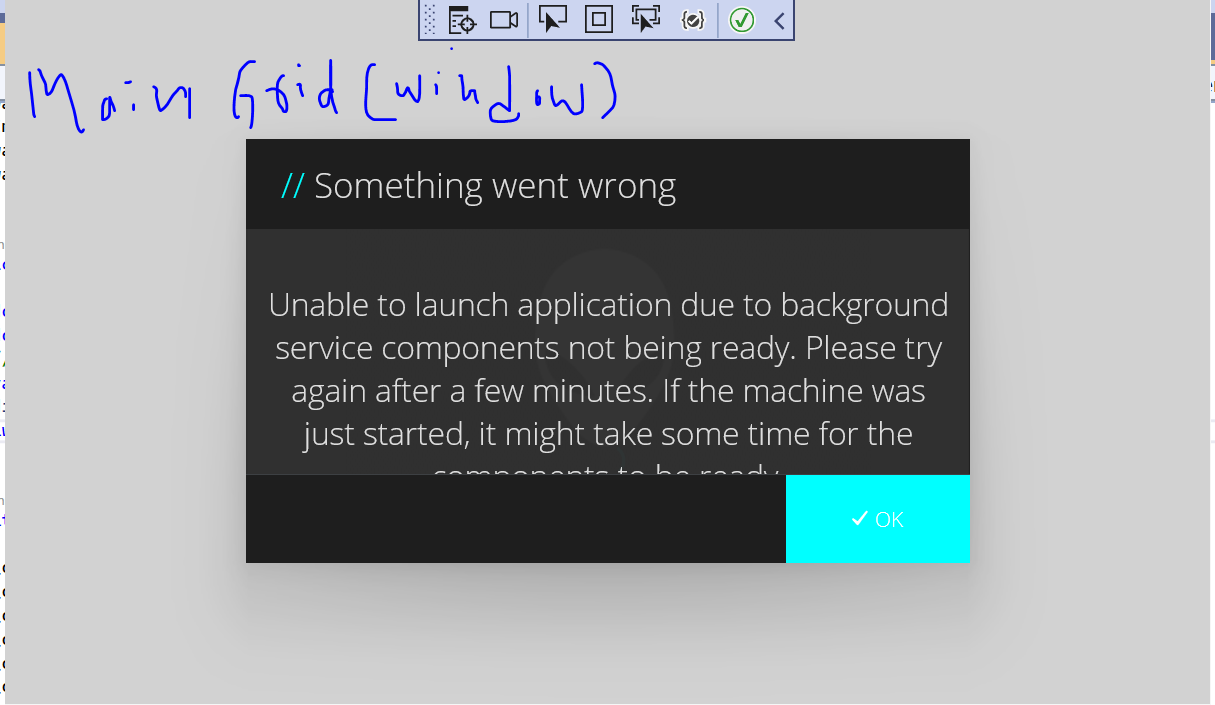
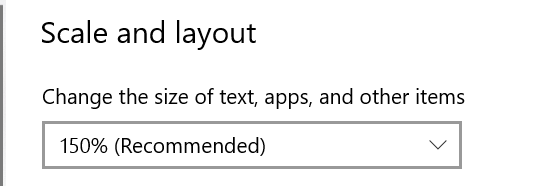
This is the expected behavior when you change the scale value form Settings. The text in your app will also be scaled. A simple way is to change the default max width of the ContentDialog control. The default Max Width of ContentDialog is 548. You could override the theme resource which named ContentDialogMaxWidth to a bigger value. So the ContentDialog will become bigger and it could show all the text.
For example, like this:
 <Application.Resources>
        <ResourceDictionary>
            <ResourceDictionary.MergedDictionaries>
                <XamlControlsResources xmlns="using:Microsoft.UI.Xaml.Controls" />
                <!-- Other merged dictionaries here -->
            </ResourceDictionary.MergedDictionaries>
            <x:Double x:Key="ContentDialogMaxWidth">2000</x:Double>
            <!-- Other app resources here -->
        </ResourceDictionary>
    </Application.Resources>
Thank you.
If the answer is the right solution, please click "Accept Answer" and kindly upvote it. If you have extra questions about this answer, please click "Comment".
Note: Please follow the steps in our documentation to enable e-mail notifications if you want to receive the related email notification for this thread.