Microsoft 365 and Office | Development | Other
Building custom solutions that extend, automate, and integrate Microsoft 365 apps.

This browser is no longer supported.
Upgrade to Microsoft Edge to take advantage of the latest features, security updates, and technical support.
' cx='32' cy='32' r='32' /%3E%3Ctext x='50%25' y='55%25' dominant-baseline='middle' text-anchor='middle' fill='%23FFF' %3EPP%3C/text%3E%3C/svg%3E)
Hi
I am working in excel VSTO add-in.
In excel, having built-in tabs, groups, and controls in the ribbon. I need to disable the built-in controls in the excel.
For example, under Home tab and under Editing group have Replace control. I need to disable that Replace control dynamically if at least one shape exists because it can replace only the appearance of the shape and cannot replace the shape data.
Alternatively. Is there a solution for replace the shape data by Replace Control?
Otherwise, Is there a solution for not replace the appearance of the shape?
Before Replace
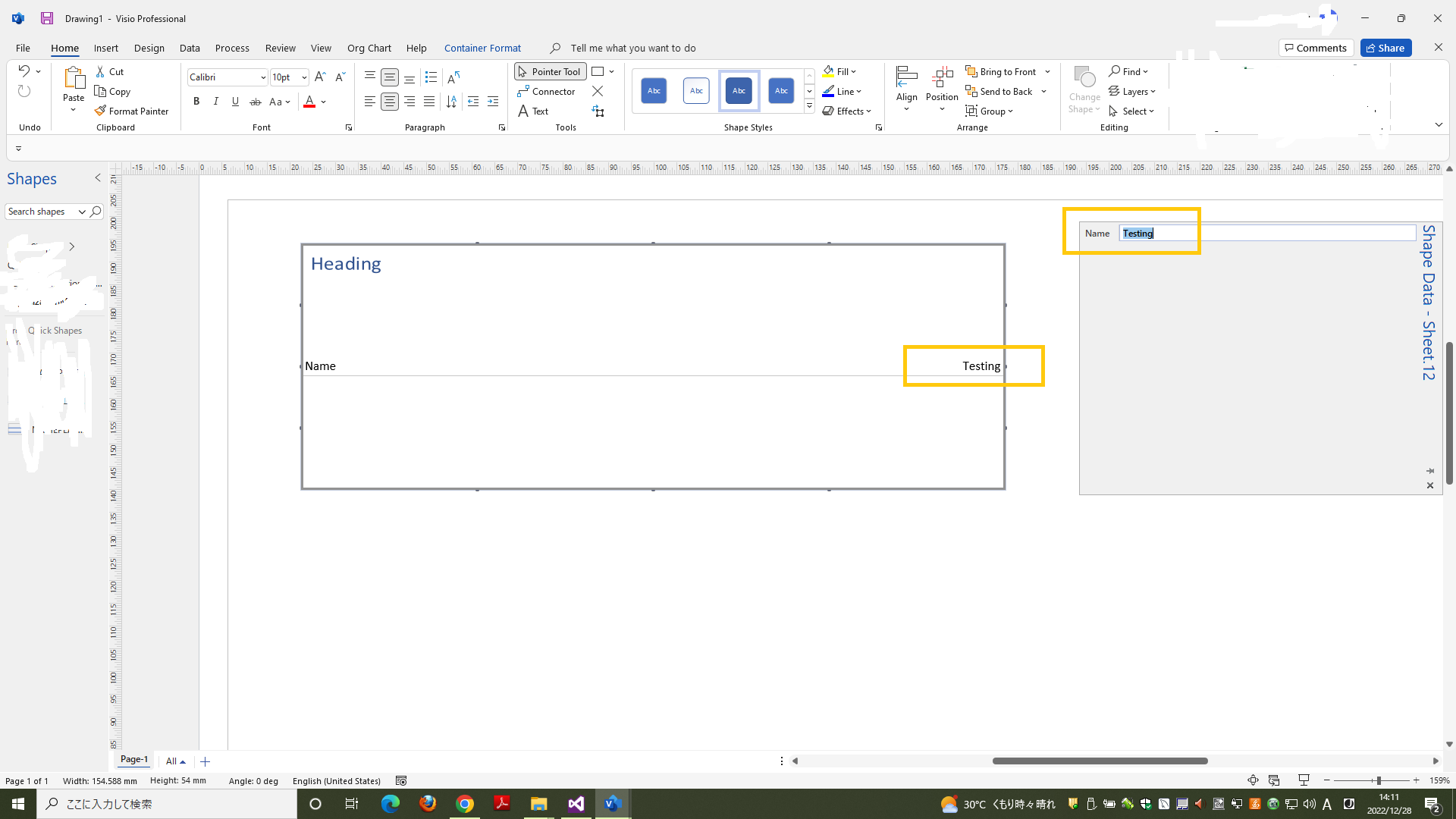
After Replace
