Microsoft 365 and Office | SharePoint Server | For business
A family of Microsoft on-premises document management and storage systems.

This browser is no longer supported.
Upgrade to Microsoft Edge to take advantage of the latest features, security updates, and technical support.
' cx='32' cy='32' r='32' /%3E%3Ctext x='50%25' y='55%25' dominant-baseline='middle' text-anchor='middle' fill='%23FFF' %3EA%3C/text%3E%3C/svg%3E)
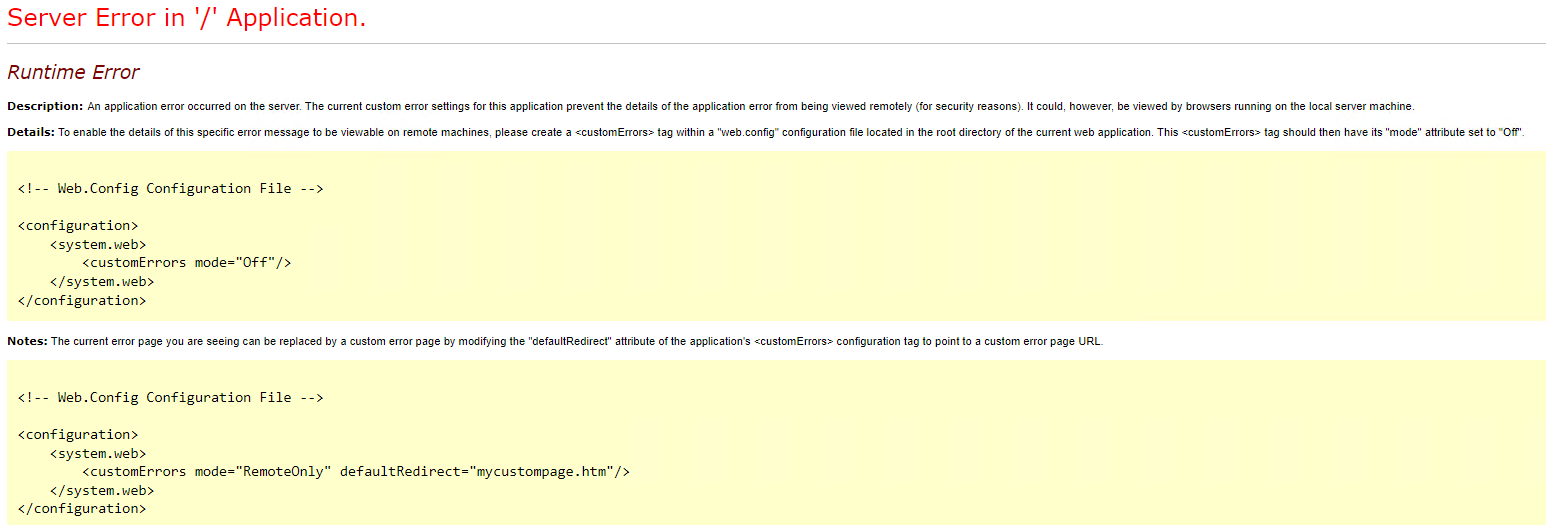
I got the following error when openning SharePoint CA, how to fix it?

Hi @Andy ,
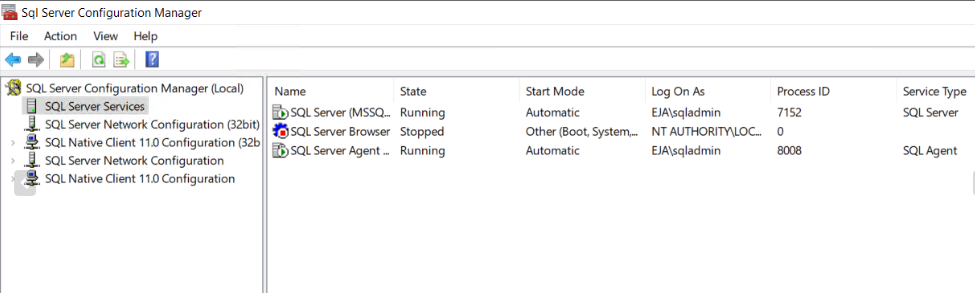
The main reason for this error is that the SharePoint server lost connection with the SQL database server due to network issues, so you need to check all the SharePoint server to database server connections.
If the answer is helpful, please click "Accept Answer" and kindly upvote it. If you have extra questions about this answer, please click "Comment".
Note: Please follow the steps in our documentation to enable e-mail notifications if you want to receive the related email notification for this thread.
Hi Andy,
I am checking to see if the problem has been resolved . If you have any questions you can feel free to contact me.
Hi Andy,
Would you please provide us with an update on the status of your issue?