Microsoft 365 and Office | SharePoint | For business | Windows
A group of Microsoft Products and technologies used for sharing and managing content, knowledge, and applications.

This browser is no longer supported.
Upgrade to Microsoft Edge to take advantage of the latest features, security updates, and technical support.
' cx='32' cy='32' r='32' /%3E%3Ctext x='50%25' y='55%25' dominant-baseline='middle' text-anchor='middle' fill='%23FFF' %3EJJ%3C/text%3E%3C/svg%3E)
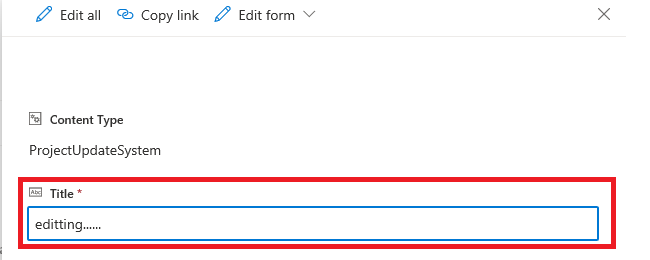
I am working on custom lists inside 2 site collections on the same tenant. On the first site >> when i click on a list item >> a popup will open >>where i can do an item level edit without clicking on the "Edit all" link, as follow (where i can edit the title):-
while on the second site >> the item level seems disabled and to edit the item i need to click on the "Edit all" link:-
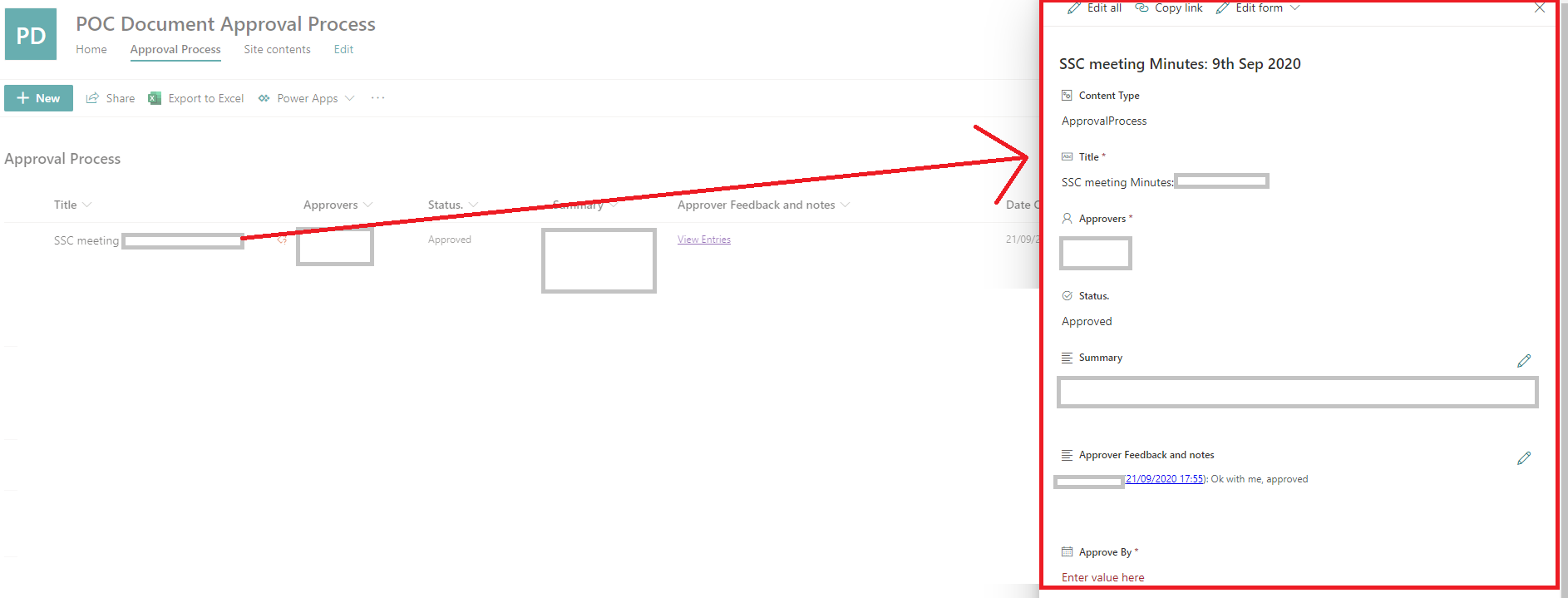
so can anyone advice why we get different behaviors on different sites? is this a feature that is not rolled out for all sites? or there is a setting which we can control this behavior?
Thanks

Hi @john john ,
If you find any answer helpful to you, please remember to accept it as answer.
Thank you for your understanding.
Hi @john john ,
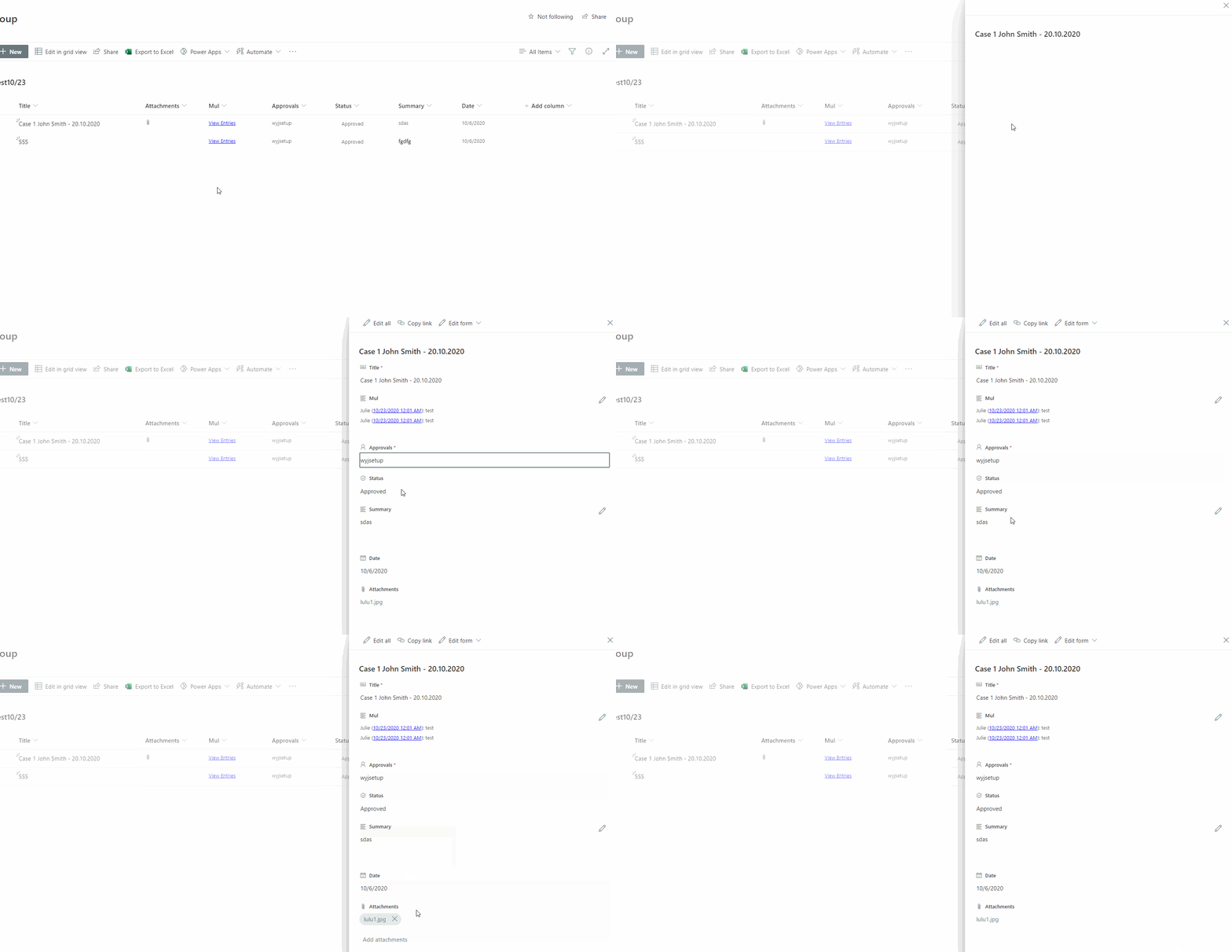
I couldn't reproduce your issue per my test, I can edit the list item without clicking the "Edit all" button.
My test result:
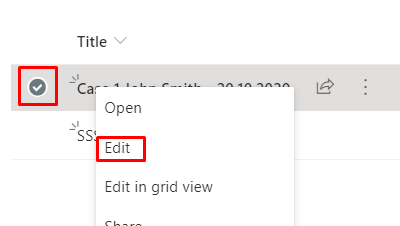
You could also select the circle next to the item you want to edit, right click, and then select in the dropdown to edit items.
If an Answer is helpful, please click "Accept Answer" and upvote it.
Note: Please follow the steps in our documentation to enable e-mail notifications if you want to receive the related email notification for this thread.
@JulieWang-MSFT So what is the reason that i am getting different behaviors on different sites? and how i can fix this?
Hi @john john ,
In order to get a better forum experience, we changed your answer to a comment.
We suggest you test more lists and check the result.
If you still have the issue, I suggest you open a ticket from Microsoft to check if there is something wrong on back-end side.