Azure Synapse Analytics
An Azure analytics service that brings together data integration, enterprise data warehousing, and big data analytics. Previously known as Azure SQL Data Warehouse.
This browser is no longer supported.
Upgrade to Microsoft Edge to take advantage of the latest features, security updates, and technical support.
' cx='32' cy='32' r='32' /%3E%3Ctext x='50%25' y='55%25' dominant-baseline='middle' text-anchor='middle' fill='%23FFF' %3EB%3C/text%3E%3C/svg%3E)
Hi,
I'm a total noob in the BI stuff. But I'm trying to create a pipeline that will go get data from a web page and then dump it on azure storage account.
I'm using WebTable connector with Copy Data activity. I have the source and sink setup but when I try it says
"errorCode": "2200",
"message": "The connector WebTable is not supported"
The source is a web page with html table. The sink is set to be storage account.
Any idea what is going on ?
I'm trying to get the data from the web page and create a dimension table out of it.
Thank you,
' cx='32' cy='32' r='32' /%3E%3Ctext x='50%25' y='55%25' dominant-baseline='middle' text-anchor='middle' fill='%23FFF' %3EMM%3C/text%3E%3C/svg%3E)
Hello @bdiddy and thank you for your question.
The WebTable linked service runs on Self-Hosted Integration Runtime. Can you share what Integration Runtime type it is running on, and the version number of the Integration Runtime? If the version is very very old it might not have the WebTable connector.
Do you get this error message when you trigger the pipeline, or debug the pipeline, or preview data, or test connection?
You have indicated your are writing to storage account. Can you share what dataset type, or any other details I can use to help reproduce your error?
Thank you for your patience.
I get this when debug pipeline. I'm working with synapse. I'm also using the default workspace data lake as the sink. As for the webtable. I create a dataset of type WebTable. The linkedservice used connect via integration runtime AutoResolveIntegrationRuntime one. I can preview the data of the dataset when clicking on the preview data button. But when I use the copy activity set the source dataset as the WebTable dataset and use the default workspace datalake as the sink I get that error during debug.
Thank you for the details, @bdiddy . The crucial piece i was missing, was it being Synapse workspace, not Data Factory. The pipeline views are very similar. I have now reproduced the issue.
More to come soon.
Thank you for bringing this issue to our attention @bdiddy . Here are my findings:
After setting up a Self-Hosted Integration Runtime and pointing the Web Table Linked Service to use it, I was able to run the pipeline succesfully and view the data in my default Data Lake.
I know it allowed you to have the AutoResolveIntegrationRuntime selected in the Linked Service initially, but I believe this to be a bug.
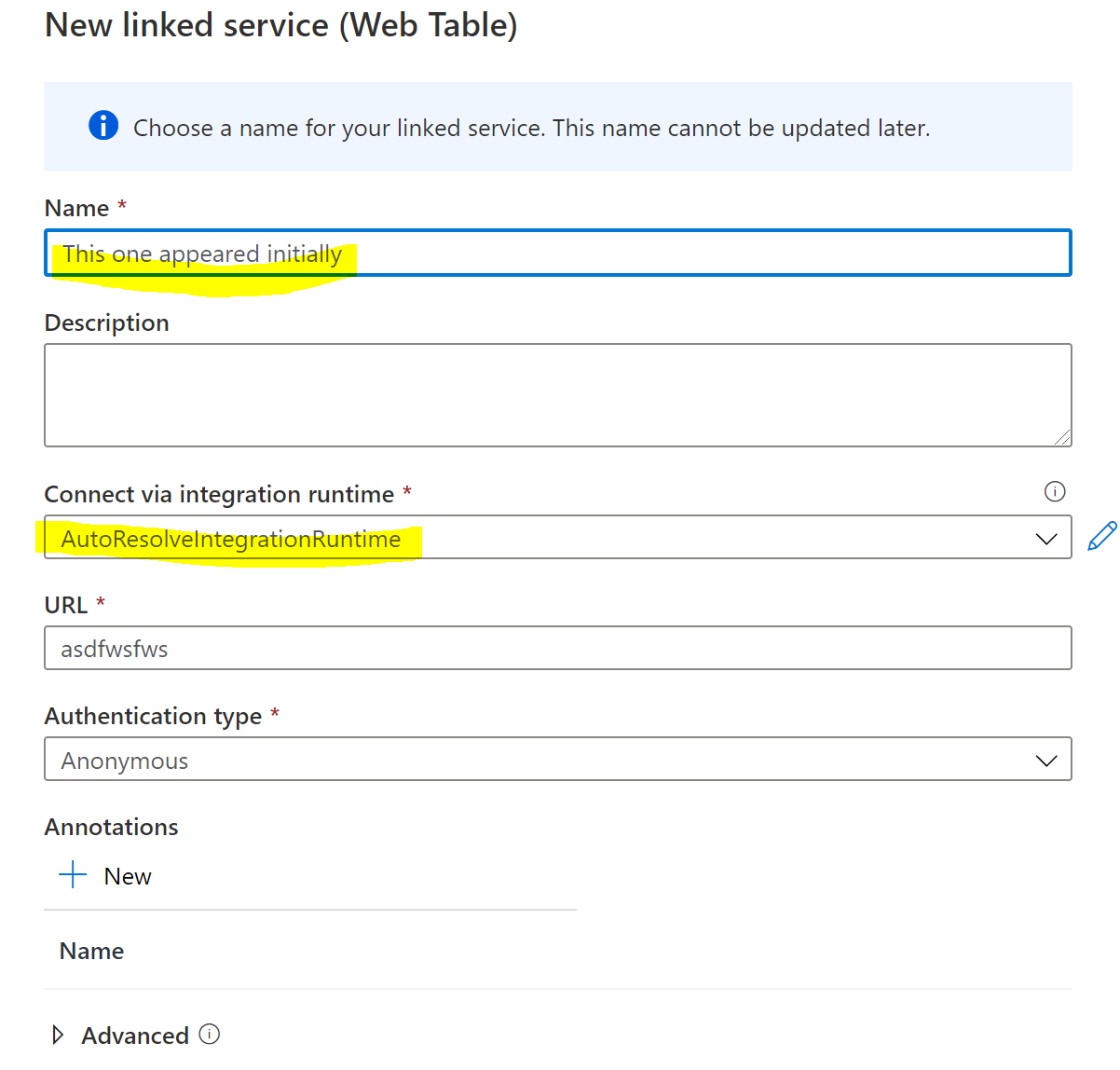
I believe it is a bug for two reasons:
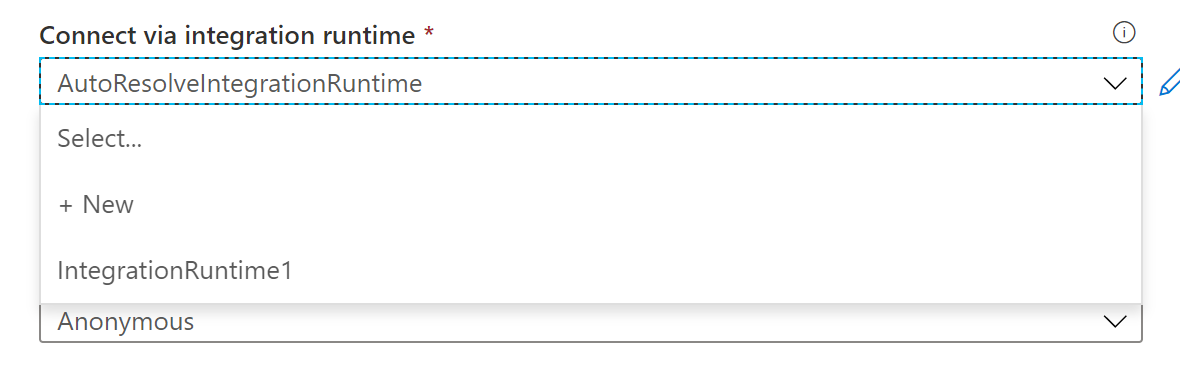
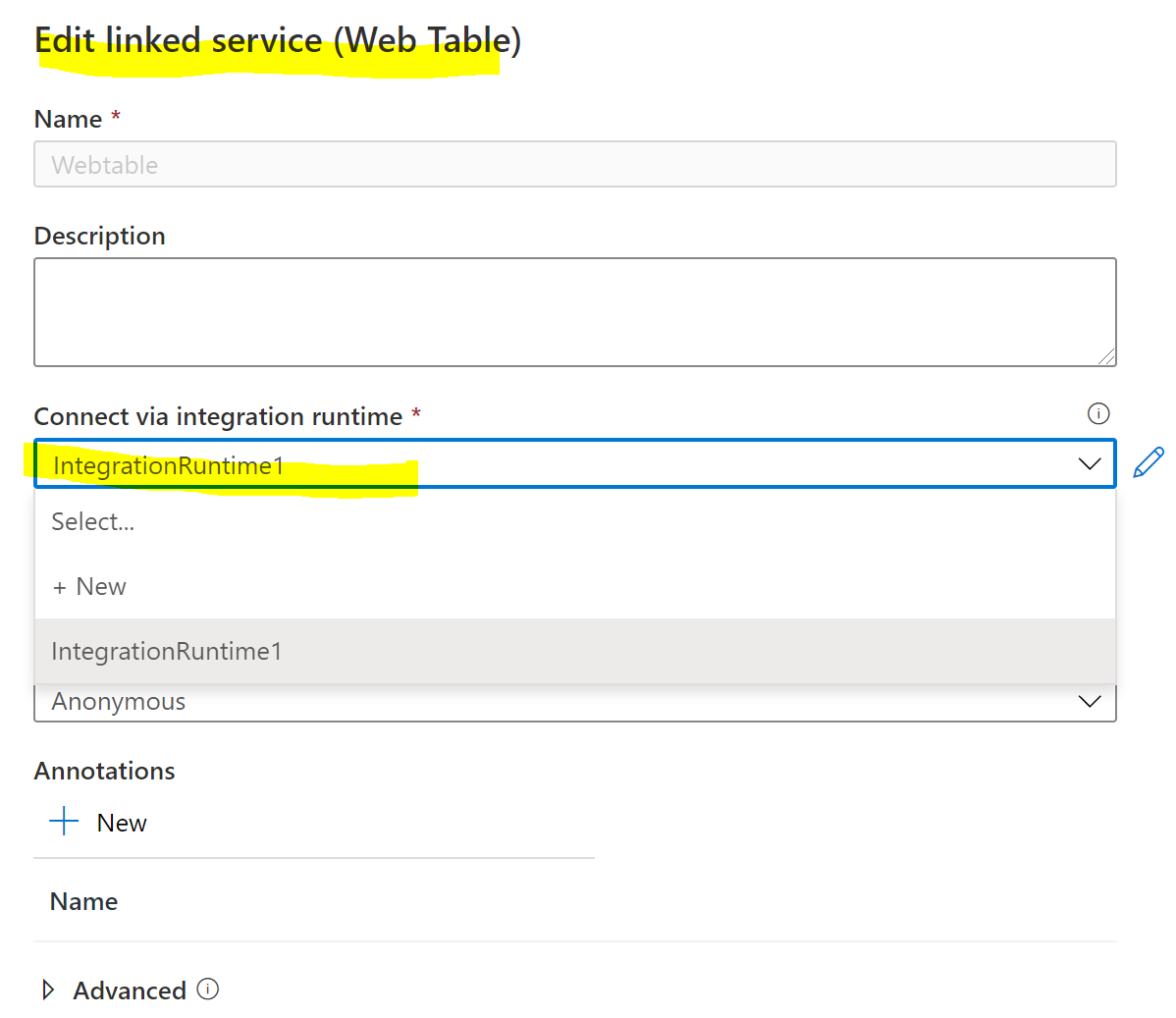
I will escalate this internally. Please let me know if you have further questions.
Hmm but why does it need a self hosted IR if the web page is a public webpage ? Isn't self-hosted IR for things like on-prem or private network?
I thought you might ask that, and I have been wondering myself. I am making an internal inquiry to find out.
I got confirmation from the product group, the default value was a bug, and they have put efforts towards a fix.
So this means you need a self-hosted IR ? Did you have an answer as to why this is in this case where it going on a public webpage ? It's not like a webpage hosted on-prem or private network.
At this time you do need a self-hosted IR. I am tracking down the feature owner for an explanation. I hope to have answer tomorrow of all goes well.
I heard back,
... the reason behind is a little bit technical, as we don’t want to put some legacy code used by webtable connector to azure IR
They are considering putting some details in the docs.
If you would like to have the webtable availeble in the azure IR, please raise your voice in the feedback forum. It might get a better explanation in response.