Developer technologies | .NET | Blazor
A free and open-source web framework that enables developers to create web apps using C# and HTML, developed by Microsoft.
This browser is no longer supported.
Upgrade to Microsoft Edge to take advantage of the latest features, security updates, and technical support.

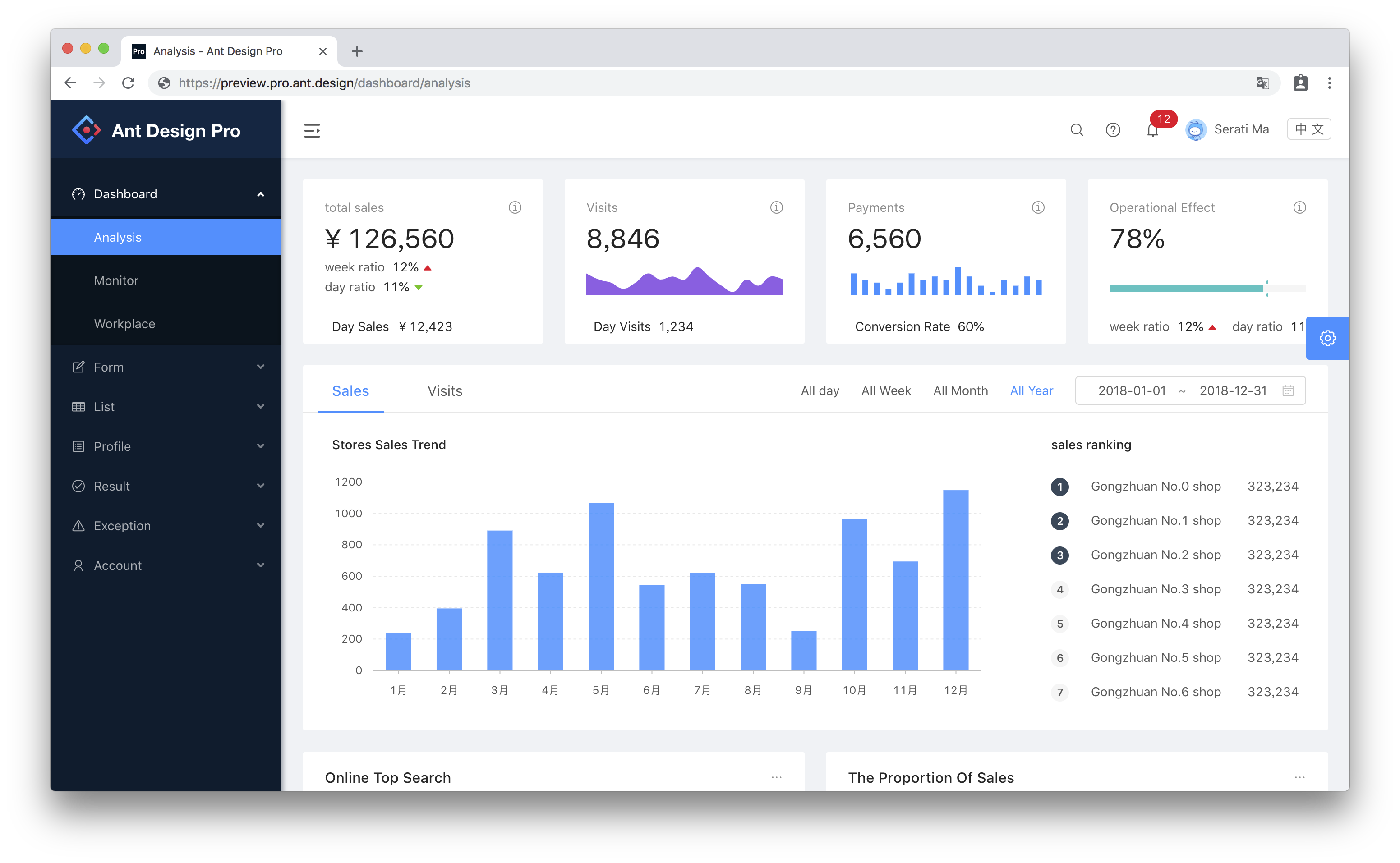
Ant Design Blazor is a set of enterprise-class UI components based on Ant Design and Blazor.
Github: https://github.com/ant-design-blazor/ant-design-blazor
Docs: https://ant-design-blazor.github.io/
We have provided the dotnet new template to create a Boilerplate project out of the box:
dotnet new --install AntDesign.Templates
dotnet new antdesign -o MyAntDesignApp
| Options | Description | Type | Default | |||
|---|---|---|---|---|---|---|
-f \ |
--full |
If specified, generates all pages of Ant Design Pro | bool | false | ||
-ho \ |
--host |
Specify the hosting model | 'wasm' \ | 'server' \ | 'hosted' | 'wasm' |
--no-restore |
If specified, skips the automatic restore of the project on create | bool | false |
' cx='32' cy='32' r='32' /%3E%3Ctext x='50%25' y='55%25' dominant-baseline='middle' text-anchor='middle' fill='%23FFF' %3EJA%3C/text%3E%3C/svg%3E)
I can't install the server version.
I have used the commands
dotnet new antdesign -o MyAntDesignApp --full --host 'server'
dotnet new antdesign -o MyAntDesignApp --full -ho \ 'server'
dotnet new antdesign -o MyAntDesignApp --full -ho \'server'
dotnet new antdesign -o MyAntDesignApp --full -ho\'server'
dotnet new antdesign -o MyAntDesignApp --full -ho\ 'server'
Could you make it more difficult?
Hello, this is a known issue.
For workaround, please put the _Host.cshtml file into Pages folder.