
I got it working , I removed the default file settings which came when I created the Additional rules for Restrictions.
It is working as expected now.
This browser is no longer supported.
Upgrade to Microsoft Edge to take advantage of the latest features, security updates, and technical support.
' cx='32' cy='32' r='32' /%3E%3Ctext x='50%25' y='55%25' dominant-baseline='middle' text-anchor='middle' fill='%23FFF' %3EI%3C/text%3E%3C/svg%3E)
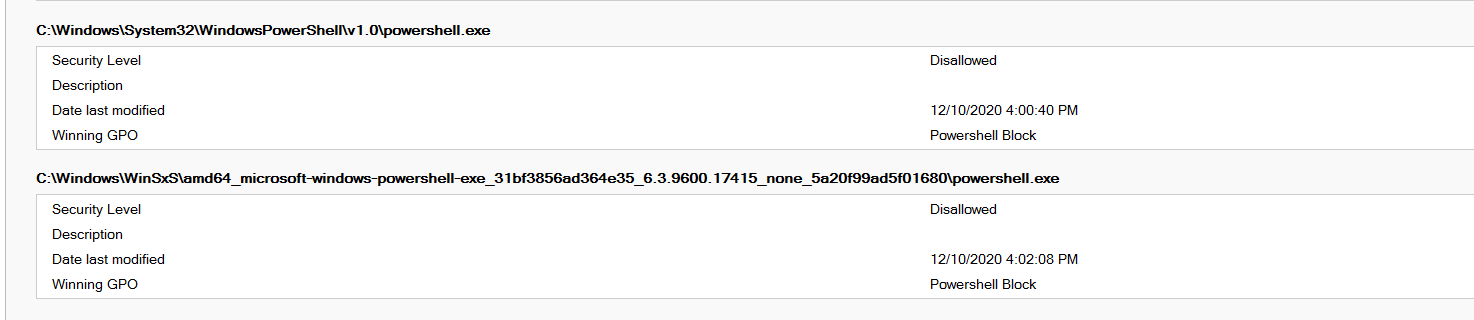 Hi All,
I have followed the below and applied a GPO, i can see that GPO is being applied when i check the result in gpresult, but
i am still able to open the Windows Powershell.
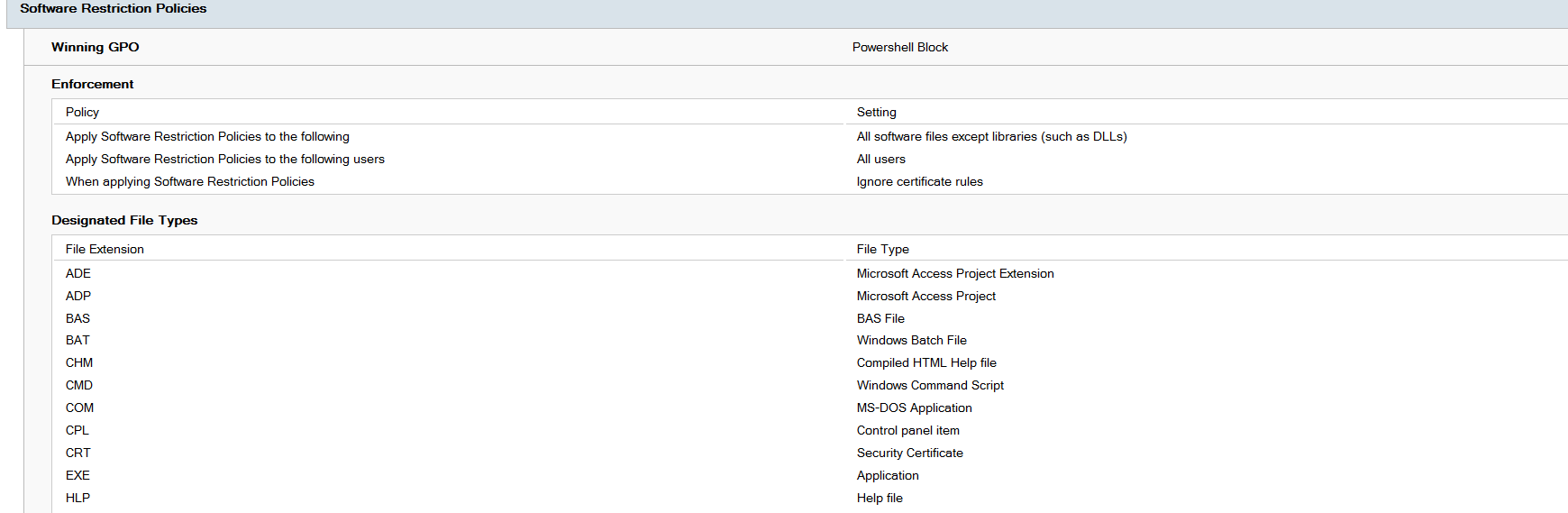
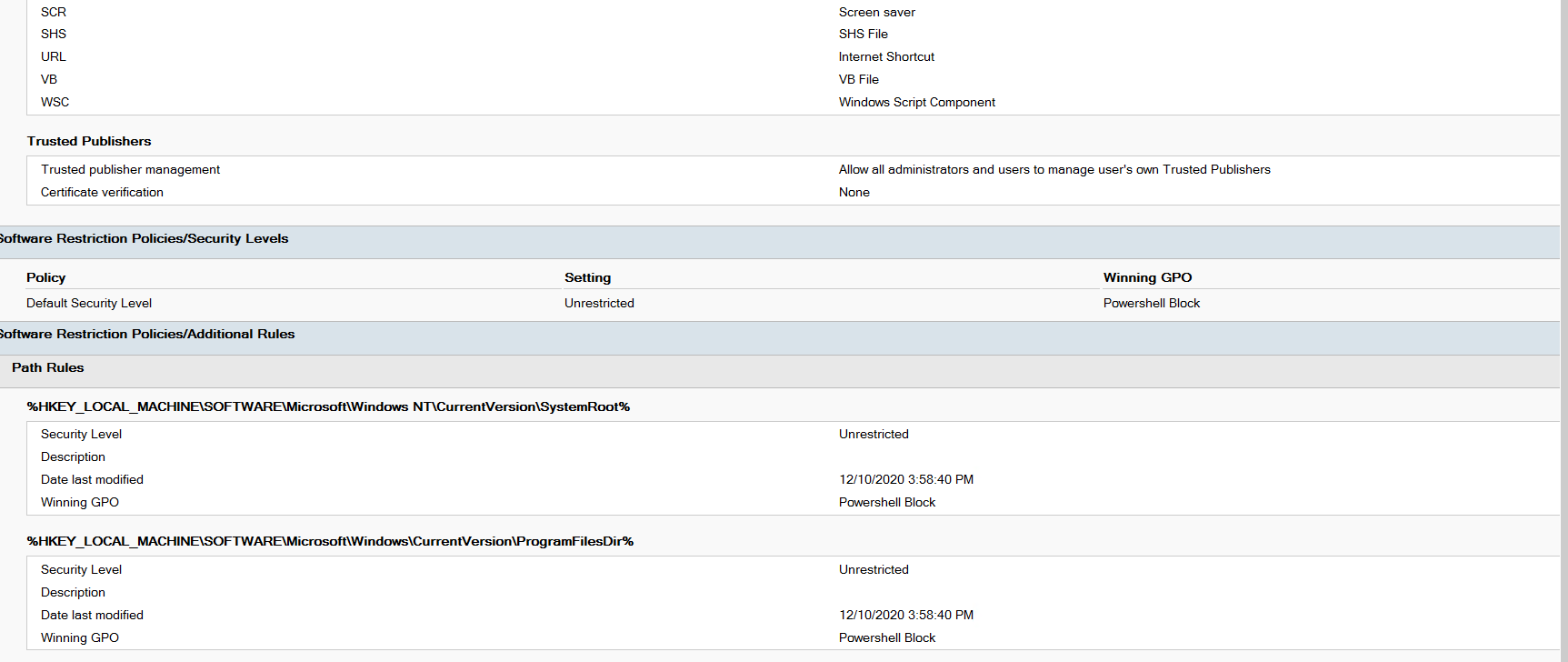
I mean when I check the gpresult for the logged in user, it shows policy applied , but it shows first this one:
Software Restriction Policies/Security Levels
Policy Setting
Default Security Level Unrestricted
Though down it shows the powershell block , i have applied, i think the above one is taking precedence.

I got it working , I removed the default file settings which came when I created the Additional rules for Restrictions.
It is working as expected now.