Azure Data Factory
An Azure service for ingesting, preparing, and transforming data at scale.
This browser is no longer supported.
Upgrade to Microsoft Edge to take advantage of the latest features, security updates, and technical support.
' cx='32' cy='32' r='32' /%3E%3Ctext x='50%25' y='55%25' dominant-baseline='middle' text-anchor='middle' fill='%23FFF' %3ETC%3C/text%3E%3C/svg%3E)
Greetings
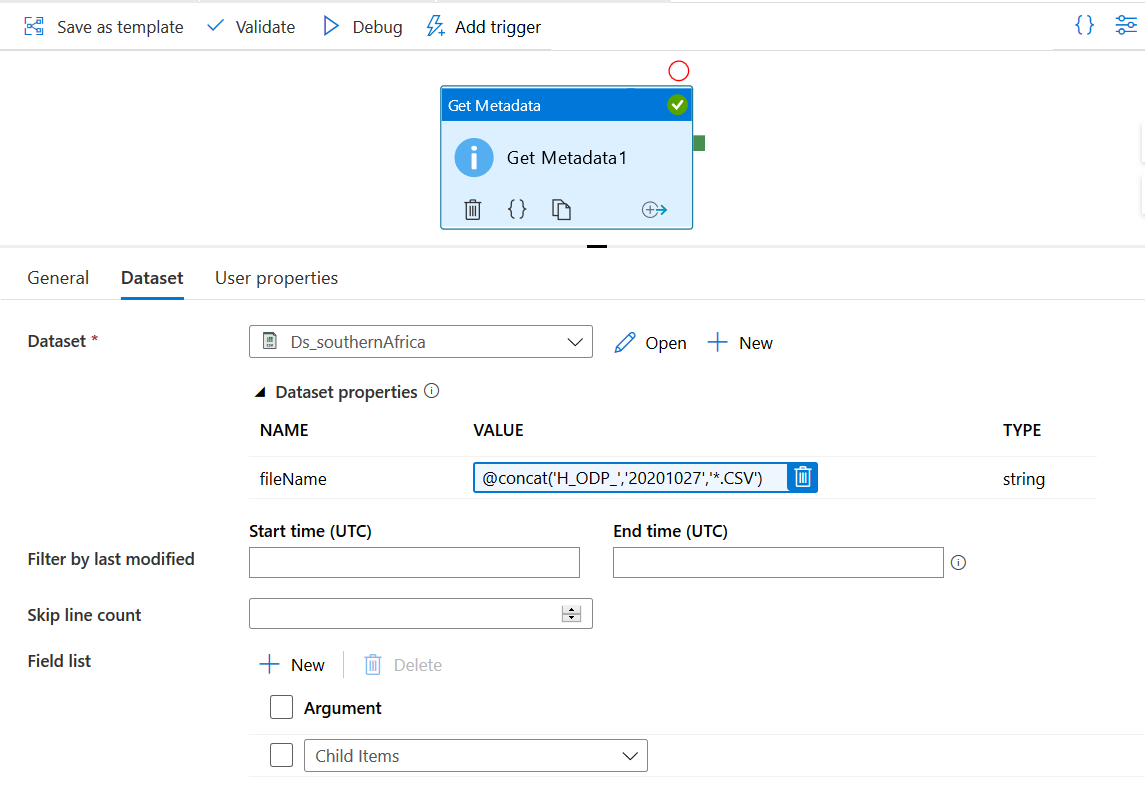
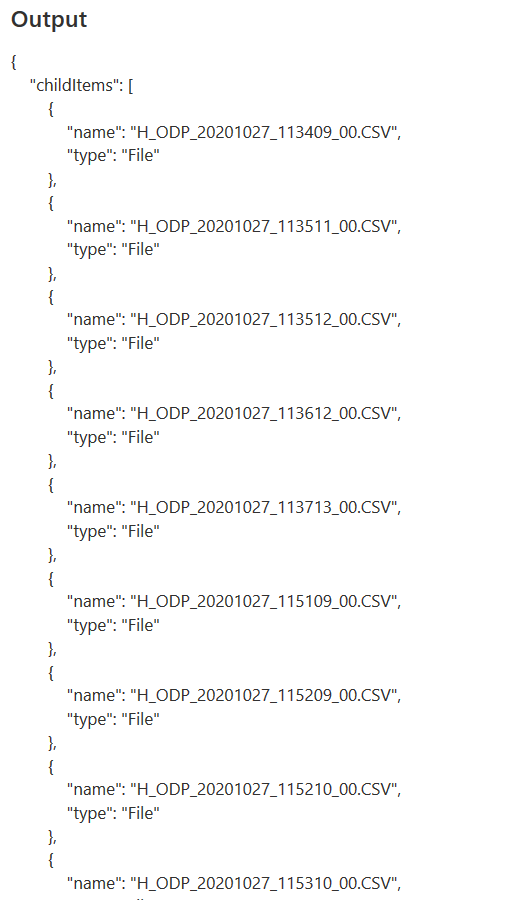
I am trying to use get metadata activity to get only specific files with a date I want in my dataset from an FTP storage. File example is H_ODP_20201027_1232_00.CSV. I want to dynamically get files with certain date when I use the Tumbling window trigger so I can be able to load historical data. The metadata activity should only look at files with the specified date instead of going through all files in the folder as this causes a limitation error of 4MB. The ultimate goal is to copy all files filtered in the get metadata activity based on the filename date. I could have used copy by last modified but need to use the date in the filename as it represents the correct date the file was created. The image below shows how I hardcoded to get day 27 H files. I want to pass this date as a TWT parameter so it gets filtered. Thanks 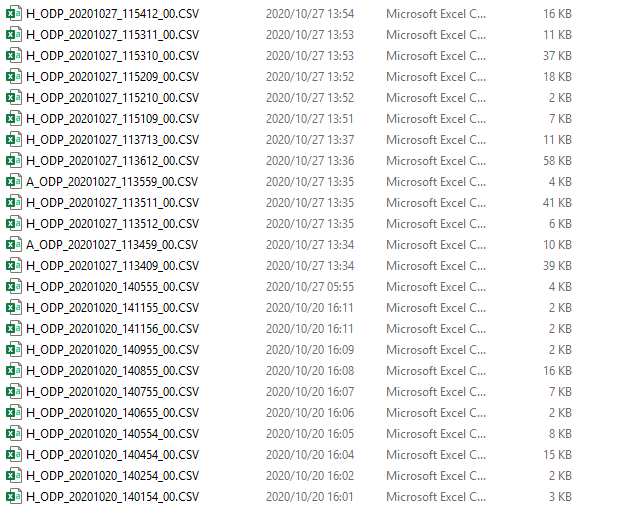
' cx='32' cy='32' r='32' /%3E%3Ctext x='50%25' y='55%25' dominant-baseline='middle' text-anchor='middle' fill='%23FFF' %3EHM%3C/text%3E%3C/svg%3E)
Hi @Tinashe Chinyati ,
Welcome to Microsoft Q&A Platform. Thanks for posting the query.
Data factory supports the system variables as in this document which can be used in passing as parameters to the filename of dataset. Below code is an example to convert date into the format as desired.
@formatDateTime(utcnow(),'yyyyMMdd')
Date functions can be used to modify the dates according to trigger date. For custom parameters that are not dependent on trigger time, solution needs to be designed to retrieve parameter value from any other source like blob/SQL using lookup activity in the pipeline.
Please let us know for further queries and we will be glad to assist.
--
Hi @Tinashe Chinyati ,
We have not received a response from you. Please suggest if above suggested approach is helpful. Otherwise, let us know and we will continue to engage with you on the query.
Please do consider to click on "Accept Answer" and "Up-vote" on the post that helps you, as it can be beneficial to other community members.
Hi @Tinashe Chinyati ,
We still have not heard back from you. Following up to check if above suggested approach is helpful. Otherwise, let us know and we will continue to engage with you on the query.
Please do consider to click on "Accept Answer" and "Up-vote" on the post that helps you, as it can be beneficial to other community members.