Azure App Service
Azure App Service is a service used to create and deploy scalable, mission-critical web apps.
This browser is no longer supported.
Upgrade to Microsoft Edge to take advantage of the latest features, security updates, and technical support.
' cx='32' cy='32' r='32' /%3E%3Ctext x='50%25' y='55%25' dominant-baseline='middle' text-anchor='middle' fill='%23FFF' %3EJL%3C/text%3E%3C/svg%3E)
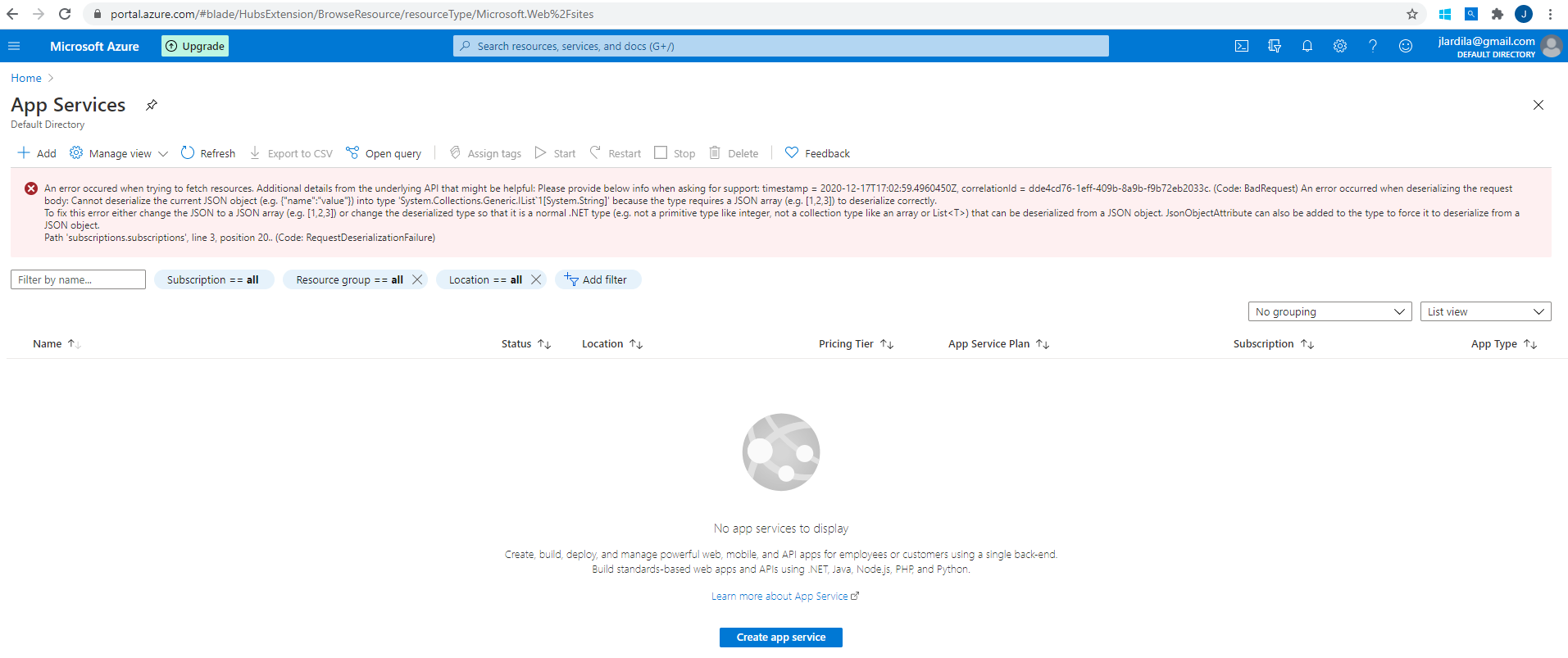
When trying to open the AppService page it appear this message
An error occured when trying to fetch resources. Additional details from the underlying API that might be helpful: Please provide below info when asking for support: timestamp = 2020-12-17T17:02:59.4960450Z, correlationId = dde4cd76-1eff-409b-8a9b-f9b72eb2033c. (Code: BadRequest) An error occurred when deserializing the request body: Cannot deserialize the current JSON object (e.g. {"name":"value"}) into type 'System.Collections.Generic.IList`1[System.String]' because the type requires a JSON array (e.g. [1,2,3]) to deserialize correctly.
To fix this error either change the JSON to a JSON array (e.g. [1,2,3]) or change the deserialized type so that it is a normal .NET type (e.g. not a primitive type like integer, not a collection type like an array or List<T>) that can be deserialized from a JSON object. JsonObjectAttribute can also be added to the type to force it to deserialize from a JSON object.
Path 'subscriptions.subscriptions', line 3, position 20.. (Code: RequestDeserializationFailure)

Hi @Jose Luis Ardila Gonzalez ,
Your issue appears to be a portal bug and thusly have forwarded your error to our portal team. It does seem to be isolated to your subscription; therefore, I may need to gather more information from you.
EDIT: Could you try repeating the action in an incognito browser window? If the issue persist, please attach your a network trace (using your browser's developer tools) down below.
Regards,
Ryan
Hi Ryan
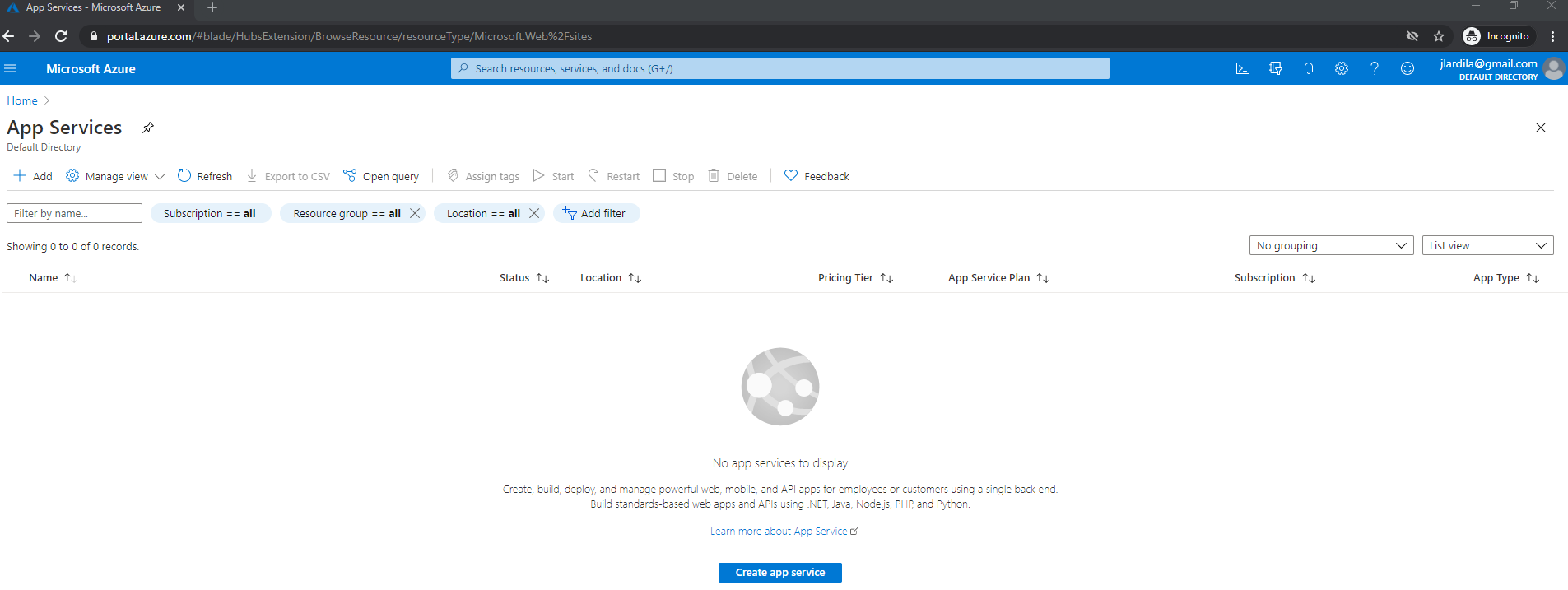
Tried incognito and it does not happen. I am using a computer from my company and not sure is somethingelse is blocking it.
Google Chrome is up to date - Version 87.0.4280.88 (Official Build) (64-bit)
' cx='32' cy='32' r='32' /%3E%3Ctext x='50%25' y='55%25' dominant-baseline='middle' text-anchor='middle' fill='%23FFF' %3EDS%3C/text%3E%3C/svg%3E)
I had the same issue this morning trying to access my Automation Accounts portal using the latest Edge browser. Incognito mode works fine. I then cleared the browser history in my normal browser session and it started working again. It appears to be a browser caching issue.