

Share via

Microphone doesn't work online

summer breeze 26 Reputation points
2020-12-23T08:49:36.163+00:00

The microphone doesn't work online. Without apps and on laptop works but online and with apps doesn't work.
Can I change with headphones?

Windows for business | Windows Server | Devices and deployment | Set up, install, or upgrade
0 comments No comments

Answer accepted by question author

Anonymous
2020-12-24T03:23:41.183+00:00

Hi,

Thanks for posting in Q&A platform.

May I know whether the problematic microphone is built-in or from headset?

Without apps and on laptop works but online and with apps doesn't work.

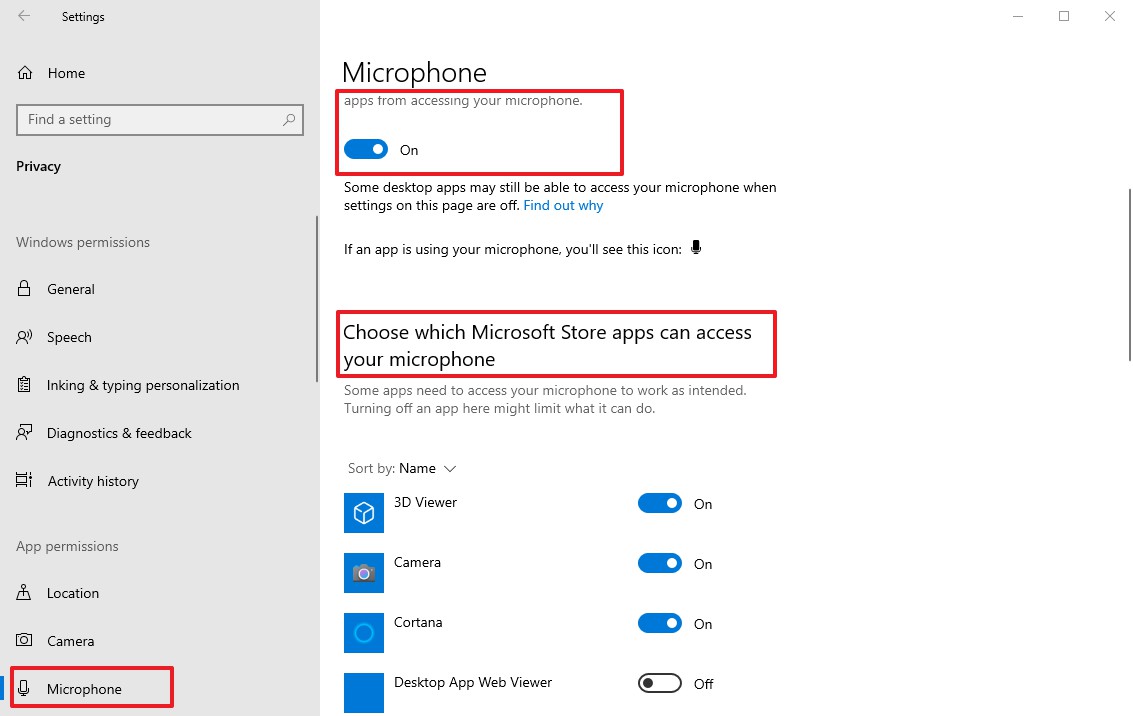
The microphone didn't work with which app? Please make sure that microphone is enabled. To see if it is enabled in Windows, go to Settings, find and click "Privacy". In the Privacy settings window, find and select the "Microphone" section on the left pane. Ensure that the toggle under "Let apps use my microphone" is switched to the "On" position. If you are using your microphone with a particular application, check that you gave that app access to the microphone.
50985-image-2.jpg

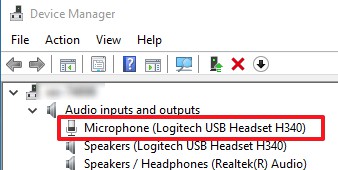
If the issue still existed, please try to reinstall or update your microphone drivers in Device Manager to see if the issue can be resolved.
50993-image-1.jpg

Best Regards,
Sunny

----------

If the Answer is helpful, please click "Accept Answer" and upvote it.

Note: Please follow the steps in our documentation to enable e-mail notifications if you want to receive the related email notification for this thread.
Was this answer helpful?

0 comments No comments

1 additional answer

Sort by: Most helpful
  1. summer breeze 26 Reputation points
    2020-12-24T16:24:03.727+00:00

    The first one was done.
    The second one (drivers) I do now.
    Before two days I was in Microphone (levels) - where I had the sign stop on the microphone - I changed.
    In the beginning (October when I start to use the microphone) on Zoom - I can't. After on different online events
    the in-browser also didn't work.

    screenshot-2020-12-24-175922.png

    51116-image.png
    51182-screenshot-2020-12-24-175922.png

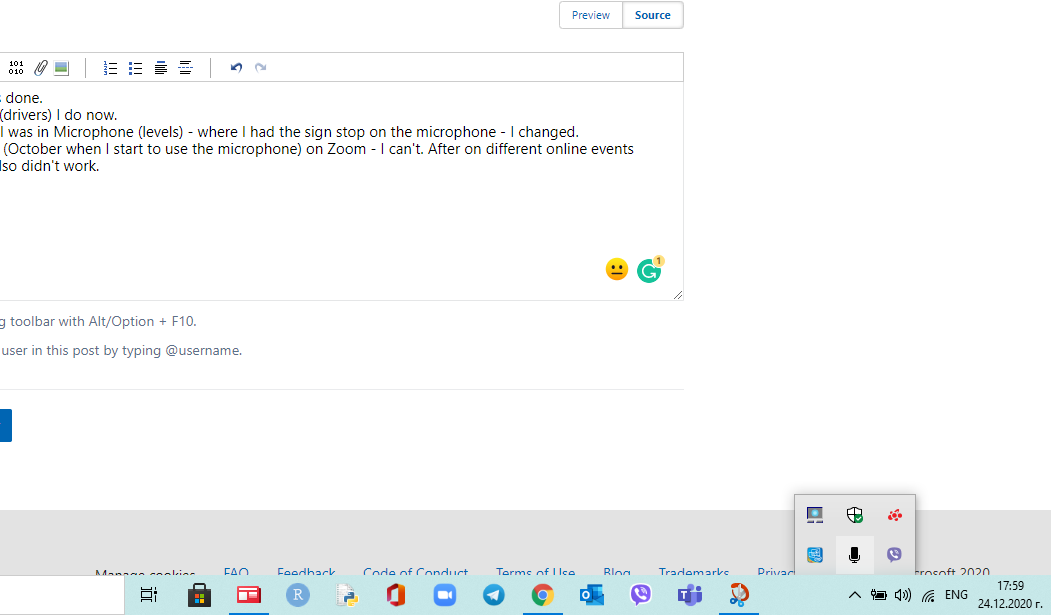
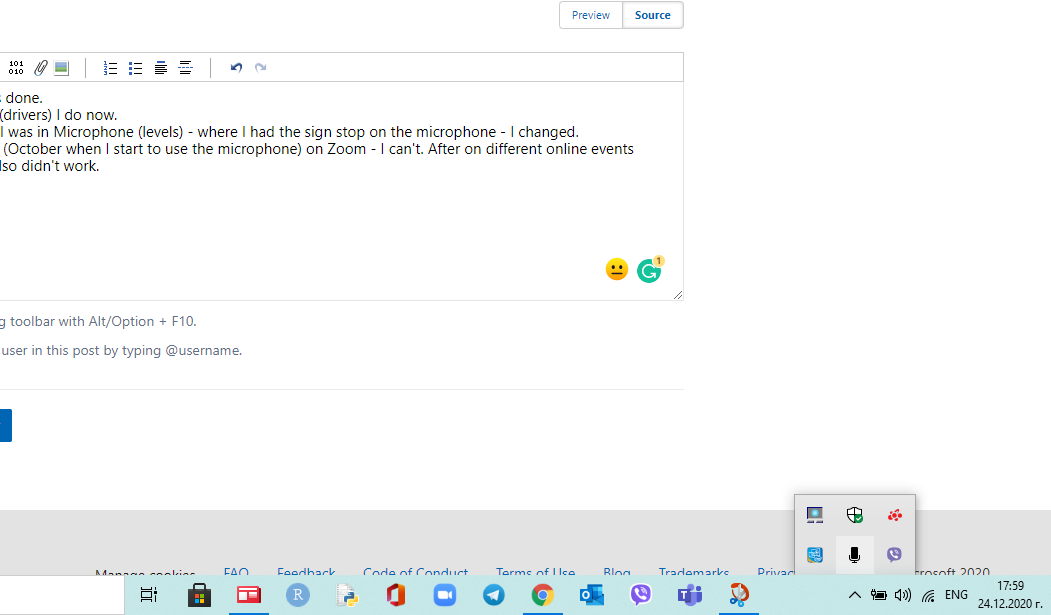
    The microphone now is the taskbar but the screenshot can't reload.
    I haven't tested it yet. Those days haven't any meetings.
    I will test and write if does work.

                                                                      Best regards: Detelina Asenova  
    

    Was this answer helpful?


Your answer

Answers can be marked as 'Accepted' by the question author and 'Recommended' by moderators, which helps users know the answer solved the author's problem.