' cx='32' cy='32' r='32' /%3E%3Ctext x='50%25' y='55%25' dominant-baseline='middle' text-anchor='middle' fill='%23FFF' %3EA%3C/text%3E%3C/svg%3E)

Hi @عبدالرحمن علي ,
For SQL server installation issue, we start from SQL server setup log. Please share us the SQL server setup log for analysis. Please refer to View and Read SQL Server Setup Log Files.
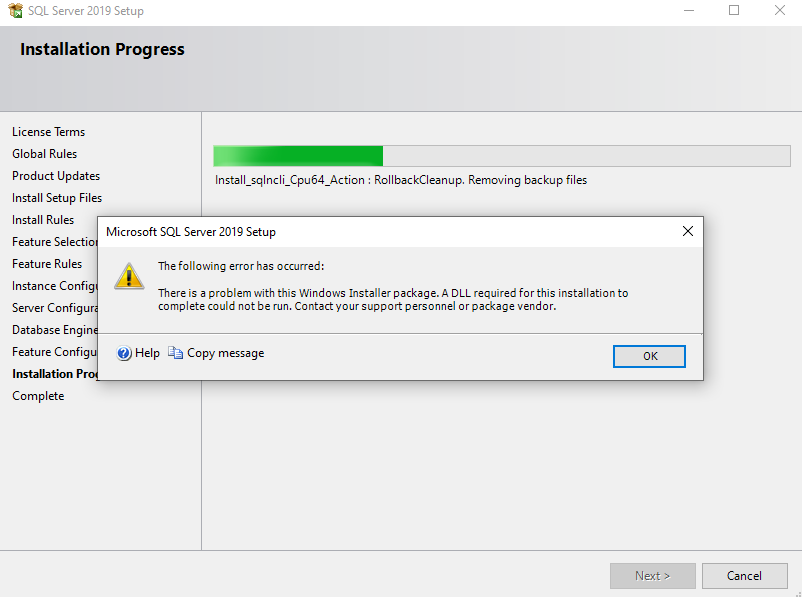
> this is a problem with this windows installer package. A DLL required for this installation to complete could not be run.
Did you run the SQL server 2019 setup file as administrator?
Try the suggestion from this old thread that has same error message with you. Did Visual C++ 2017 Redistributable has been installed? Check this from Programs and Features. Suggest you uninstall it from Programs and Features, then try install SQL 2019 again.
If it is not work, share us the setup log as I mentioned above.
Best regards,
Cathy
If the response is helpful, please click "Accept Answer" and upvote it, thank you.
Note: Please follow the steps in our documentation to enable e-mail notifications if you want to receive the related email notification for this thread.