Microsoft 365 and Office | Excel | For business | Windows
A family of Microsoft spreadsheet software with tools for analyzing, charting, and communicating data

This browser is no longer supported.
Upgrade to Microsoft Edge to take advantage of the latest features, security updates, and technical support.
' cx='32' cy='32' r='32' /%3E%3Ctext x='50%25' y='55%25' dominant-baseline='middle' text-anchor='middle' fill='%23FFF' %3EM%3C/text%3E%3C/svg%3E)
Hi, I need help to pull data.
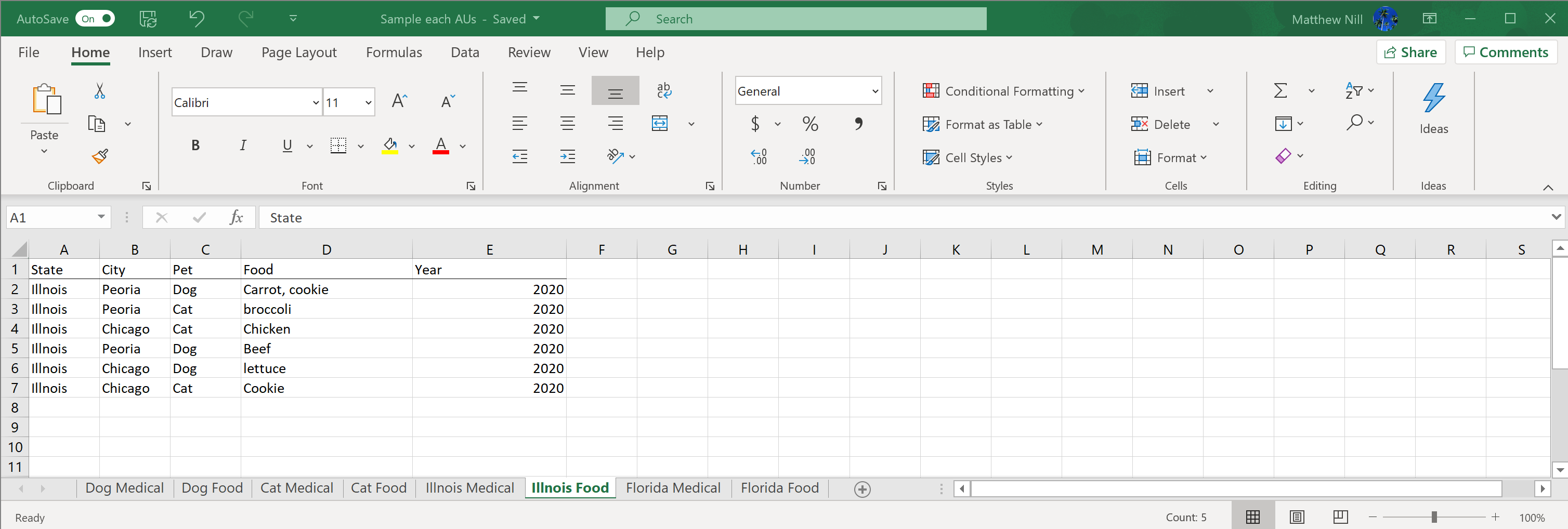
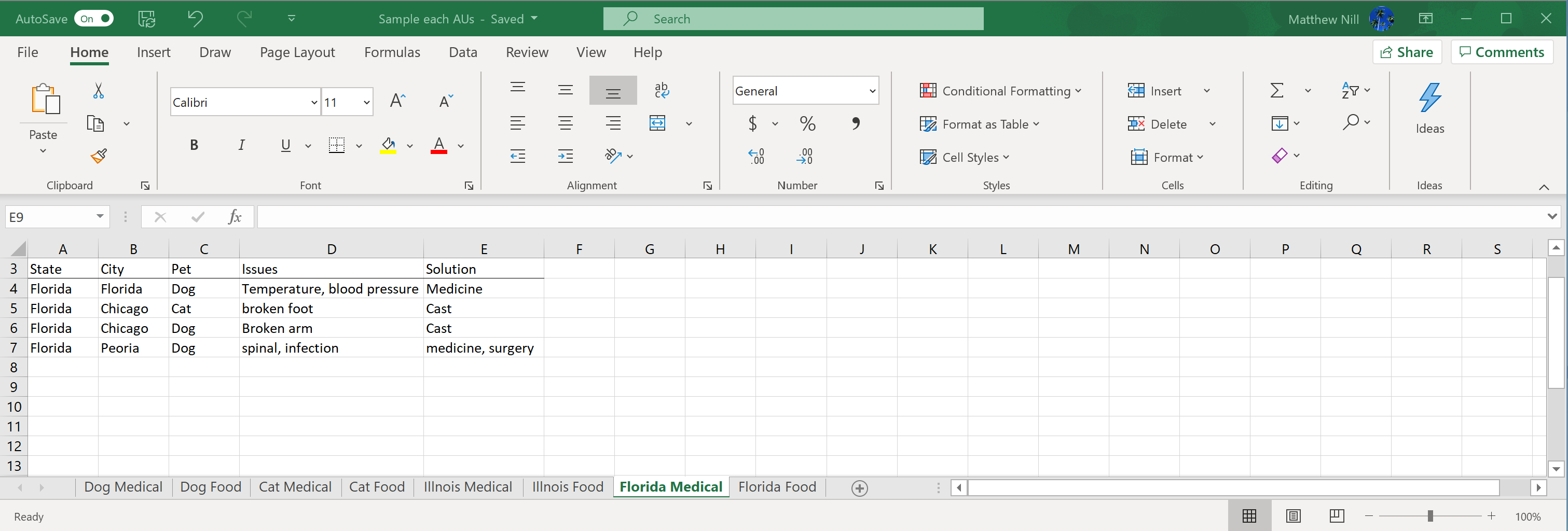
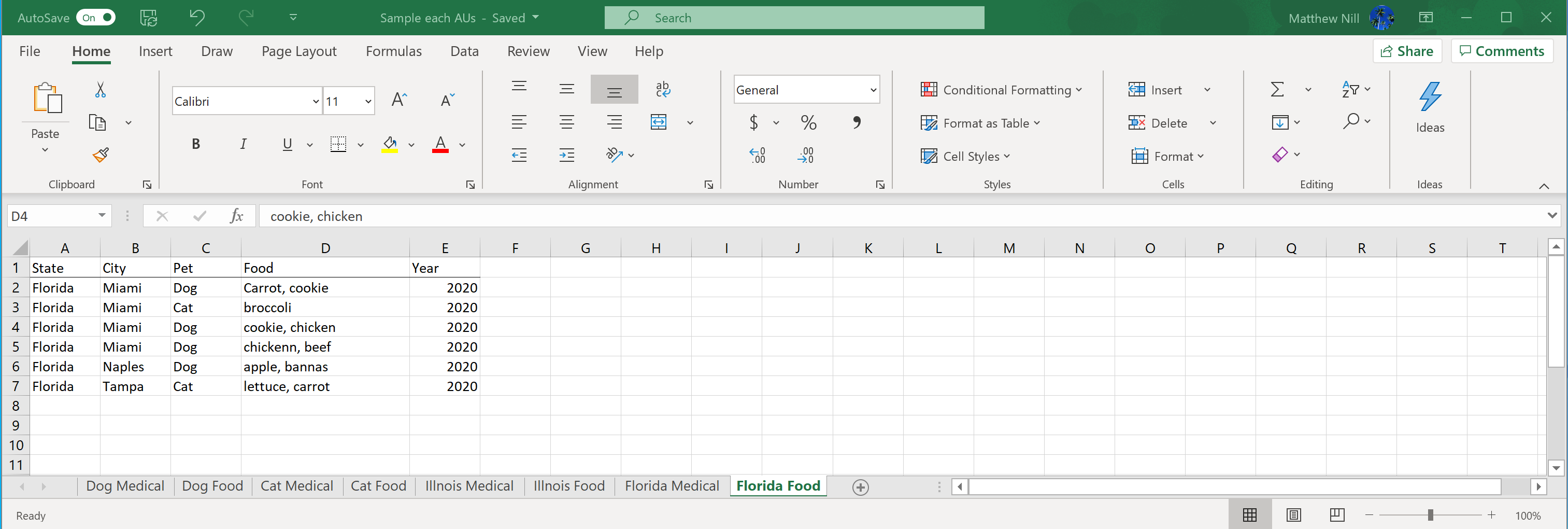
There is existing data from four worksheet: Illnois Medical, Illnois Food, Florida Medical, and Florida Food.
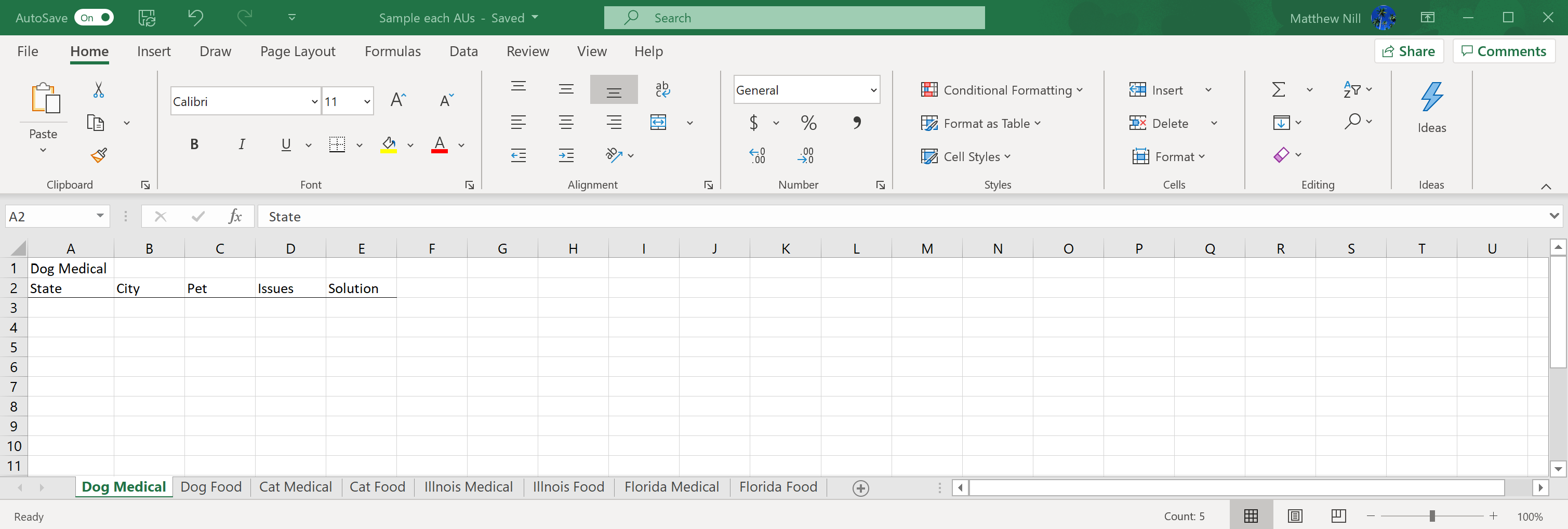
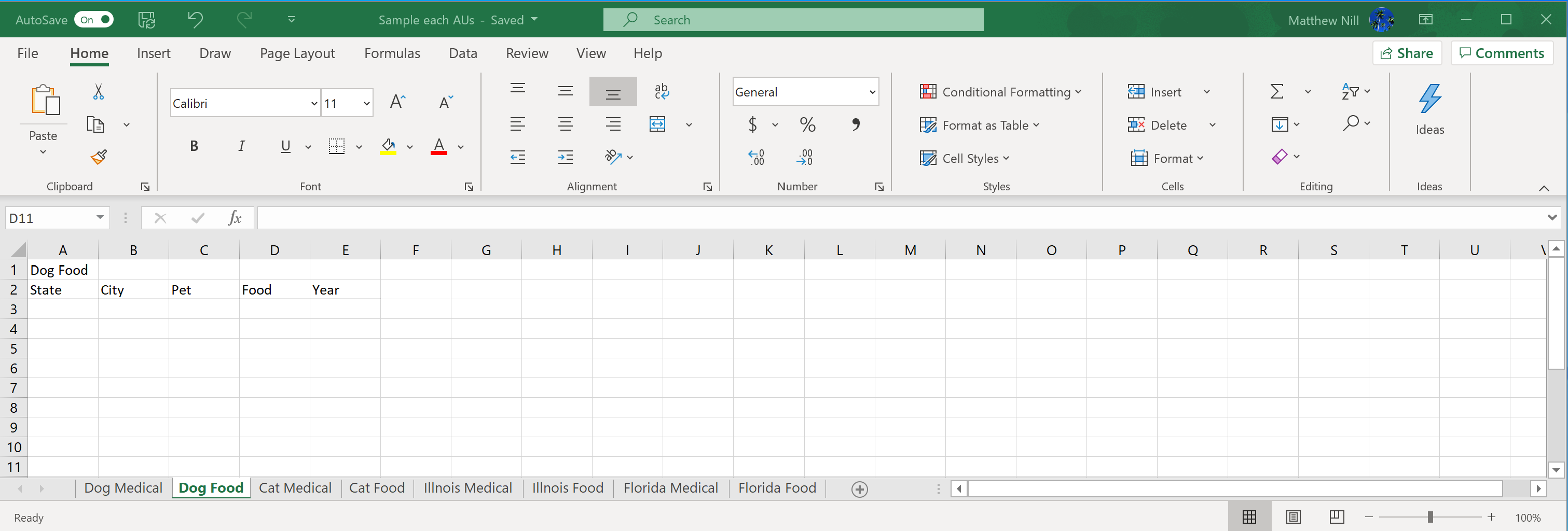
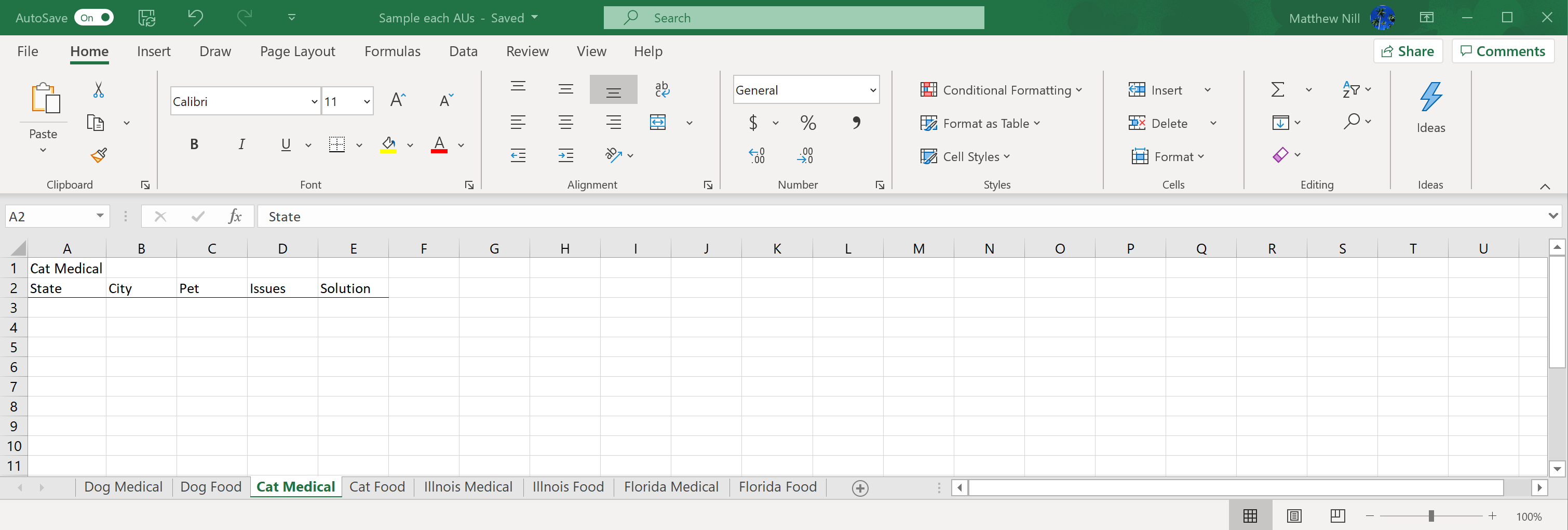
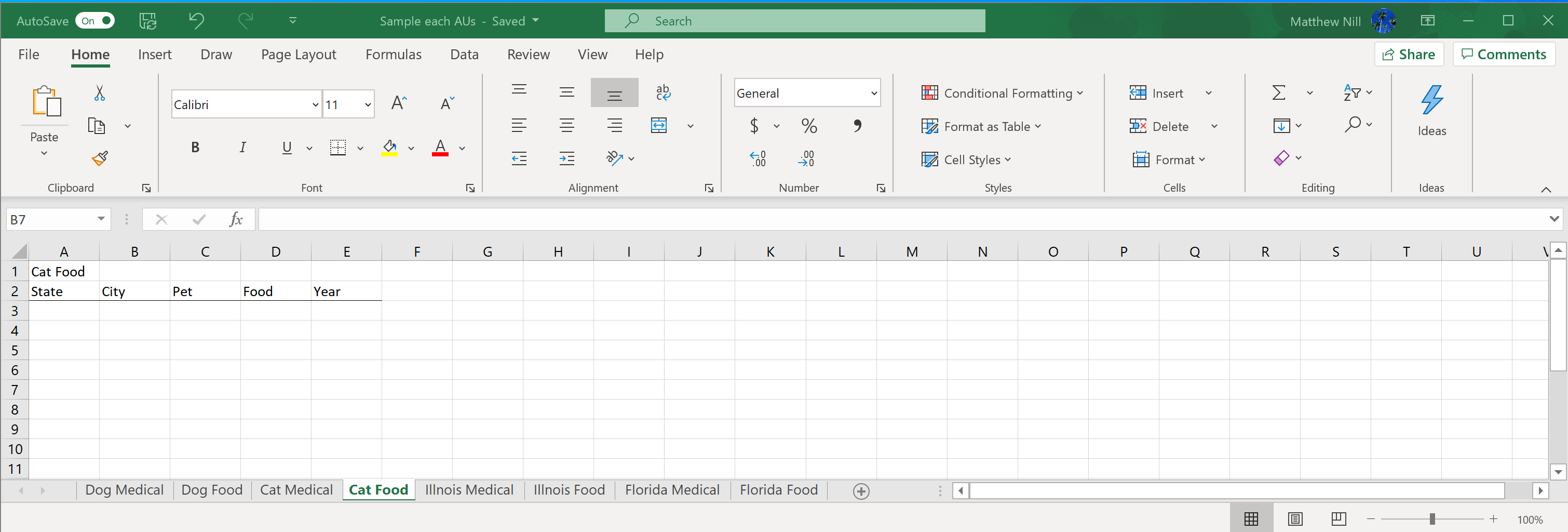
There are blank worksheet: Dog Medical, Dog Food, Cat Medical, Cat Food.
I would like for the blank worksheet to pull data the columns from the existing data.
Matthew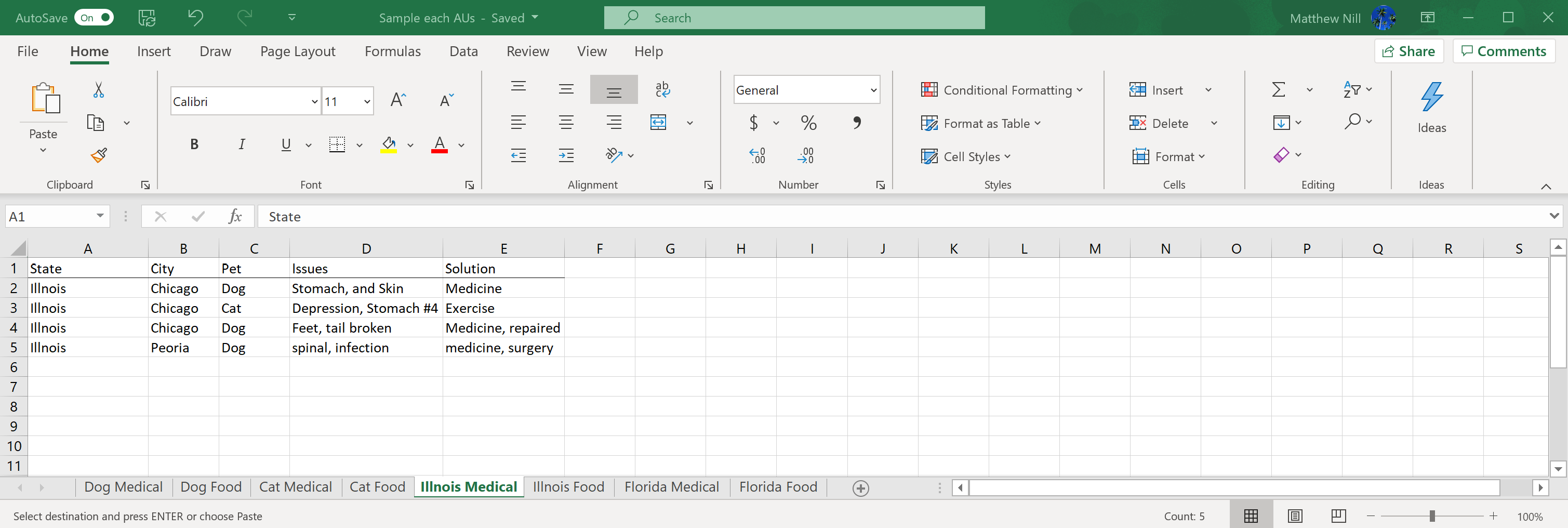

WOW.... In sumarry:
1/ Format data in sheets Illinois Med, Illinois Food, Florida Med and Florida Food as Tables
2/ Rename them respectively IllinoisMed, IllinoisFood, FloridaMed and FloridaFood
3/ Click somewhere in the IllinoisMed table > Data (tab) > From Table/Range (Power Query editor opens) > Arrow below Close & Load > Close & Load To... > Check "Only Create Connection" > OK
4/ Repeat #3 for tables IllinoisFood, FloridaMed and FloridaFood
5/ In the Data tab > Queries & Connections (the corresponding pane appears on the right)
6/ Right-click on query IllinoisMed > Append > Second table = FloridaMed > OK > Arrow below Close & Load > Close & Load To... > Check "Only Create Connection" > OK + In the Query & Connection pane > Right-click on this new query > Rename > Medical
7/ Repeat #6 with query IllinoisFood > Second table = FloridaFood + Rename this new query Food
8/ In the Query & Connection pane > Right-click on query Medical > Reference (Power Query editor opens) > Click the arrow on the [Pet] column > Uncheck "Cat" > OK > Close & Load (this creates a new sheet with table for Medical + Dog)
9/ Repeat #8 but uncheck "Dog" this time => new sheet with table for Medical + Cat
10/ In the Query & Connection pane > Right-click on query Food > Reference (Power Query editor opens) > Click the arrow on the [Pet] column > Uncheck "Cat" > OK > Close & Load (this creates a new sheet with table for Food + Dog)
11/ Repeat #10 but uncheck "Dog" this time => new sheet with table for Food + Cat

Maybe you could try as below.
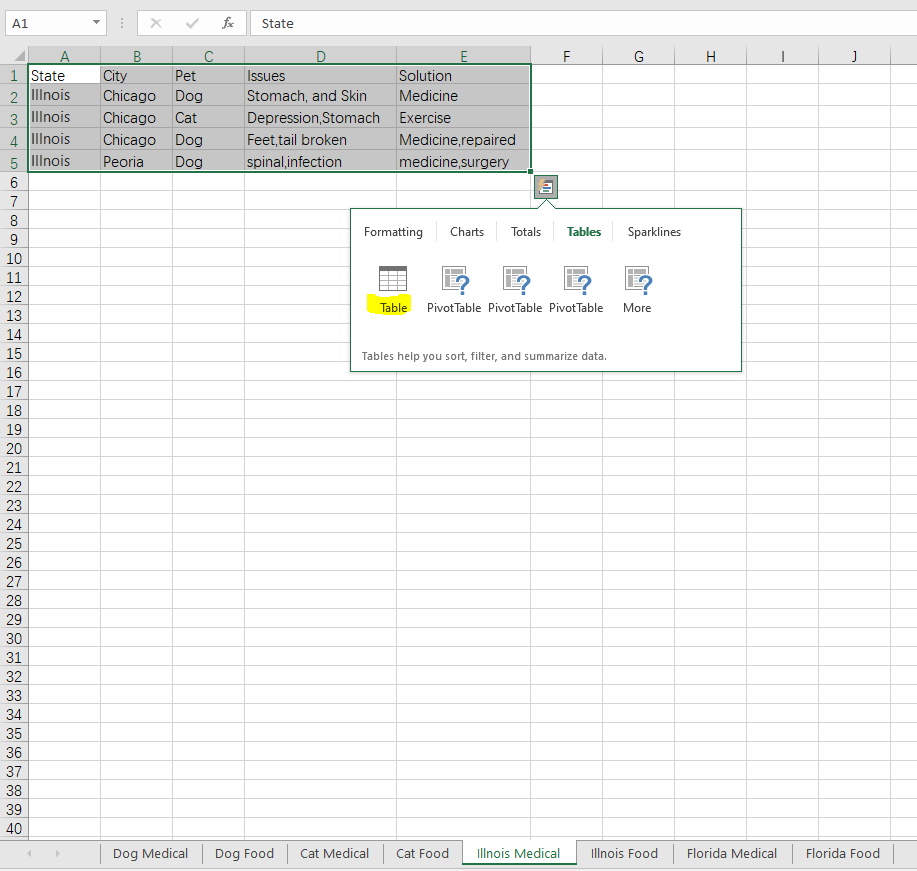
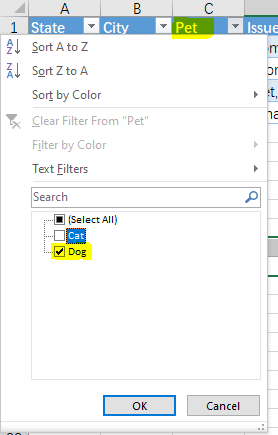
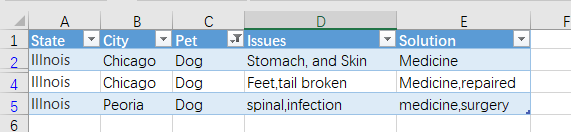
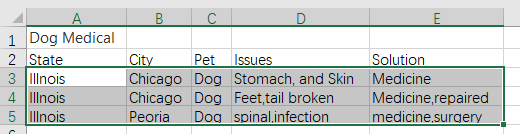
Other steps are similar.
If an Answer is helpful, please click "Accept Answer" and upvote it.
Note: Please follow the steps in our documentation to enable e-mail notifications if you want to receive the related email notification for this thread.
Hi @Matthew
With Get & Transform aka Power Query (no copy/paste nor anything like that). Sample available here.
NB: When you add/change data in the Source tables (Illinois medical, Illinois food...), right-click somewhere in the green tables (Dog medical, Cat food...) > Refresh
' cx='32' cy='32' r='32' /%3E%3Ctext x='50%25' y='55%25' dominant-baseline='middle' text-anchor='middle' fill='%23FFF' %3EM%3C/text%3E%3C/svg%3E)
I really like your solution. I am still strugging to understand instruction from "Get & Transform" instruction. I am unable to right-click somewhere in the green tables and click Refresh. I think because I only have read only access.
My request: can you provide instruction on how you got it using the Power Query. That would be helpful.
Matthew
Hi @MDN5551
Not sure I understand... The file I shared isn't protected and if you downloaded it you should do whatever you want with it
Could you confirm that when right-clicking in the green table on tab Dog Med you get a Refresh option as shown below?

Thanks.
Can you provide me snapshot or write instruction on how you create it on Power Query?