Microsoft Security | Intune | Other
Other Intune-related topics, including unsupported scenarios and platform-specific behaviors

This browser is no longer supported.
Upgrade to Microsoft Edge to take advantage of the latest features, security updates, and technical support.
' cx='32' cy='32' r='32' /%3E%3Ctext x='50%25' y='55%25' dominant-baseline='middle' text-anchor='middle' fill='%23FFF' %3EAZ%3C/text%3E%3C/svg%3E)
Hi all,
I created the av policy to disable tamper
I see in the report a lot of errors but I can't undersatnd why...

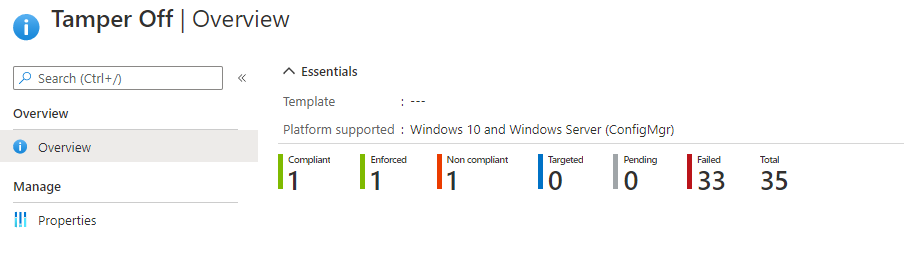
How can I mange it and understand why and on which computer it doesn't work?
Thanks
Other Intune-related topics, including unsupported scenarios and platform-specific behaviors
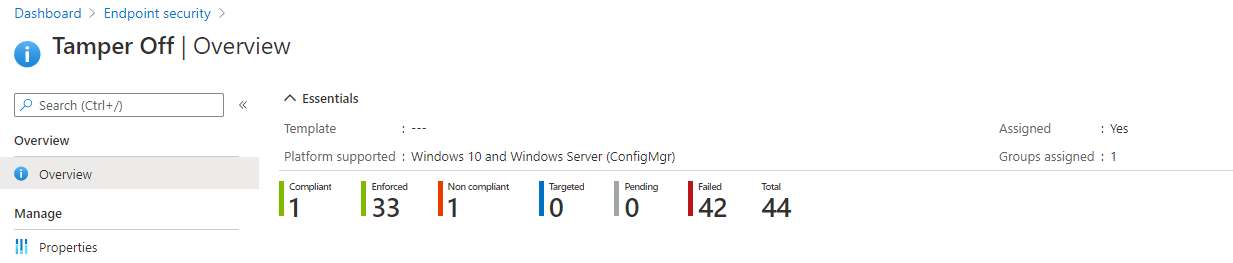
I'm global admin of the tenant....maybe is because I don't have windows defender on the tenant?
Thanks

@Alessandro Zola Thanks for your update.
Could you please click on the "failed" in the page that you provided to find if there is any detailed information?
At the same time, we appreciate your help to show the screen shot of the settings in Tamper off policy. And we could try to do the test in our lab.
Hi I do not have device details
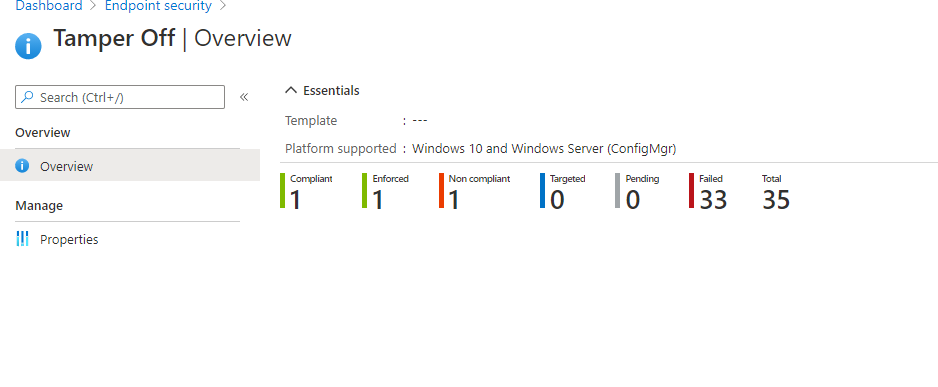
And neither on the device
@Alessandro Zola Thanks for your reply.
Is there any other option under "Properties"? If really don't have these options on the page, we suggest to change to an account with global administrator privileges to login intune and see if there is "device status". Please get the full screen shot of this page.
Thanks for understanding and have a nice day.
@Alessandro Zola Thanks for posting in our Q&A.
For this issue, we can click on the "Device status" to find which device failed.
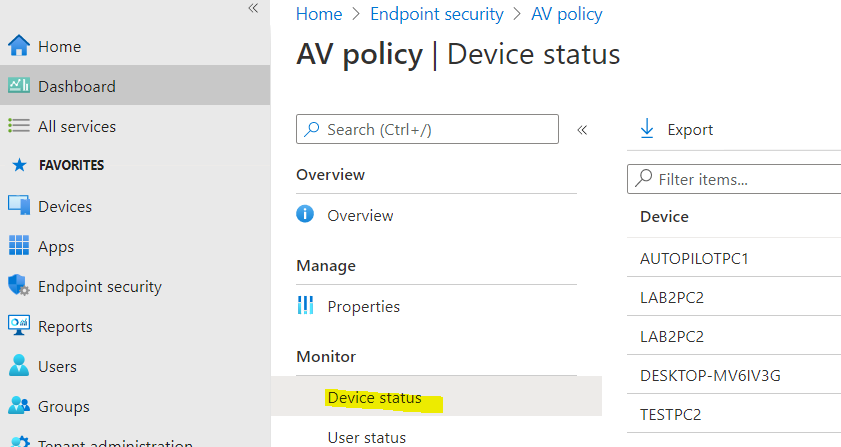
To find more detailed error information, we suggest to try to drill down a failed device and find if there is any error message in Endpoint security configuration > Microsoft Defender Antivirus > click on a failed category > Setting details. The following picture is just an example showing the Setting details page.
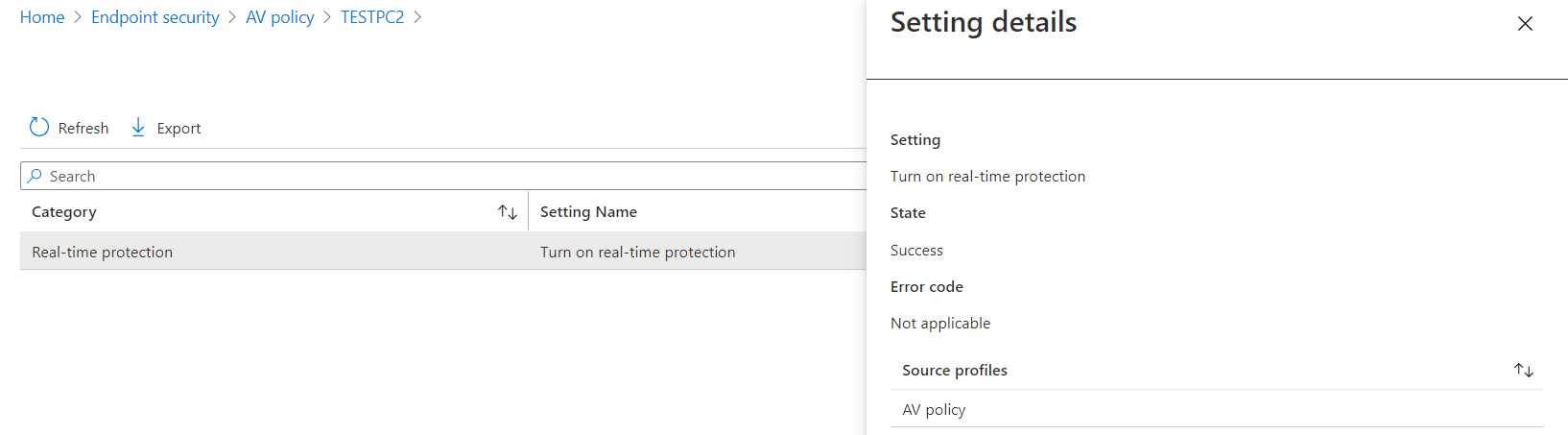
If there is anything unclear, feel free to let us know.
If the response is helpful, please click "Accept Answer" and upvote it.
Note: Please follow the steps in our documentation to enable e-mail notifications if you want to receive the related email notification for this thread.