Problem:
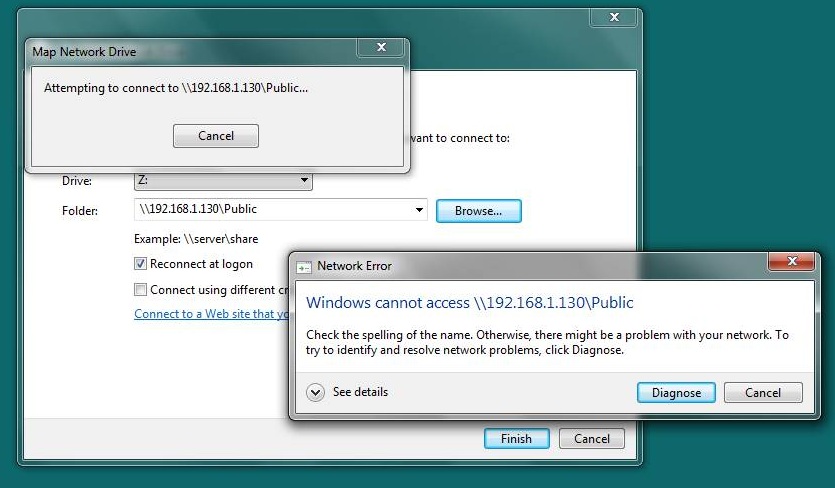
When I try to map a storage device to a network drive (Z), Windows Security authentication pop-up appears. It asks for login and password. None of the login-password combinations are accepted. I have even disabled password for my user-id on this laptop.
It is configured as a Workgroup.
See attached Screenshots : MS-case-p1, MS-case-p2,
Details of the setup :
Software : Windows 7, Home Premium
Network Drive : Western Digital My Book Live - 2 TB
Required Functionality :
I do NOT wish to have the authentication enabled for this network drive. I would like to Disable this Windows Security authentication completely.
Attempts so far :
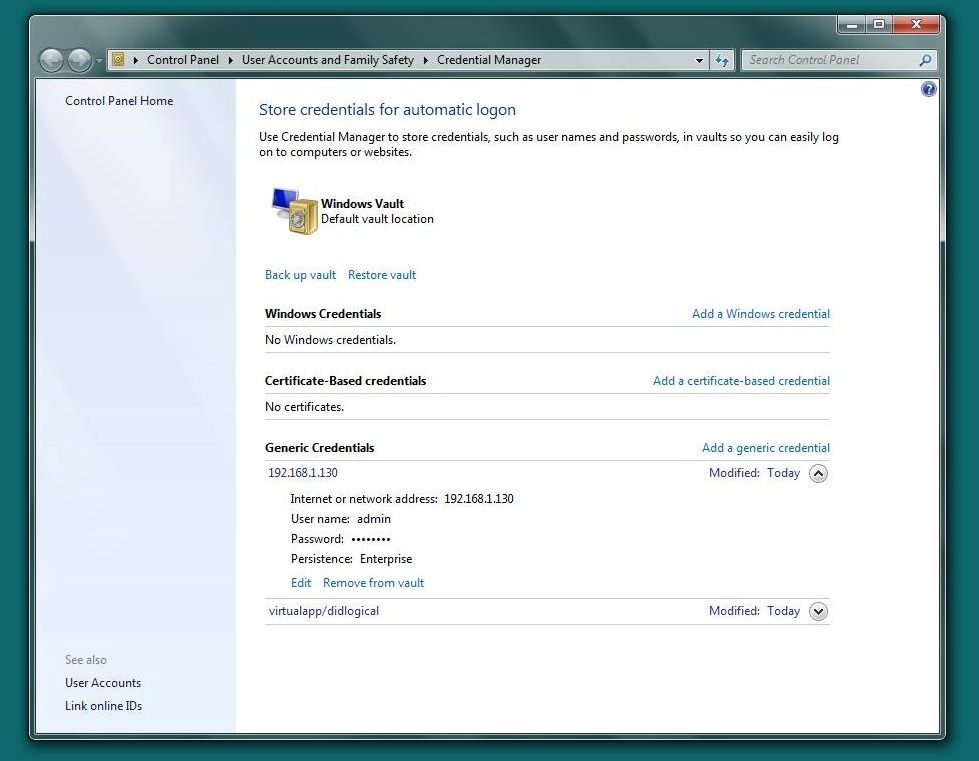
- Trying to delete the stored credentials from the Credential Manager
See screenshot MS-case-p3
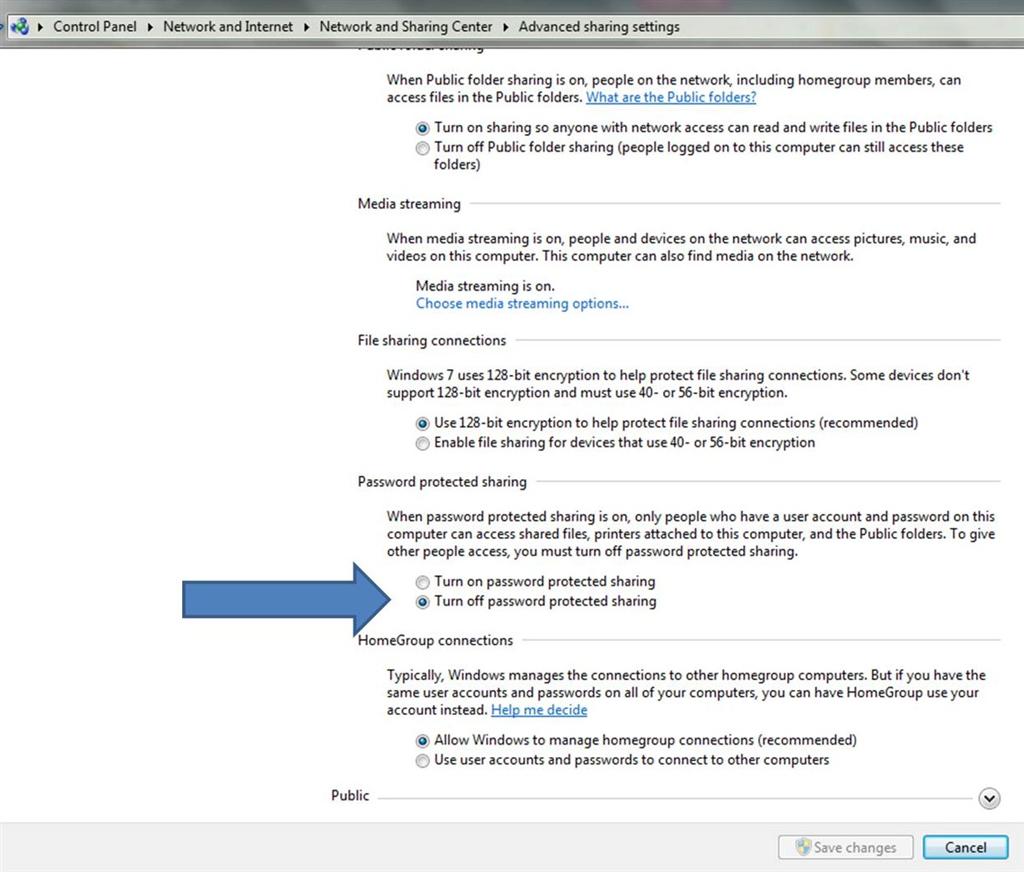
- Disabling password for shared devices
See screenshot MS-case-p4
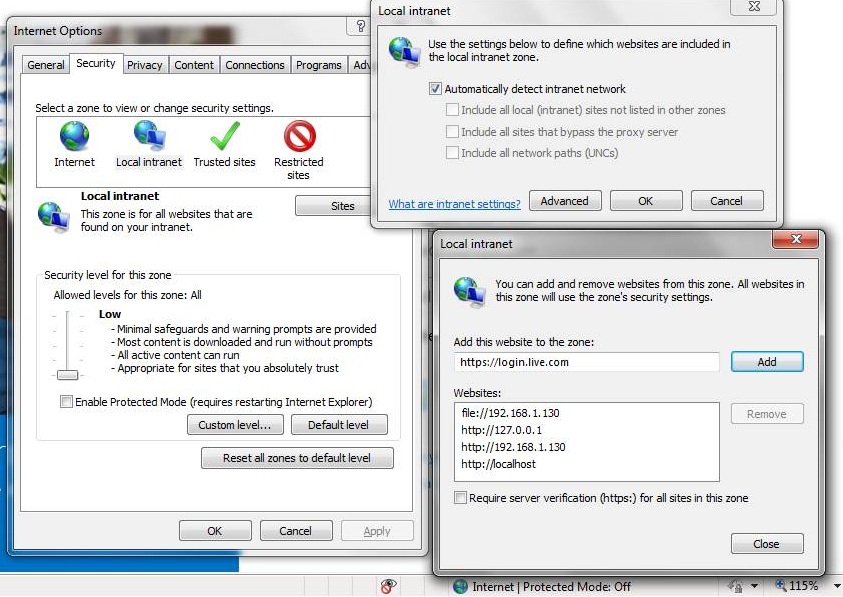
- Minimizing Internet security level & placing the relevant subnet in the Local Intranet Trusted site list
See screenshot MS-case-p6

' cx='32' cy='32' r='32' /%3E%3Ctext x='50%25' y='55%25' dominant-baseline='middle' text-anchor='middle' fill='%23FFF' %3EA%3C/text%3E%3C/svg%3E)
