Hello!
So here is my problem, I was navigating the internet like I usually do, when suddenly my screen started to go corrupt, a bit like when you put a dirty gameboy color game into a game boy and everything just seems weird and out of place. Any who, before I
had time to react, the blue screen of death popped up but it was also looking corrupted and I left it there for a while but my computer would not turn off so I held the off buttom.
At first I though maybe my CPU overheated or there was something wrong with the screen or the cable (i'm no genius on this matter) so I just tried to turn it back on, but this time, the screen was like this : (Sorry if the picture is too large)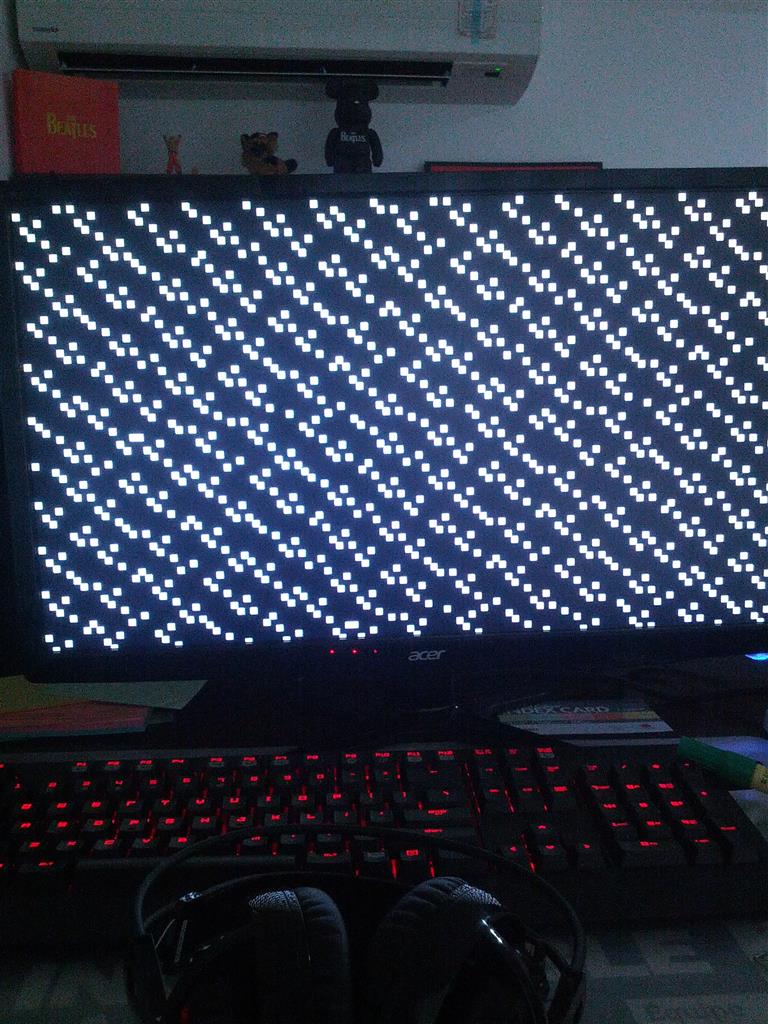
Any who, I came to the same conclusion, I turned off my computer, I changed some wires, and even changed the screen, though it didn't seem to change anything. The only time I can get anything to work is when I put my computer in safe mode, but, I don't want
to sound like a whiny boy but the screen isn't great as you can see below.
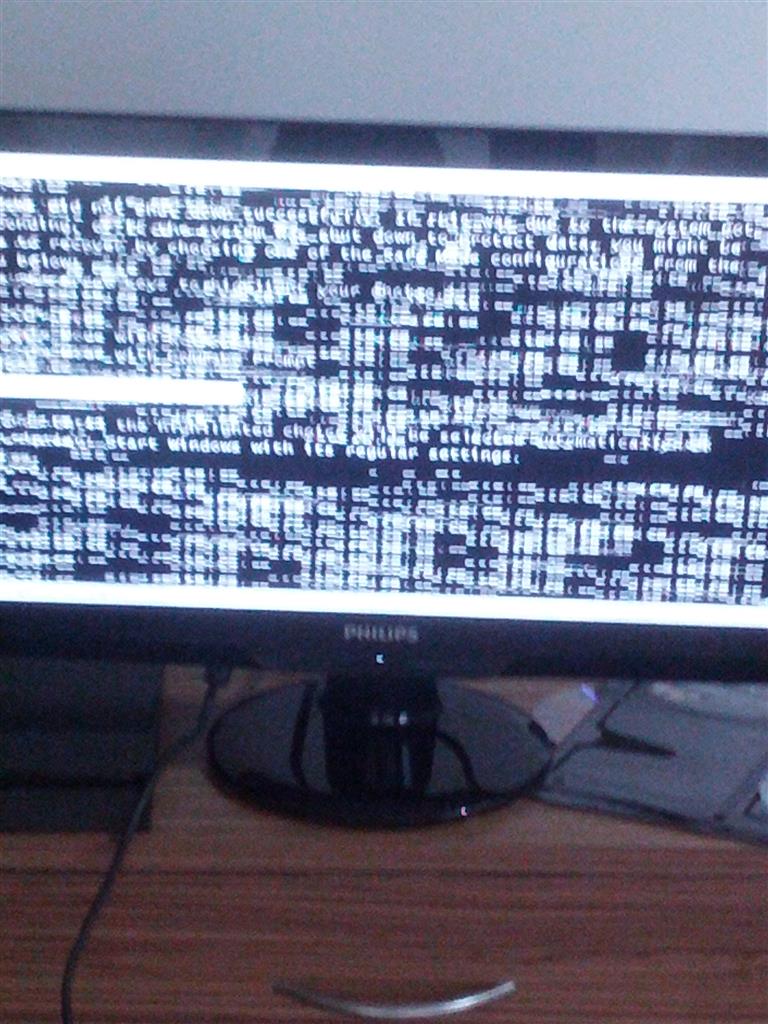
So, I would really appreciate it if somebody could give me any opinions on how to fix this matter. I do have an anti-virus (Malware) and do run it frequently. Some of my friends have suggested to update my computer but it is practically impossible for me
to find anything seeing as how corrupted the screen is. I thank you in advance for any tips on solving this matter.
Thank You!
' cx='32' cy='32' r='32' /%3E%3Ctext x='50%25' y='55%25' dominant-baseline='middle' text-anchor='middle' fill='%23FFF' %3EA%3C/text%3E%3C/svg%3E)
