In the last few I have received continuous notifications stating: failure of update the latest version of windows 10 insufficient disk space(8GB required), I have ignored them all and did'nt clear up any space on my pc (4GB left) neither. This morning I
turn on my pc and its shows Windows 10 error code 0xc0000001.
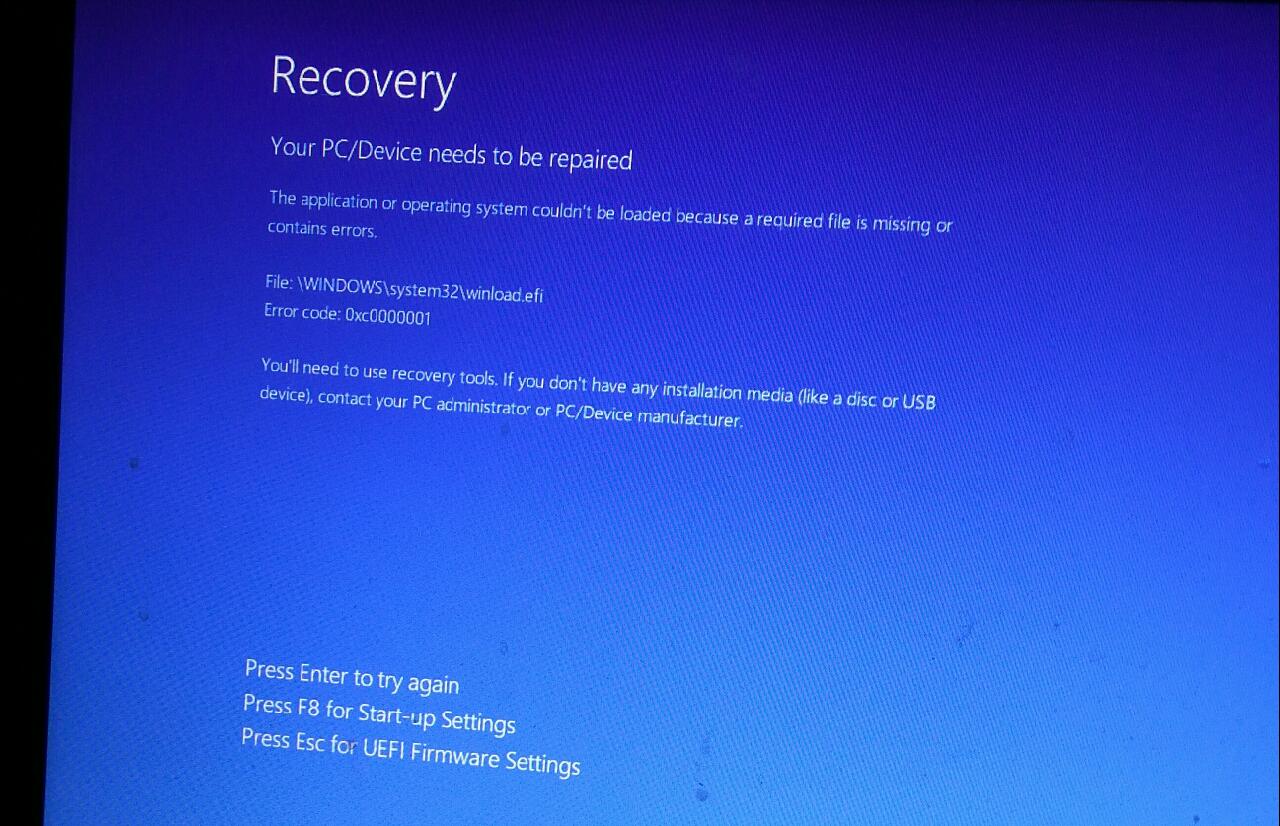
I have tried creating an installation media using my USB stick(SD card 500GB formatted to FAT32).
- Press Esc for UEFI setting Firmware Settings
- F9 Boot Device Options
- USB Hard drive(UEXI) - Generic STORAGE DEVICE
- Repair your computer
- Troubleshoot - Advanced Option - Startup Repair
"diagnosing your PC"
"Repairing disk errors. This might take over an hour to complete."
After two minutes , empty blue screen then return back to what's at the start
and now the error code turns to: 0xc000000f
============
Then I tried:
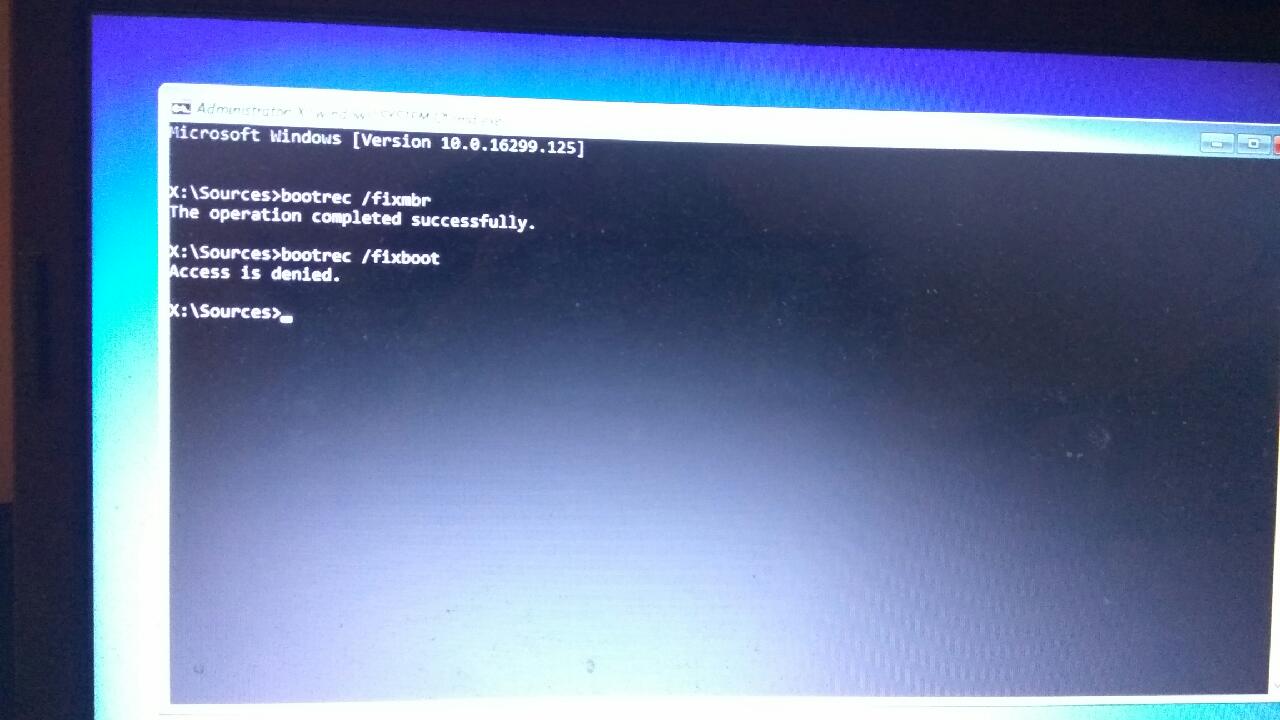
Go to Troubleshoot - Advanced Option - Command Prompt
when I type "bootrec /fixboot" it says that access is denied
============
Then I tried:
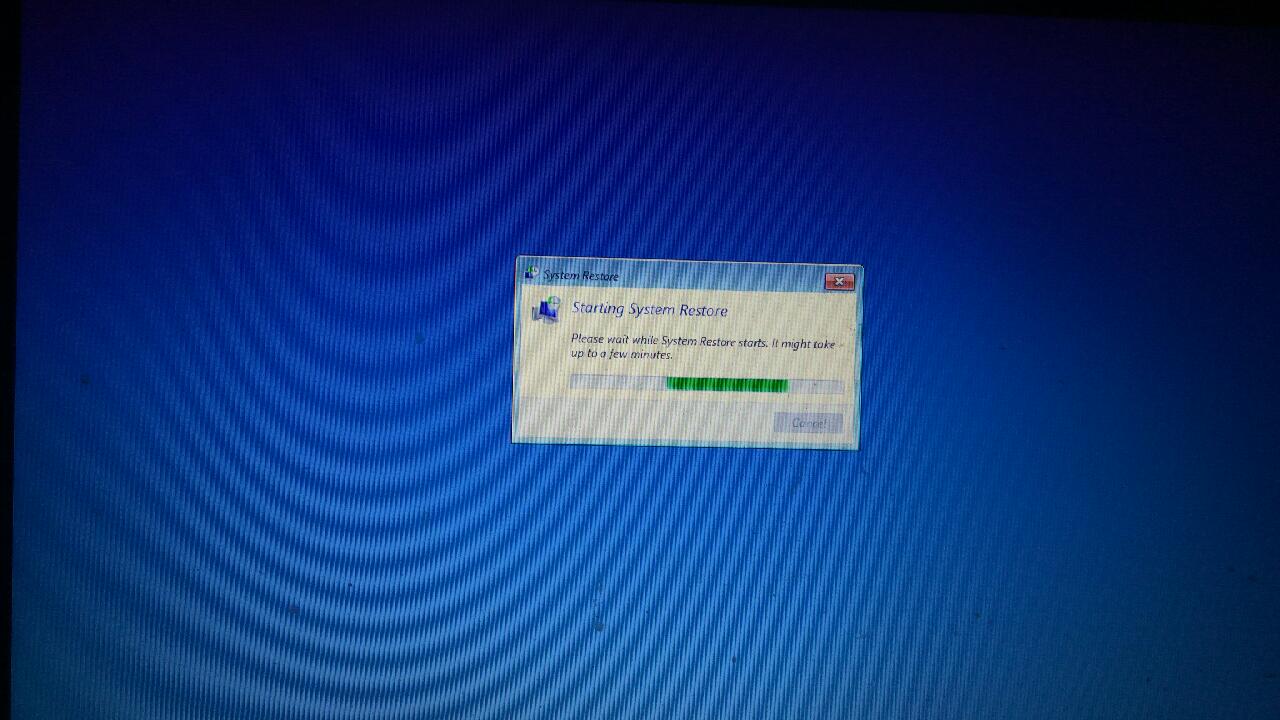
Go to Troubleshoot - Advanced Option - System Restore
Then after two minutes it shows starting system restore without a restore point given, so I quickly shut down my PC(or should I wait)???
=============
Then I tried:
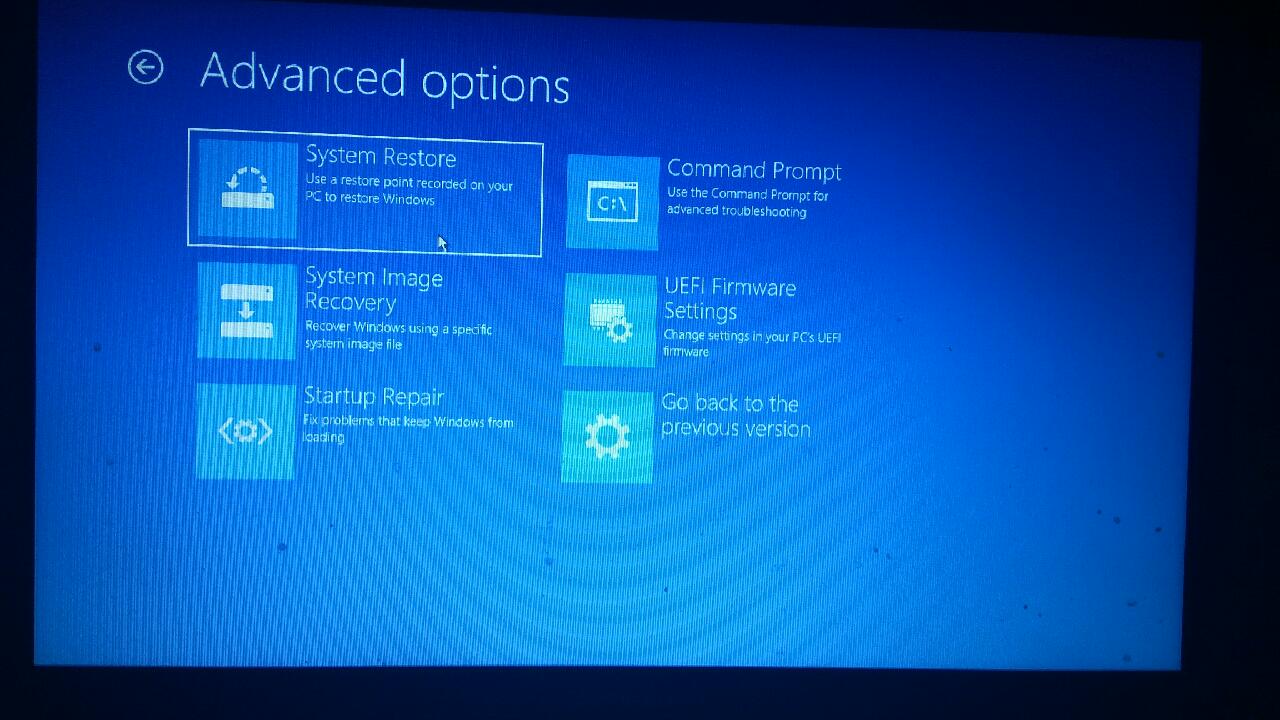
Go to Troubleshoot - Advanced Option - UEFI FIRMWIRE settings
Click "restart to change UEFI setting"
After a few minutes it returns back to the beginning, nothing changes
Please help me what can I do now, I don't want to lose any of my files and programs TOT help!!!!!
' cx='32' cy='32' r='32' /%3E%3Ctext x='50%25' y='55%25' dominant-baseline='middle' text-anchor='middle' fill='%23FFF' %3EA%3C/text%3E%3C/svg%3E)
