Remapping key FROM REGISTRY

Anonymous
2018-07-14T00:04:10+00:00

My 'delete' key doesn't work anymore. I'd like to remap it to the 'insert' key. I've tried EVERY. SINGLE. Third party program. I've tried Microsoft's program for remapping. None have worked.

I want to go straight through the registry so I can do ctrl-alt-del. I haven't found a single post detailing how to do so. If someone could direct me to such instructions or give them to me here I'd be forever grateful.

Windows for home | Windows 10 | Settings

Locked Question. This question was migrated from the Microsoft Support Community. You can vote on whether it's helpful, but you can't add comments or replies or follow the question.

0 comments No comments
{count} votes

3 answers

Sort by: Most helpful
  1. Anonymous
    2018-07-14T07:10:35+00:00

    Hi Samuel,

    As much as I would like to help you with your concern, this kind of issue is more complex than what is normally posted here in Community. I suggest that you post your query in our TechNet Forum for further assistance.

    If we can help you with anything else, please let me know.

    0 comments No comments
  2. Anonymous
    2018-07-14T15:06:07+00:00

    Thanks.

    0 comments No comments
  3. Anonymous
    2018-07-14T20:19:23+00:00

    Samuel,

    Thanks for the challenge! :D

    Open an Administrator PowerShell window by right-clicking on Start or pressing WinKey+X and select Windows PowerShell (Admin)

    Then, copy and paste the following commands into the window. All the lines can be copied &  pasted at once.

    Copy up to the final 'e' of "-Force":

    $Remap = New-Object -TypeName byte[] -ArgumentList 20

    $Remap[8] = 2

    $Remap[12] = 0x53

    $Remap[13] = 0xe0

    $Remap[14] = 0x52

    $Remap[15] = 0xe0

    $key = 'HKLM:\SYSTEM\CurrentControlSet\Control\Keyboard Layout'

    New-ItemProperty -Path $key -Name 'ScanCode Map' -Value $Remap -Force
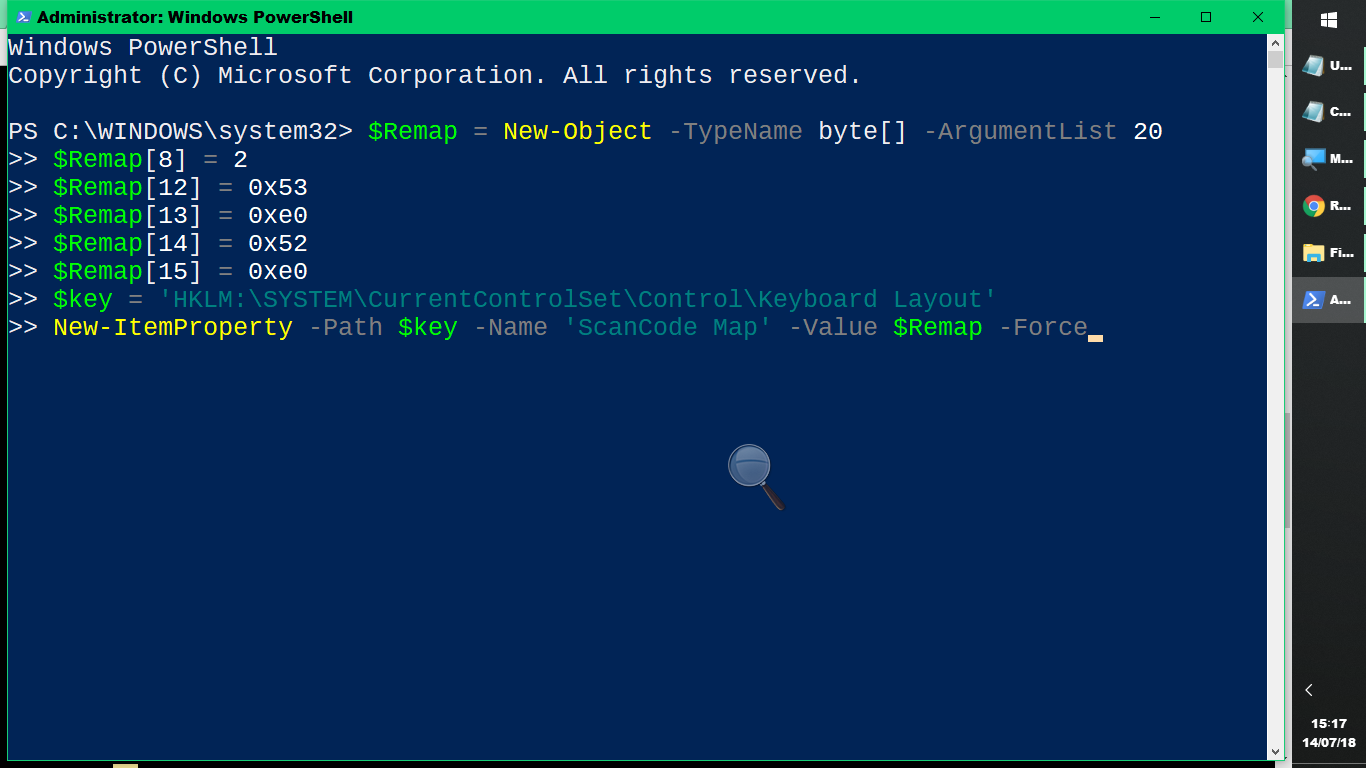
    Once copied, press <Enter> and the commands will execute:
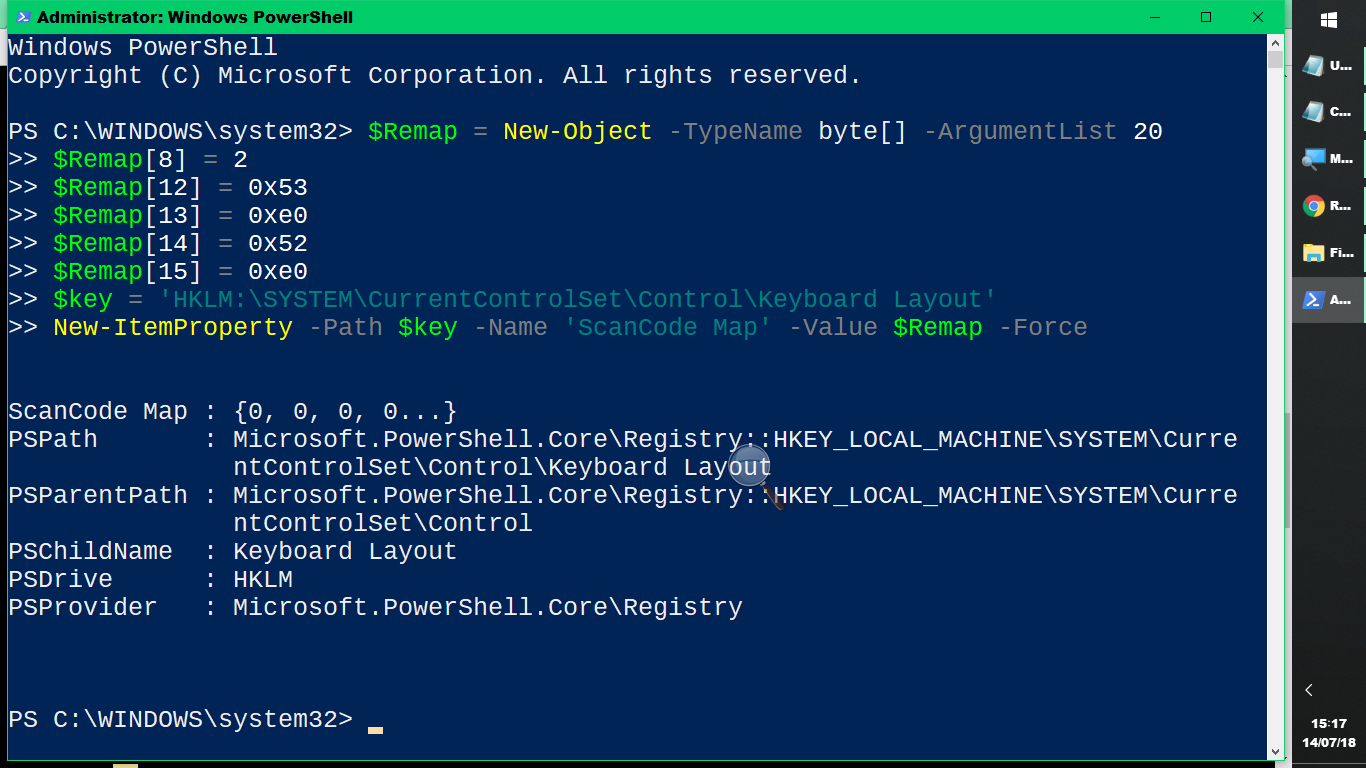
    Then close all windows and Restart.

    Tested and worked on my machine.

    Keith

    25 people found this answer helpful.
    0 comments No comments
