Hi All,
I've been working on this issue for a few weeks now and still no joy.
My issue is as follows and I hope someone can point me in the right direction;
If I boot the workstation fresh my external USB drive is present and works.
That night I am able to run the backup successfully.
But...
In the morning when we swap the backup drives no drive appears in the File Explorer or in the Disk manager and the Device Manager shows the errors below.
To get the drives back we need to reboot the computer.
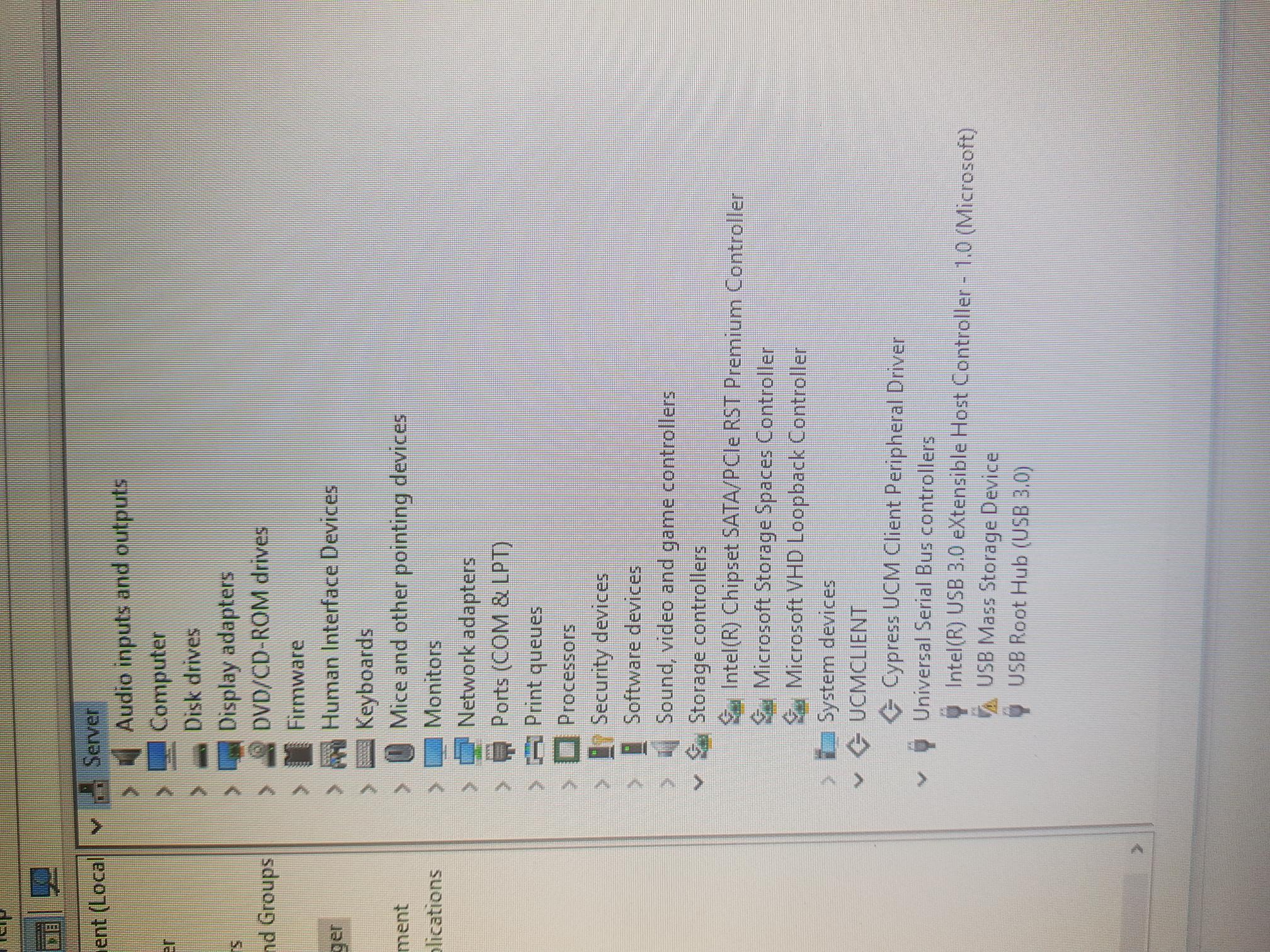
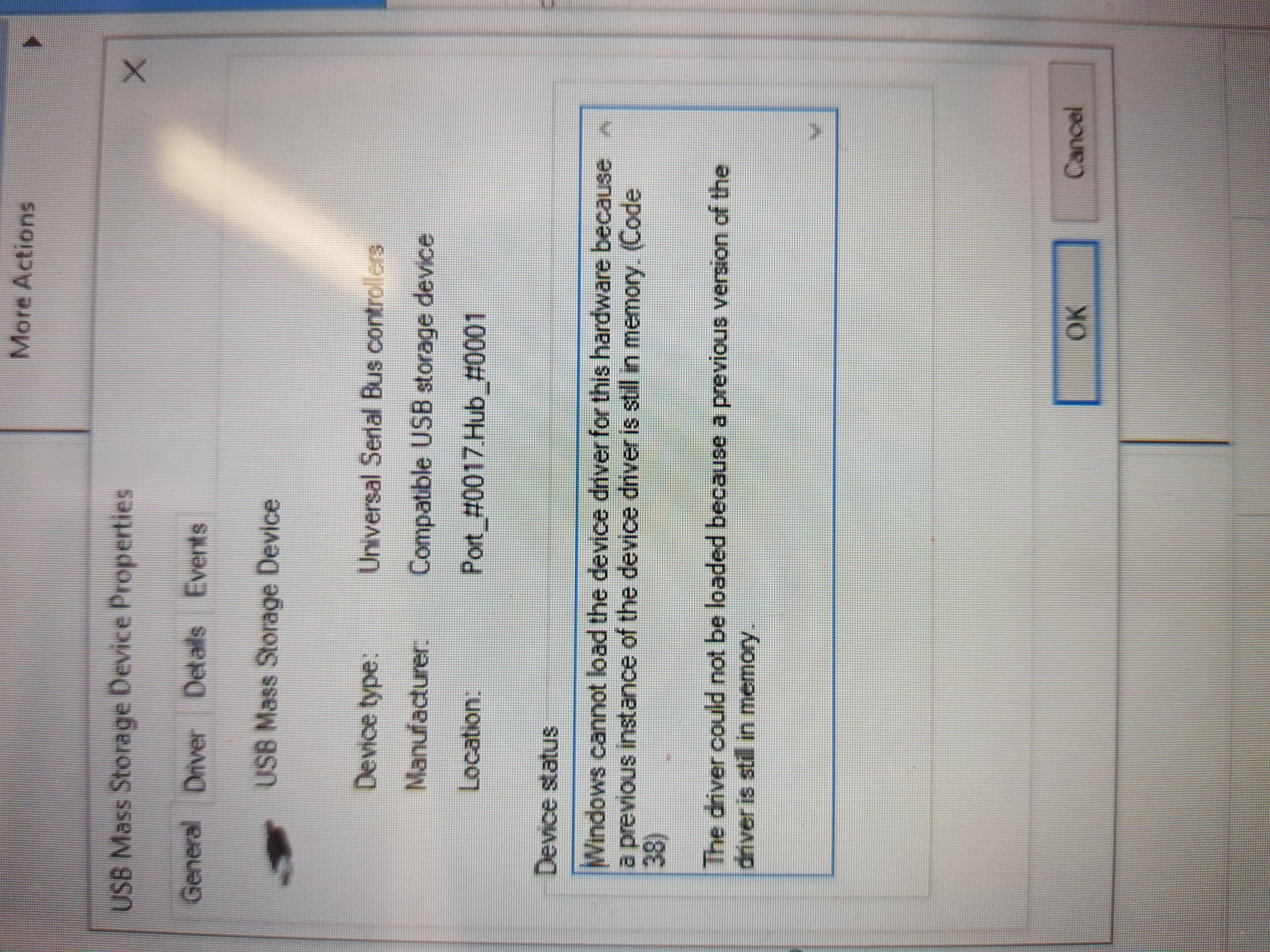
Windows cannot load the device driver for this hardware because a previous instance of the device driver is still in memory. (Code 38).
The driver could not be loaded because a previous version of the driver is still in memory.
I've run all the software and hardware updates I can and when I try to update the windows driver for this device it says that the driver is the latest version.
Backup assist (Backup software) say it's not their software that's causing the issue.
Dell say that its not a hardware issue with the computer.
I've uninstalled all Antivirus software.
I've installed the WD drive utilities to check the drives and to make sure the drivers are up to date.
It feels like a windows 10 update issue but I can't put my finger on it, as it was all working really well and no changes were made except of cause Windows Updates.
Any suggestions will be welcome.
[Moved from : Windows 10 / Files, folders, & storage]
' cx='32' cy='32' r='32' /%3E%3Ctext x='50%25' y='55%25' dominant-baseline='middle' text-anchor='middle' fill='%23FFF' %3EA%3C/text%3E%3C/svg%3E)
