Hi Friends,
I have configured IIS on Windows Server 2016 and when am trying to launch the site with port 80 am getting below error. Could you please let me know what could have went wrong, and how to trouble shoot the same. Many Thanks in advance.
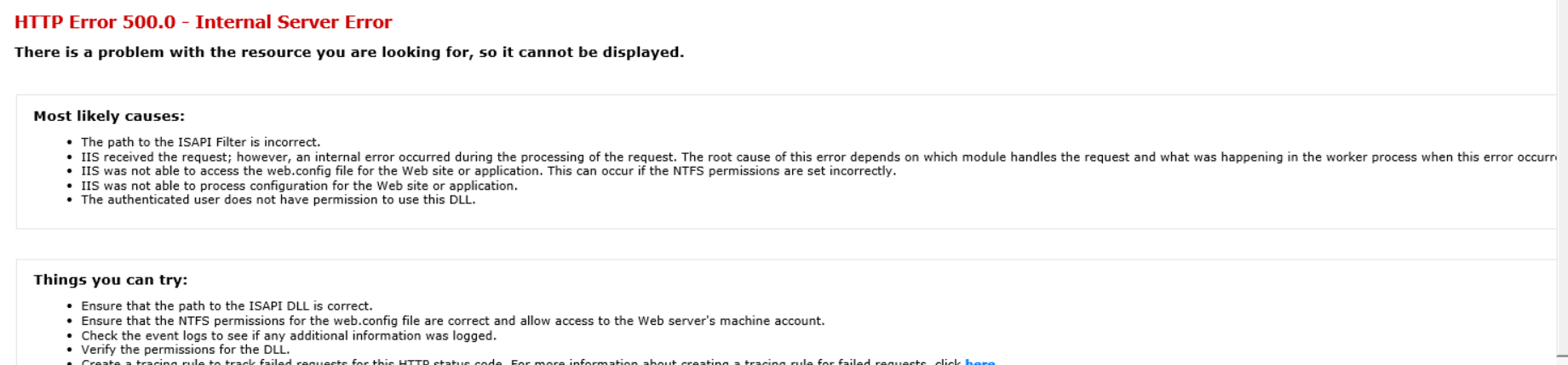
HTTP Error 500.0 - Internal Server Error
There is a problem with the resource you are looking for, so it cannot be displayed.
Most likely causes:
•The path to the ISAPI Filter is incorrect.
•IIS received the request; however, an internal error occurred during the processing of the request. The root cause of this error depends on which module handles the request and what was happening in the worker process when this error occurred.
•IIS was not able to access the web.config file for the Web site or application. This can occur if the NTFS permissions are set incorrectly.
•IIS was not able to process configuration for the Web site or application.
•The authenticated user does not have permission to use this DLL.
' cx='32' cy='32' r='32' /%3E%3Ctext x='50%25' y='55%25' dominant-baseline='middle' text-anchor='middle' fill='%23FFF' %3EA%3C/text%3E%3C/svg%3E)
