Visual Studio 2019 C++ not resolving custom types in source file

Bertrand PERRET 61 Reputation points
2021-03-03T21:38:24.5+00:00

Hello,

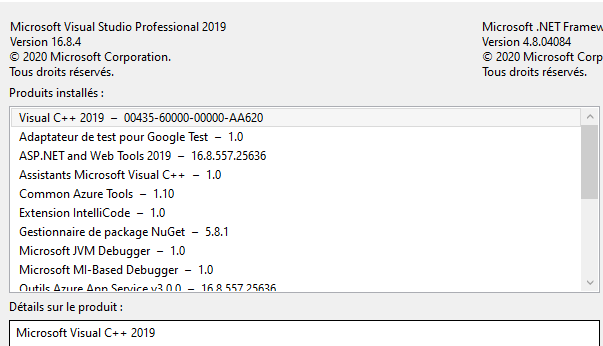
I'm using VS 2019,

I upgraded a vc++ project in this vs edition.

In the source file, a lot of types are marked red.
the identifer types are defined in an external .h file.

the include path is correctly set in project settings though.
and the project builds well.

So how do i fix source include path for the editor to resolve types?

73953-image.png

73981-image.png

Developer technologies | Visual Studio | Other
A family of Microsoft suites of integrated development tools for building applications for Windows, the web, mobile devices and many other platforms. Miscellaneous topics that do not fit into specific categories.
{count} votes

Answer accepted by question author
  1. Dylan Zhu-MSFT 6,431 Reputation points
    2021-03-04T05:58:01.167+00:00

    Hi BertrandPERRET,

    You can try to follow these steps:

    1. Close Visual Studio
    2. Delete .vs folder which is next to sln file

    Best Regards, Dylan

    If the answer is helpful, please click "Accept Answer" and upvote it.
    Note: Please follow the steps in our * *documentation* to enable e-mail notifications if you want to receive the related email notification for this thread.**

    1 person found this answer helpful.

1 additional answer

Sort by: Most helpful
  1. Sam of Simple Samples 5,571 Reputation points
    2021-03-03T23:07:12.04+00:00

    When your right-click on the filename in the #include and select Open Document "..." is the file shown in VS? If not then VS cannot find it. If it does open then the compiler probably can find it too.

    73964-cppinclude.png

    0 comments No comments

Your answer

Answers can be marked as 'Accepted' by the question author and 'Recommended' by moderators, which helps users know the answer solved the author's problem.