Java Update Notification

Anonymous
2018-10-23T15:04:26+00:00

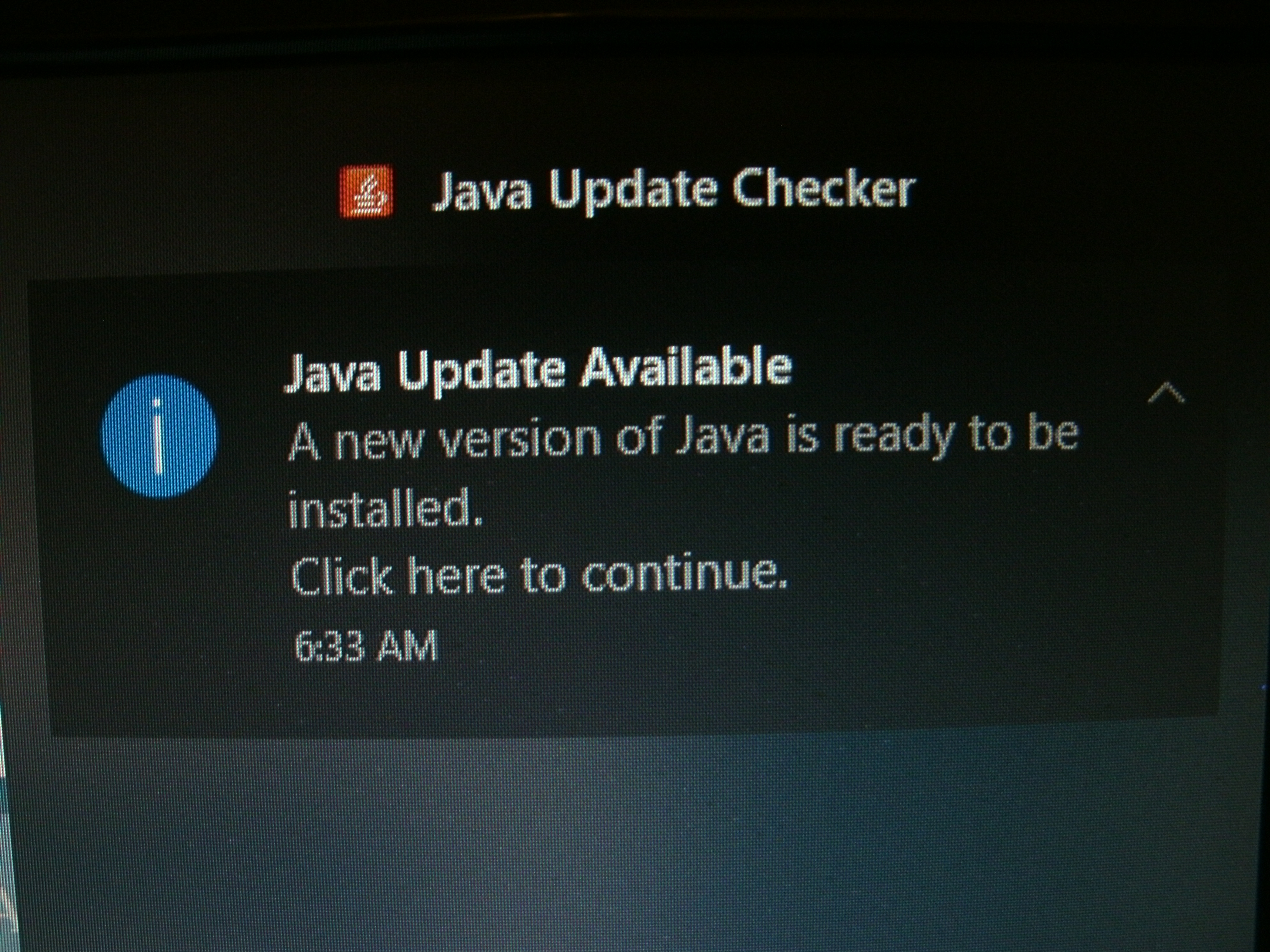
I have Windows 10 and Chrome browser.  For about a week my computer has been playing this trick on me: While I am using the browser, I get a pop-up window of sorts that says a Java update is available.  It says to "click here to continue".  I don't understand why this update is not simply installed instead of interrupting my work with the computer so I can work on the computer, but I "click" there "to continue" and get rid of this problem.  The message disappears.  There is no continuing.  Nothing gets done; it is just wasted time.  The area where the notice was says "No new notifications".  This happens a few times a day, probably every time I wake the computer from sleep mode.  How do I fix this problem?  Snipping tool would not capture the image of the notice, so I just took a picture of the screen.  
Windows for home | Windows 10 | Internet and connectivity

Locked Question. This question was migrated from the Microsoft Support Community. You can vote on whether it's helpful, but you can't add comments or replies or follow the question.

0 comments No comments
{count} votes
Answer accepted by question author
  1. Anonymous
    2018-10-23T21:40:37+00:00

    Have you already tried to download Java and update it manually?

    https://www.java.com/en/

    Standard Disclaimer: This is a non-Microsoft website. The page appears to be providing accurate, safe information. Watch out for ads on the site that may advertise products frequently classified as a PUP (Potentially Unwanted Products). Thoroughly research any product advertised on the site before you decide to download and install it.

    1 person found this answer helpful.
    0 comments No comments

5 additional answers

Sort by: Most helpful
  1. Deleted

    This answer has been deleted due to a violation of our Code of Conduct. The answer was manually reported or identified through automated detection before action was taken. Please refer to our Code of Conduct for more information.


    Comments have been turned off. Learn more

  2. Anonymous
    2018-10-23T19:23:48+00:00

    The first step says click "start".  What is that?

    0 comments No comments
  3. Anonymous
    2018-10-23T21:03:49+00:00

    I looked the page again and noticed the assistant thing and it told me what "start" is.  That was my first guess but when I click on it, no rectangle appears in which to type the information that the instructions tell me to type.  Out of frustration, I started typing anyway and the rectangle appeared and the letters that I typed appeared in the rectangle.  I did not expect that because I have never seen anything like it.  I followed the instructions and in the end, it said that no problems were found.  It did not affect the problem.  I shut down the computer and then started it and opened the browser.  Within 5 minutes the message popped up again and when I clicked on it, it disappeared just like it has been doing for about a week.

    1 person found this answer helpful.
    0 comments No comments
  4. Anonymous
    2018-10-23T21:09:47+00:00

    I noticed that the messages are appearing out of order.  There is no time stamp on them so anybody reading this is going to have a hard time following the conversation.  This is message 5.

    0 comments No comments
