I have updated 6 of my PCs to Windows 10 1809. Now I have noticed this problem in 4 of them. Windows apps are unable to connect to the Internet. Let me tell you what I have found and why I think this is a problem.
After the update, Edge cannot even open bing.com but if I type any local IP where I have a web service, that works fine (like the router's set-up page). Also Windows Store cannot show apps. Here is what it shows:
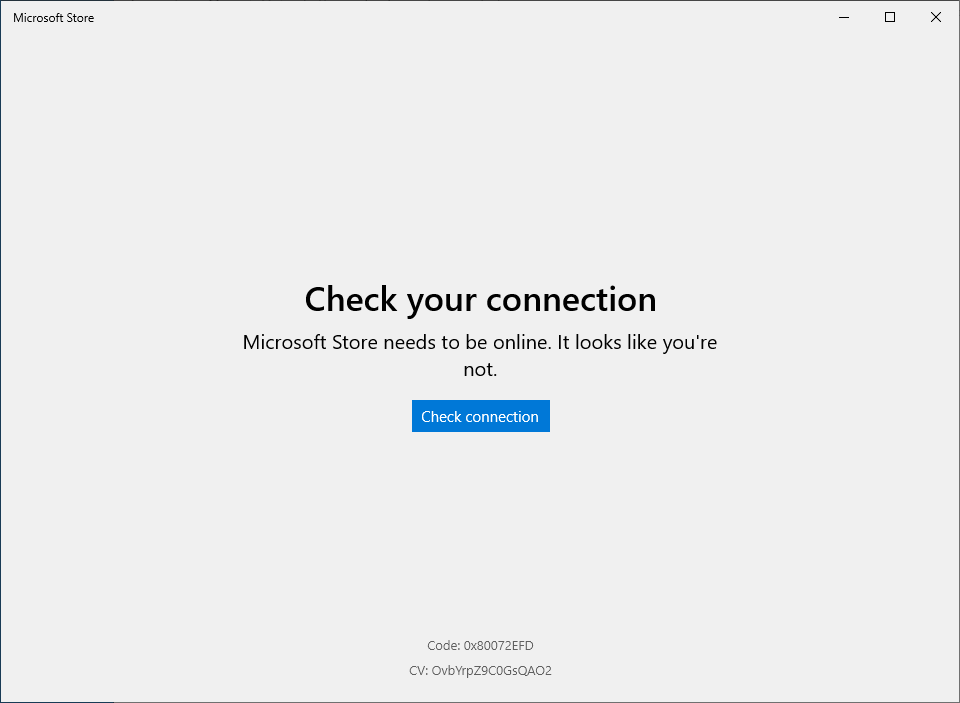
But 3rd party browser and apps are working fine. I can transfer files using FileZilla, browse Internet using FireFox etc. So I believe somehow DNS is not working for Windows/Microsoft apps. Even apps from the store like Spotify and Netflix cannot access
internet.
I tried to troubleshoot using the built-in trouble shooter, nothing happened. So there must be something very wrong. Not sure if anyone else is having the same issue, but this seem serious.
By the way, the issue is not on a single network, happened with 3 different networks. I even turn on hotspot from my Phone, but did not help.
' cx='32' cy='32' r='32' /%3E%3Ctext x='50%25' y='55%25' dominant-baseline='middle' text-anchor='middle' fill='%23FFF' %3EA%3C/text%3E%3C/svg%3E)
