Community Center | Not monitored
Tag not monitored by Microsoft.

This browser is no longer supported.
Upgrade to Microsoft Edge to take advantage of the latest features, security updates, and technical support.
' cx='32' cy='32' r='32' /%3E%3Ctext x='50%25' y='55%25' dominant-baseline='middle' text-anchor='middle' fill='%23FFF' %3ELQ%3C/text%3E%3C/svg%3E)
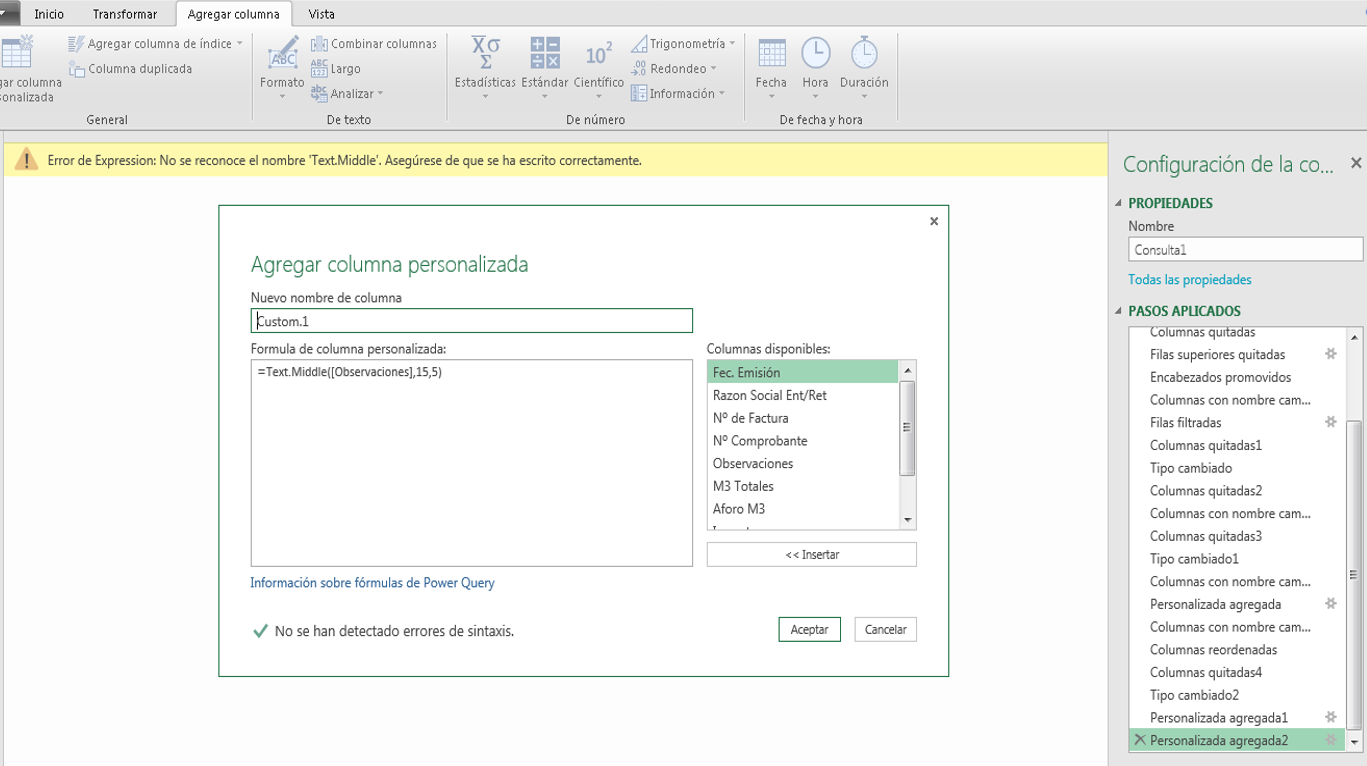
I´m trying to use the formula Text.Middle for a custom column, but get an error of expression.
Error
Expression error: the name Text.Middle is not recognized. Make sure it is spelled correctly.
I´ve checked the spelling and theres no issue. What am I doing wrong?
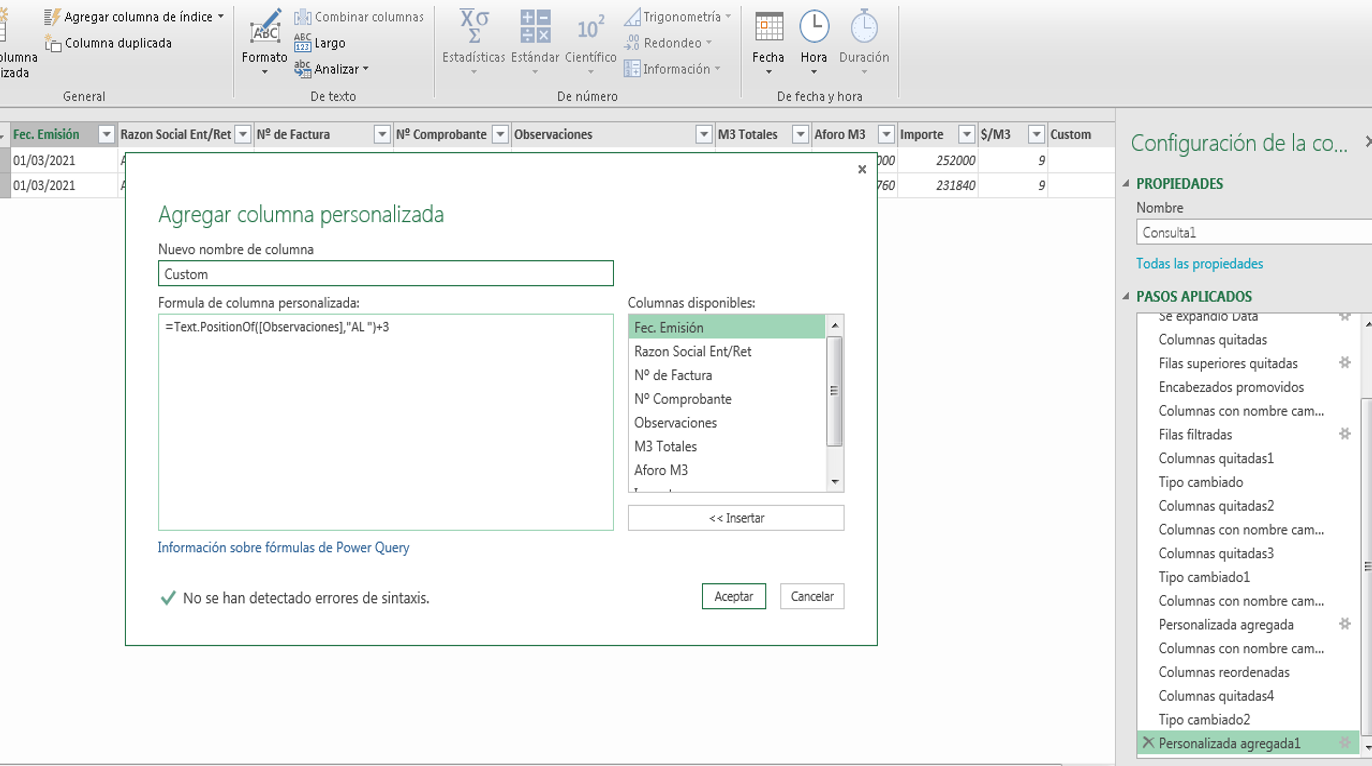
I´ve used other text formulas with no issue whatsoever. For example Text.PositionOf as shown:
' cx='32' cy='32' r='32' /%3E%3Ctext x='50%25' y='55%25' dominant-baseline='middle' text-anchor='middle' fill='%23FFF' %3EEM%3C/text%3E%3C/svg%3E)
It's likely that you're using an older version of Power Query. Can you share your PQ version? If you installed it as an addin, please upgrade the addin to a more recent release. If it came as part of Excel, you will need to update Excel in order to get an updated version of PQ.
I have Excel 2016 which came with PQ already. I wil try upgrading my excel. Thanks.

@Lina Quintana . If you dowload a copy of this workbook and Refresh the query, you'll get a list of the functions available to you. Hope this helps (a bit)