
' cx='32' cy='32' r='32' /%3E%3Ctext x='50%25' y='55%25' dominant-baseline='middle' text-anchor='middle' fill='%23FFF' %3EA%3C/text%3E%3C/svg%3E)
Hello @BlondiiX369 ,
Thank you for posting here.
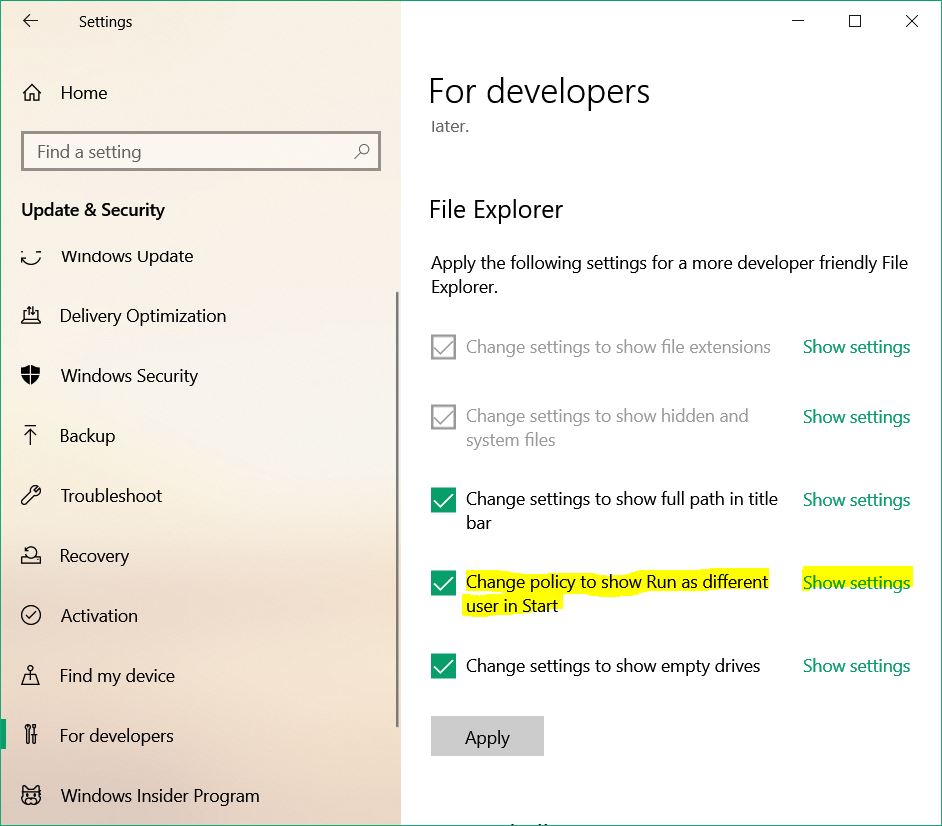
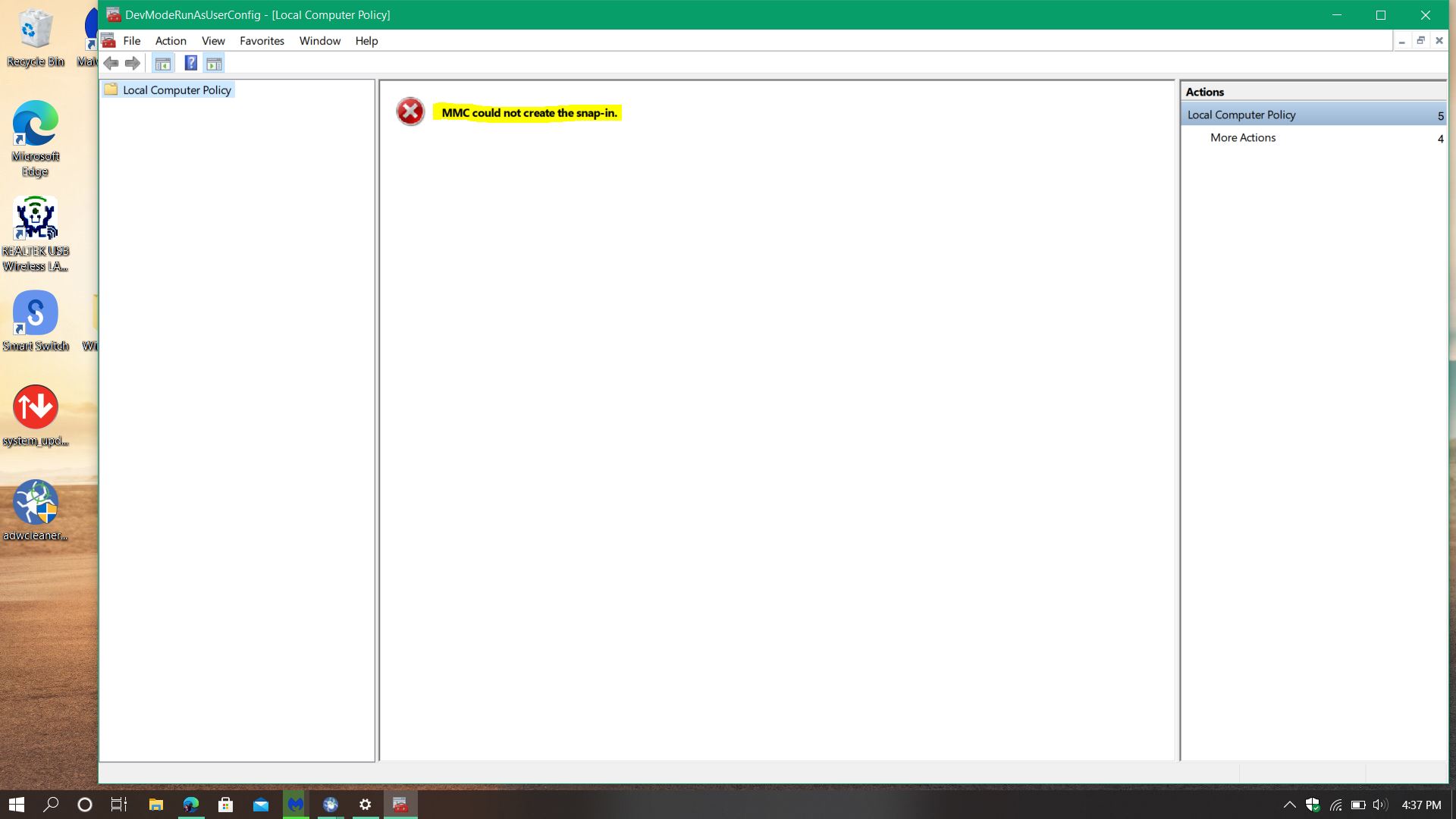
Based on "In the Developer settings, I clicked on Show Settings for Change policy to show Run as different user in Start and when Dev Manager popped up all that came up was MMC could not create the snap-in.", would you please confirm the information below so that we can understand your question ansd helpful you better:
1.Where do you check it? On Windows server /Windows client/ Domain Controller/Non-Windows OS device?
2.If it is a non-Windows Operating System device, what device is it?
3.Would you please show us the description with multiple detailed screenshot?
Developer settings
Screenshot?
Show Settings for Change policy to show Run as different user in Start
Screenshot?
Dev Manager popped up all that came up was MMC could not create the snap-in
Screenshot?
Should you have any questioon or concern, please feel free to let us know.
Best Regards,
Daisy Zhou