Microsoft 365 and Office | Excel | For business | Windows
A family of Microsoft spreadsheet software with tools for analyzing, charting, and communicating data

This browser is no longer supported.
Upgrade to Microsoft Edge to take advantage of the latest features, security updates, and technical support.
' cx='32' cy='32' r='32' /%3E%3Ctext x='50%25' y='55%25' dominant-baseline='middle' text-anchor='middle' fill='%23FFF' %3EAY%3C/text%3E%3C/svg%3E)
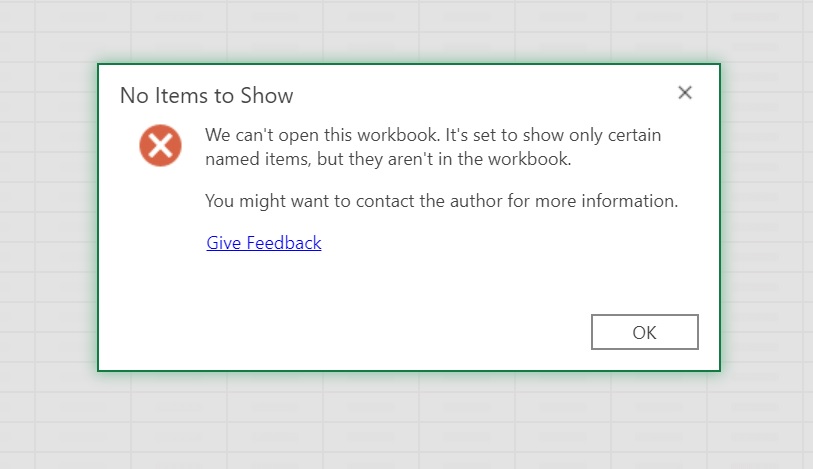
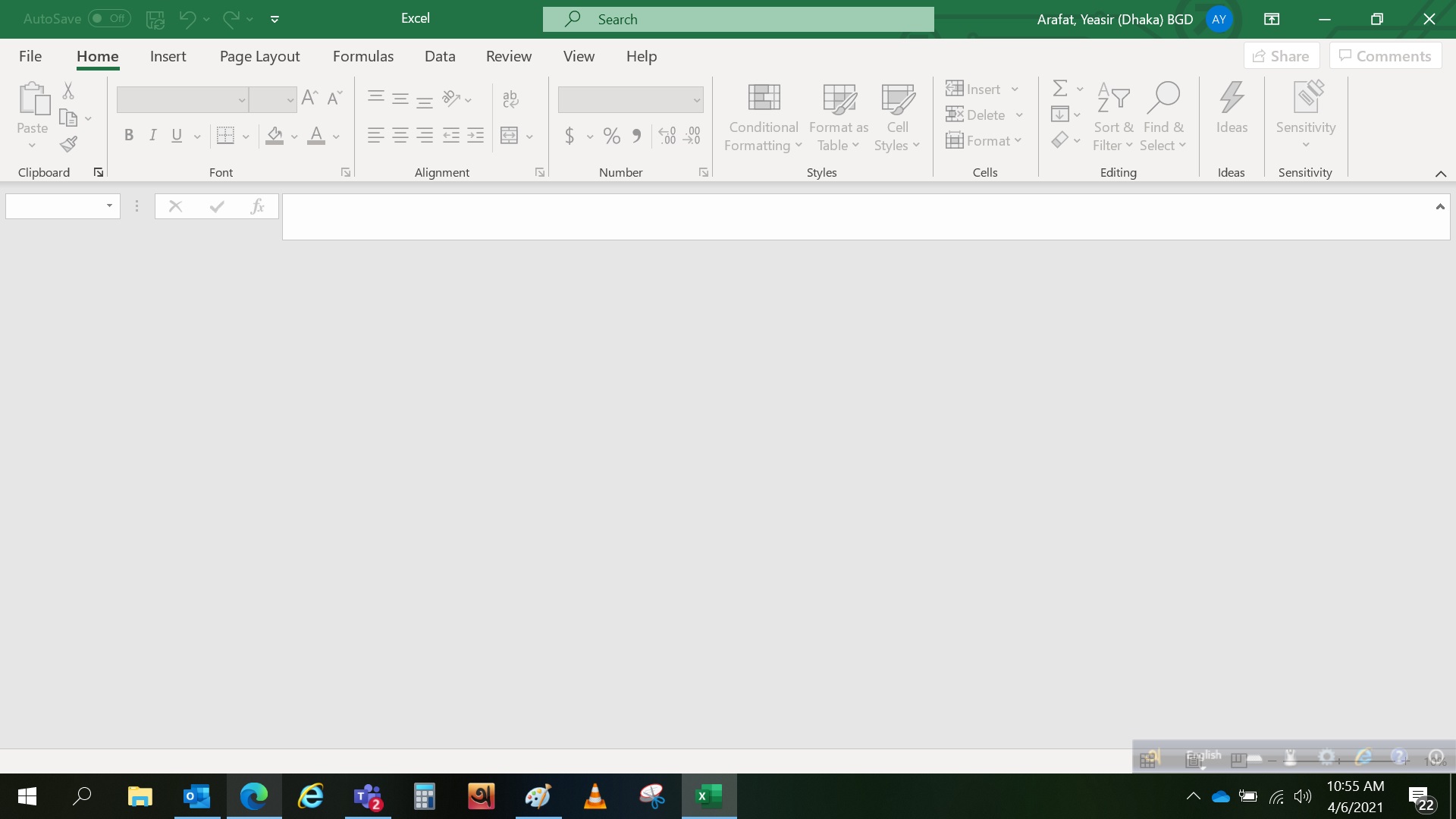
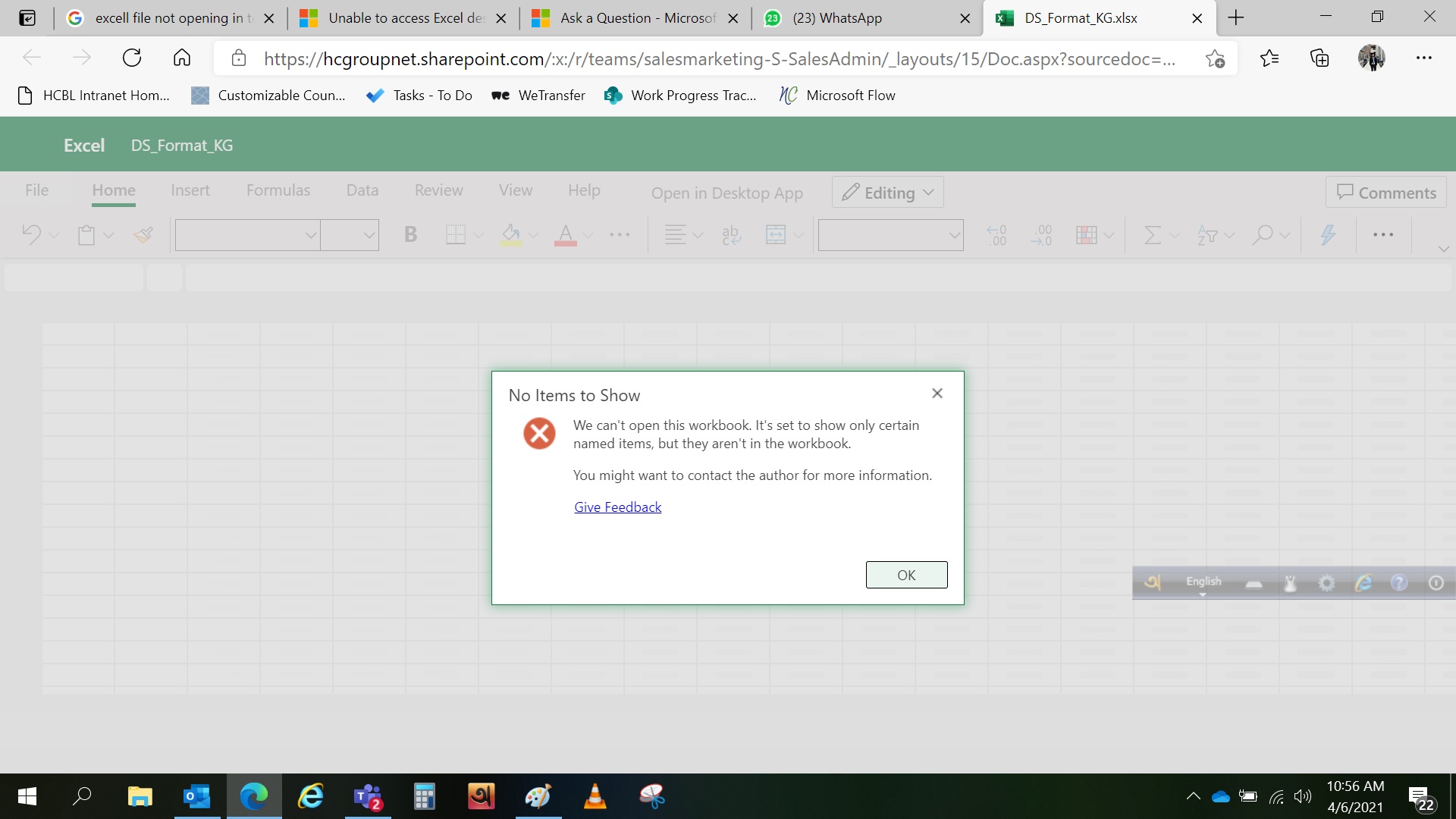
How can I open excel file in Teams while it shows "We can't open this workbook. It's set to show only certain named items, but they aren't in the workbook. You might want to contact the author for more information."? But the author himself also can't open the workbook! I used the file last evening and it was working fine. I made no changes in the file, just copied a table, that's it. I downloaded the file on my PC and tried to open but failed. Also tried to open it in SharePoint and via desktop app but did not work. Screenshots below-
Opened in Teams-
Opened in Excel desktop app-
Opened in browser-
Pls note this is a shared file and other users also couldn't open it.
Can anybody help pls? Thanks

@Arafat, Yeasir (Dhaka) BGD
As we are mainly responsible for Microsoft Teams, your question is more related to office. I will remove office-teams-windows-itpro and office-teams-app-dev tag. Thanks for your understanding.

Hi @Arafat, Yeasir (Dhaka) BGD
According to Murray H's reply in this thread, this error occurs as the entire workbook may have become hidden.
Please go to View tab and click Unhide to check this issue.
Any updates, please let me know.
If an Answer is helpful, please click "Accept Answer" and upvote it.
Note: Please follow the steps in our documentation to enable e-mail notifications if you want to receive the related email notification for this thread.
@Arafat, Yeasir (Dhaka) BGD
How is your issue going now?
' cx='32' cy='32' r='32' /%3E%3Ctext x='50%25' y='55%25' dominant-baseline='middle' text-anchor='middle' fill='%23FFF' %3ERR%3C/text%3E%3C/svg%3E)
@Erin Ding-MSFT , thank you for the helpful and problemsolving hint. Just one question: how can the entire workbook unintentionally become hidden?
Many thanks.
' cx='32' cy='32' r='32' /%3E%3Ctext x='50%25' y='55%25' dominant-baseline='middle' text-anchor='middle' fill='%23FFF' %3EGG%3C/text%3E%3C/svg%3E)
Thank you erinding-msft. I was facing the exact same issue. Your suggestion fixed it.
' cx='32' cy='32' r='32' /%3E%3Ctext x='50%25' y='55%25' dominant-baseline='middle' text-anchor='middle' fill='%23FFF' %3EJS%3C/text%3E%3C/svg%3E)
This is the solution. Thank you very much.
' cx='32' cy='32' r='32' /%3E%3Ctext x='50%25' y='55%25' dominant-baseline='middle' text-anchor='middle' fill='%23FFF' %3EGJ%3C/text%3E%3C/svg%3E)
Thanks! This helped me resolve an issue very quickly!
' cx='32' cy='32' r='32' /%3E%3Ctext x='50%25' y='55%25' dominant-baseline='middle' text-anchor='middle' fill='%23FFF' %3EMT%3C/text%3E%3C/svg%3E)
Hello
Can't edit anything in teams, i would like to know how to start editing again. When i click on excel sheet in team window pops up which says:
Can't open the workbook. We're sorry we couldn't open workbook. It's possibly corrupt or using a file format that's not supported. Open in desktop App. this will only open as read only. I can't edit or do anything.
I hope someone can asssit.
Tim