Exchange | Exchange Server | Management
The administration and maintenance of Microsoft Exchange Server to ensure secure, reliable, and efficient email and collaboration services across an organization.
This browser is no longer supported.
Upgrade to Microsoft Edge to take advantage of the latest features, security updates, and technical support.
' cx='32' cy='32' r='32' /%3E%3Ctext x='50%25' y='55%25' dominant-baseline='middle' text-anchor='middle' fill='%23FFF' %3EAH%3C/text%3E%3C/svg%3E)
Hello all,
Today I created user in AD then open ECP and create user mailbox as "Existing user" this normally step every day work, but today after created user and setup on outlook not sync anything and I showing something
This attached from user have a problem
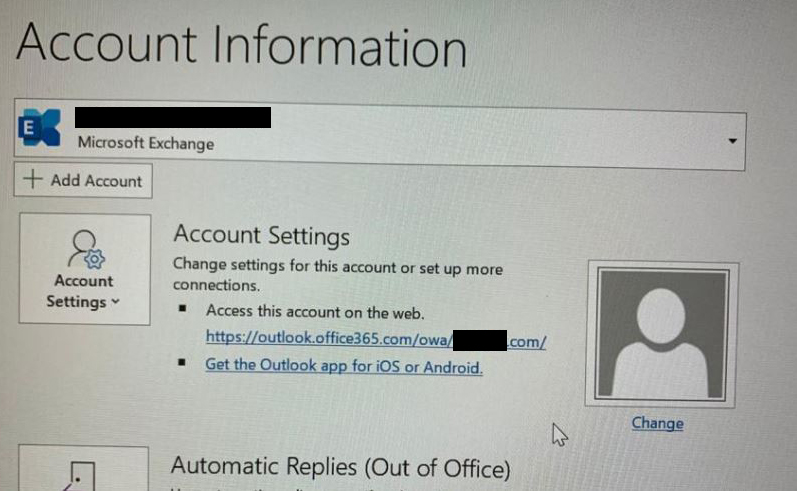
and this from normal user
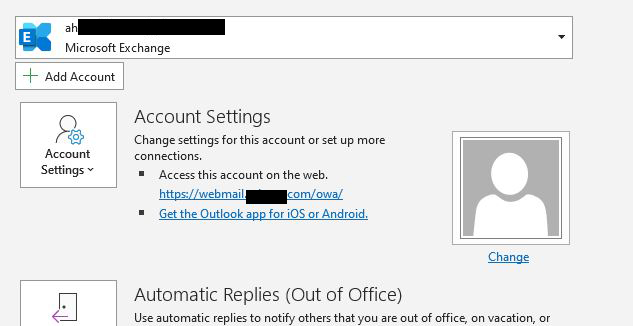
I try remove this user and make it again but the same, also try create test user he working fine.
I check virtual directory internal/external url
Exchange 2016 on-prem

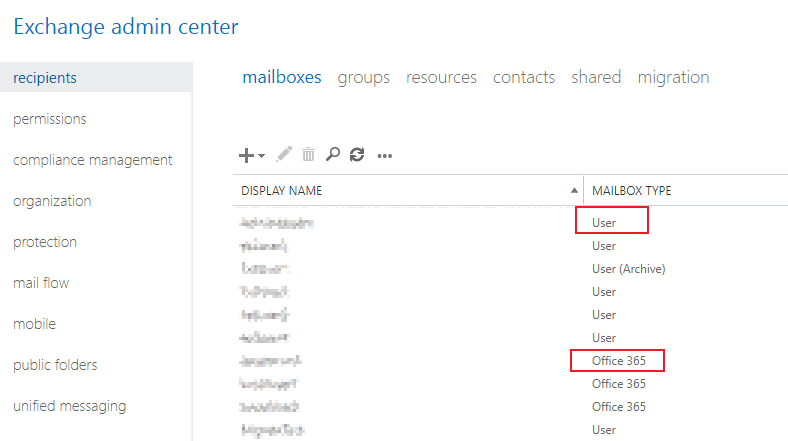
I think the mailbox that you used is an Office 365 mailbox rather than Exchange on-premises mailbox.
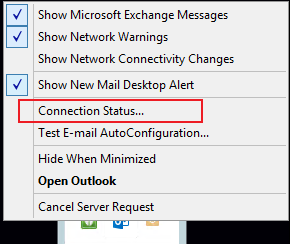
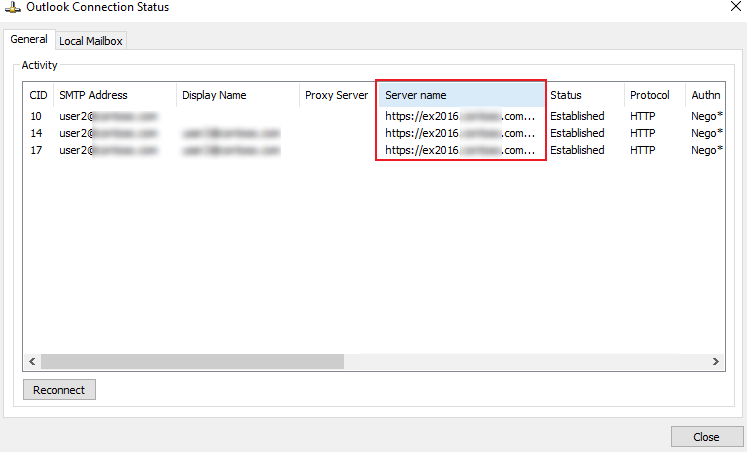
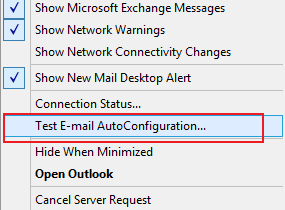
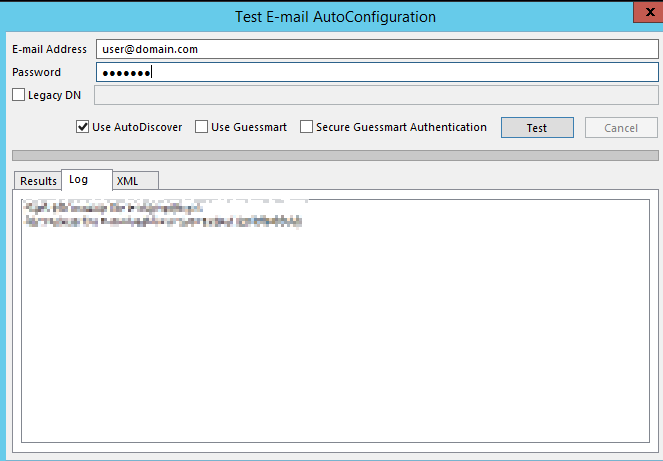
To narrow down it, I would confirm below information about you:
If the response is helpful, please click "Accept Answer" and upvote it.
Note: Please follow the steps in our documentation to enable e-mail notifications if you want to receive the related email notification for this thread.