Developer technologies | C#
An object-oriented and type-safe programming language that has its roots in the C family of languages and includes support for component-oriented programming.
This browser is no longer supported.
Upgrade to Microsoft Edge to take advantage of the latest features, security updates, and technical support.
' cx='32' cy='32' r='32' /%3E%3Ctext x='50%25' y='55%25' dominant-baseline='middle' text-anchor='middle' fill='%23FFF' %3EMI%3C/text%3E%3C/svg%3E)
Hi
I have a JSON file with the following information :
{
"WindowsCustomization": [
{
"id": 1,
"Item": "Disable Windows 10 Tablet Mode, Use desktop mode and Don't ask me and don't switch.",
"value": "True"
},
{
"id": 2,
"Item": "Show the touch keyboard when not in tablet mode and there's no keyboard attached.",
"value": "True"
}
]
}
I have a problem with Deserialize it using Newtonsoft and place the item value to the label text.
Is anybody can help me with this? Thanks in advance
Hi Daniel,
Many thanks for the help.
your codes work.
Thanks
' cx='32' cy='32' r='32' /%3E%3Ctext x='50%25' y='55%25' dominant-baseline='middle' text-anchor='middle' fill='%23FFF' %3EDZ%3C/text%3E%3C/svg%3E)
Hi @M Indra Ruslan ,
I am happy to help you solve the problem.
And if my answer is helpful, please click "Accept Answer" instead of your comment.
Best Regards,
Daniel Zhang
Hi MIndraRuslan-8520,
First, you need to create the class, which represents the data in JSON.
I created two classes: the WCustomizationis for the outer fields (WindowsCustomization) and a list of objects of type Item.
Here is my test code you can refer to.
private void Form1_Load(object sender, EventArgs e)
{
    string jsonFile = File.ReadAllText(@"C:\Users\Desktop\test.json");//change to your json file
    var json= JsonConvert.DeserializeObject<WCustomization>(jsonFile);
    label1.Text = json.WindowsCustomization[0].Item;
    label2.Text= json.WindowsCustomization[1].Item;

}
}
public class items
{
public int id { get; set; }
public string Item { get; set; }
public string value { get; set; }

}
class WCustomization
{

public List<items> WindowsCustomization { get; set; }
}
Best Regards,
Daniel Zhang
If the response is helpful, please click "Accept Answer" and upvote it.
Note: Please follow the steps in our documentation to enable e-mail notifications if you want to receive the related email notification for this thread.
Hi Daniel,
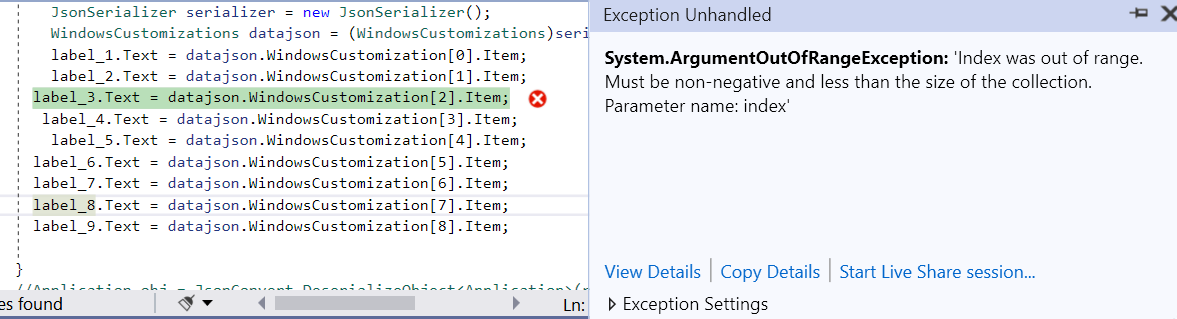
Thanks for your reply, but there is a problem. I got the following issue :
"System.ArgumentOutOfRangeException: 'Index was out of range. Must be non-negative and less than the size of the collection.
Parameter name: index'
Hi @M Indra Ruslan ,
The code is working well as follows:
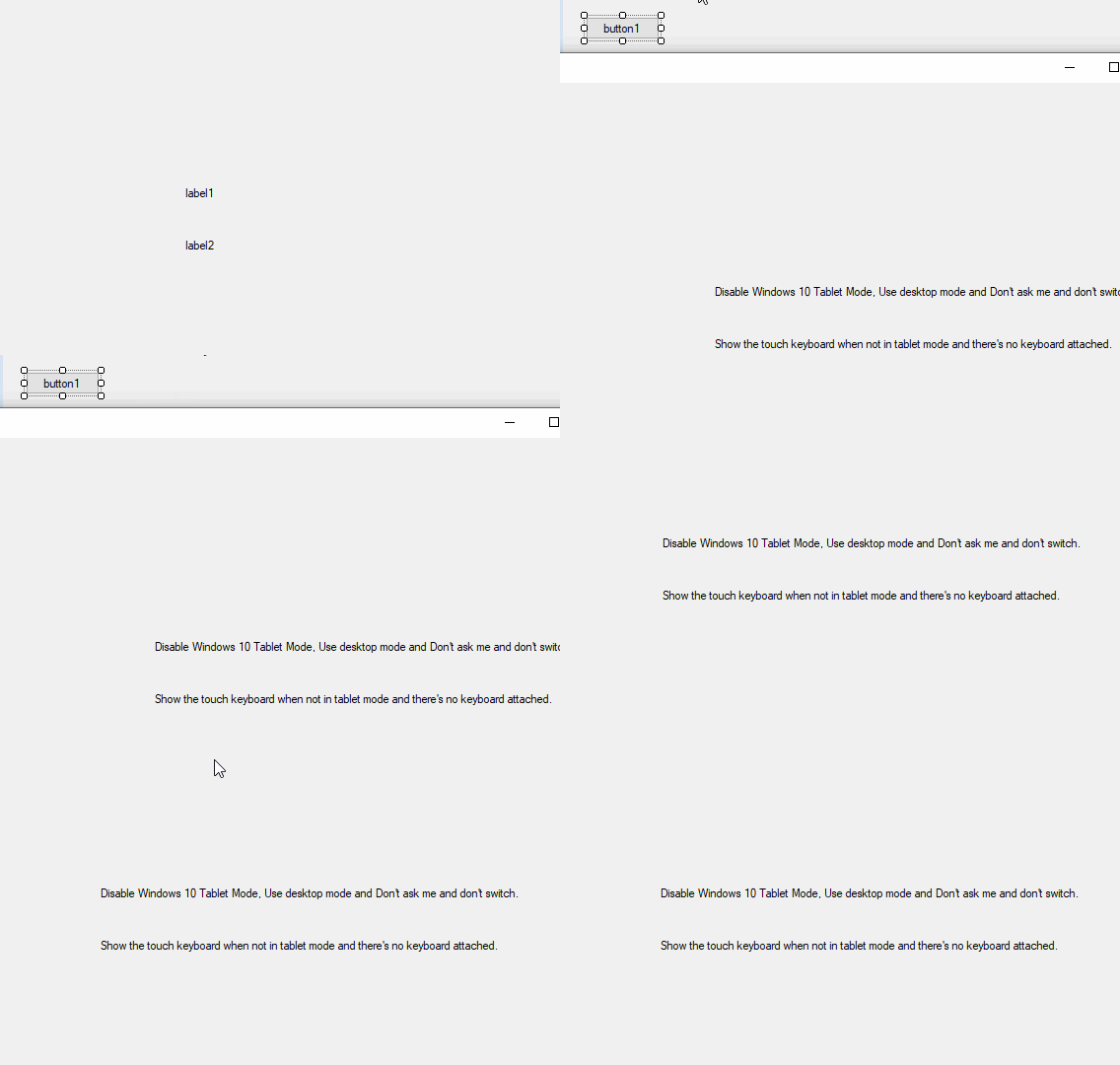
Which line of code did you encounter the error?
Please provide more information and some code to reproduce the situation.
Best Regards,
Daniel Zhang
Actually, there are 9 items, see the following image
Hi @M Indra Ruslan ,
I added items to my test.json and made a test.
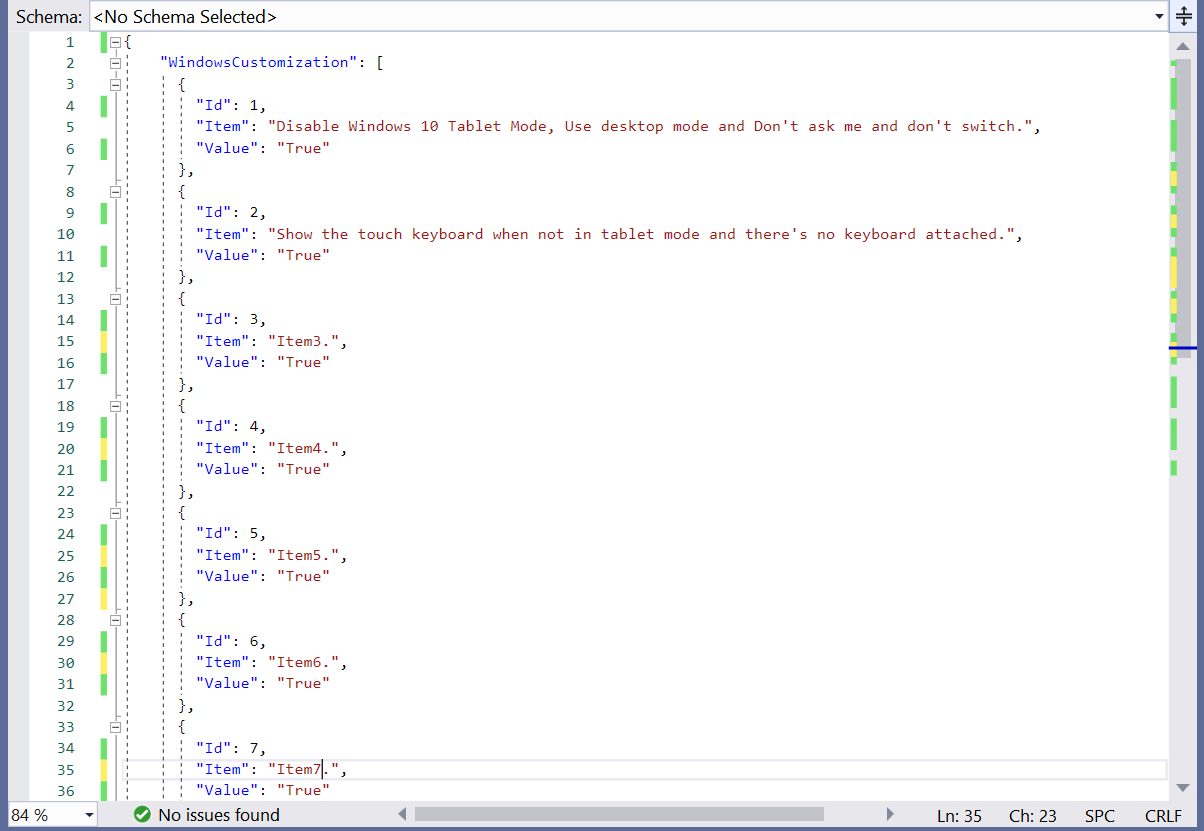
Here is my test.json file information.
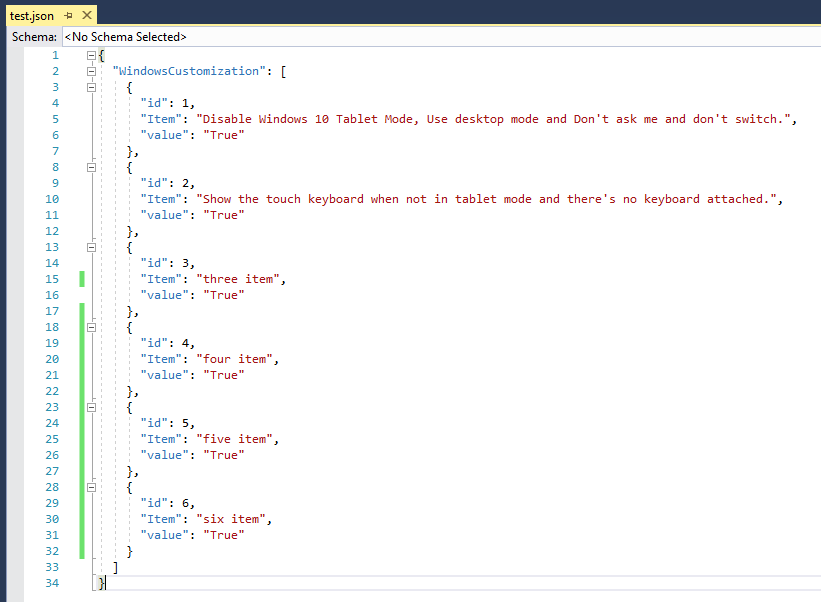
And test result:
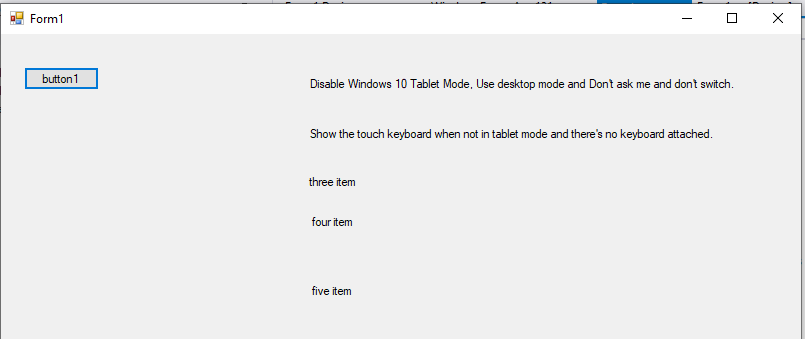
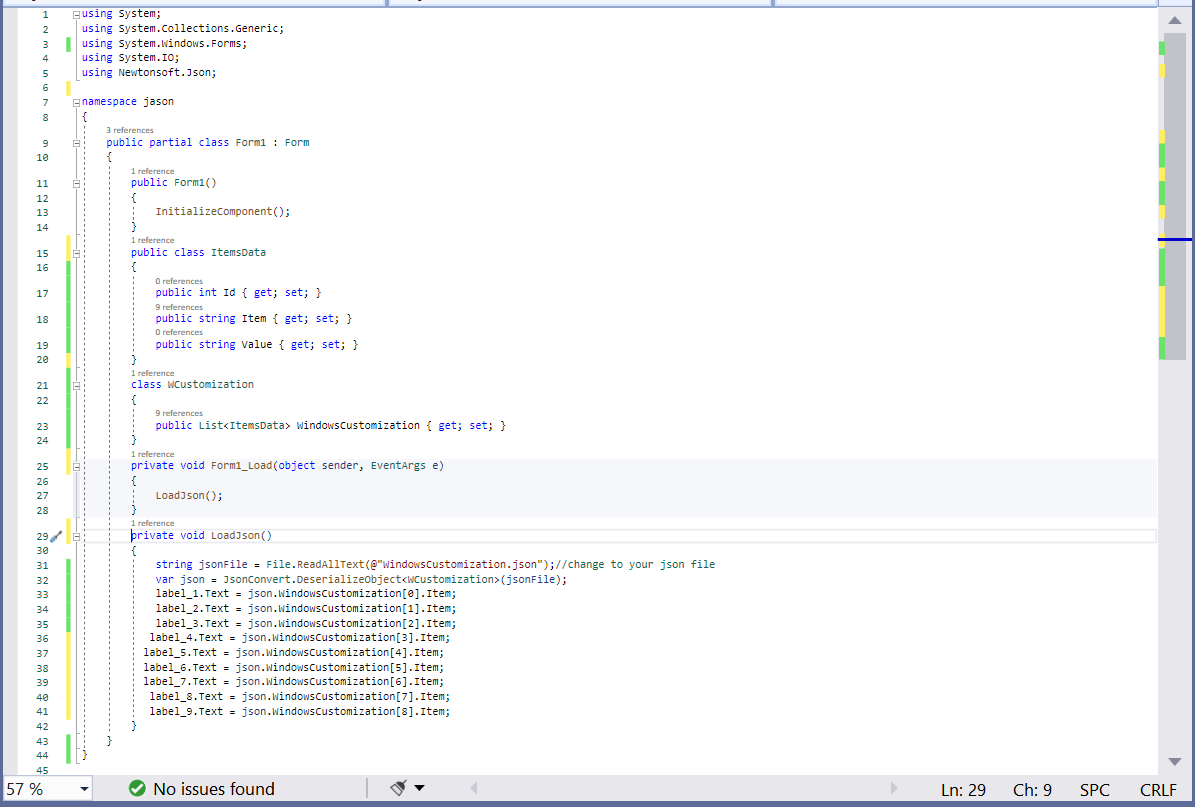
So does your json file contain nine items? Please provide specific information about your json file and code to reproduce the problem.
Best Regards,
Daniel Zhang
Hi Daniel,
Thanks for your help, please see the following information.
I post as well my code, thanks.