Developer technologies | Universal Windows Platform (UWP)
A Microsoft platform for building and publishing apps for Windows devices.
This browser is no longer supported.
Upgrade to Microsoft Edge to take advantage of the latest features, security updates, and technical support.
' cx='32' cy='32' r='32' /%3E%3Ctext x='50%25' y='55%25' dominant-baseline='middle' text-anchor='middle' fill='%23FFF' %3EA%3C/text%3E%3C/svg%3E)
https://learn.microsoft.com/ko-kr/windows/uwp/design/basics/xaml-basics-ui
If you enter the link above and want to display the item in gridview in paragraph 3 of part 2, open the source code of the main page and tell them to find the GetItemAsync method. But there isn't.
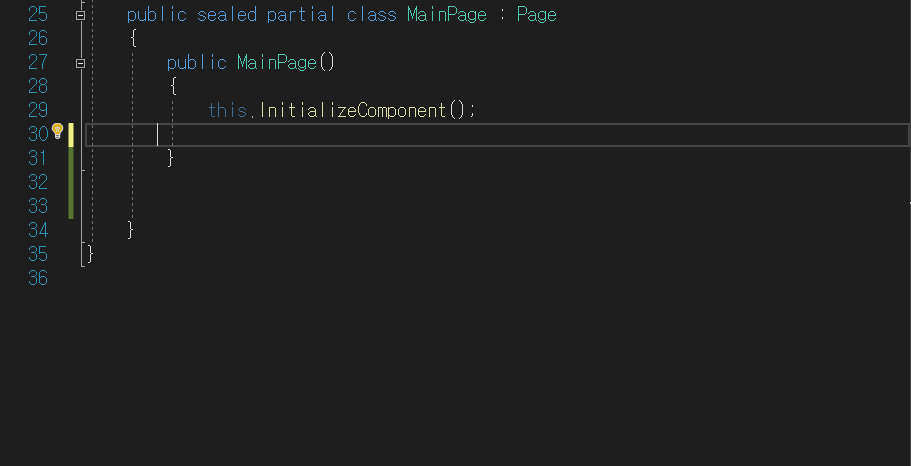

I see the method in the code in github. Maybe copy the code from github to your MainPage.xaml.cs. Not sure why it would be missing