Community Center | Not monitored
Tag not monitored by Microsoft.

This browser is no longer supported.
Upgrade to Microsoft Edge to take advantage of the latest features, security updates, and technical support.
' cx='32' cy='32' r='32' /%3E%3Ctext x='50%25' y='55%25' dominant-baseline='middle' text-anchor='middle' fill='%23FFF' %3EJS%3C/text%3E%3C/svg%3E)
Hello,
Full disclosure: I'm a newer user.
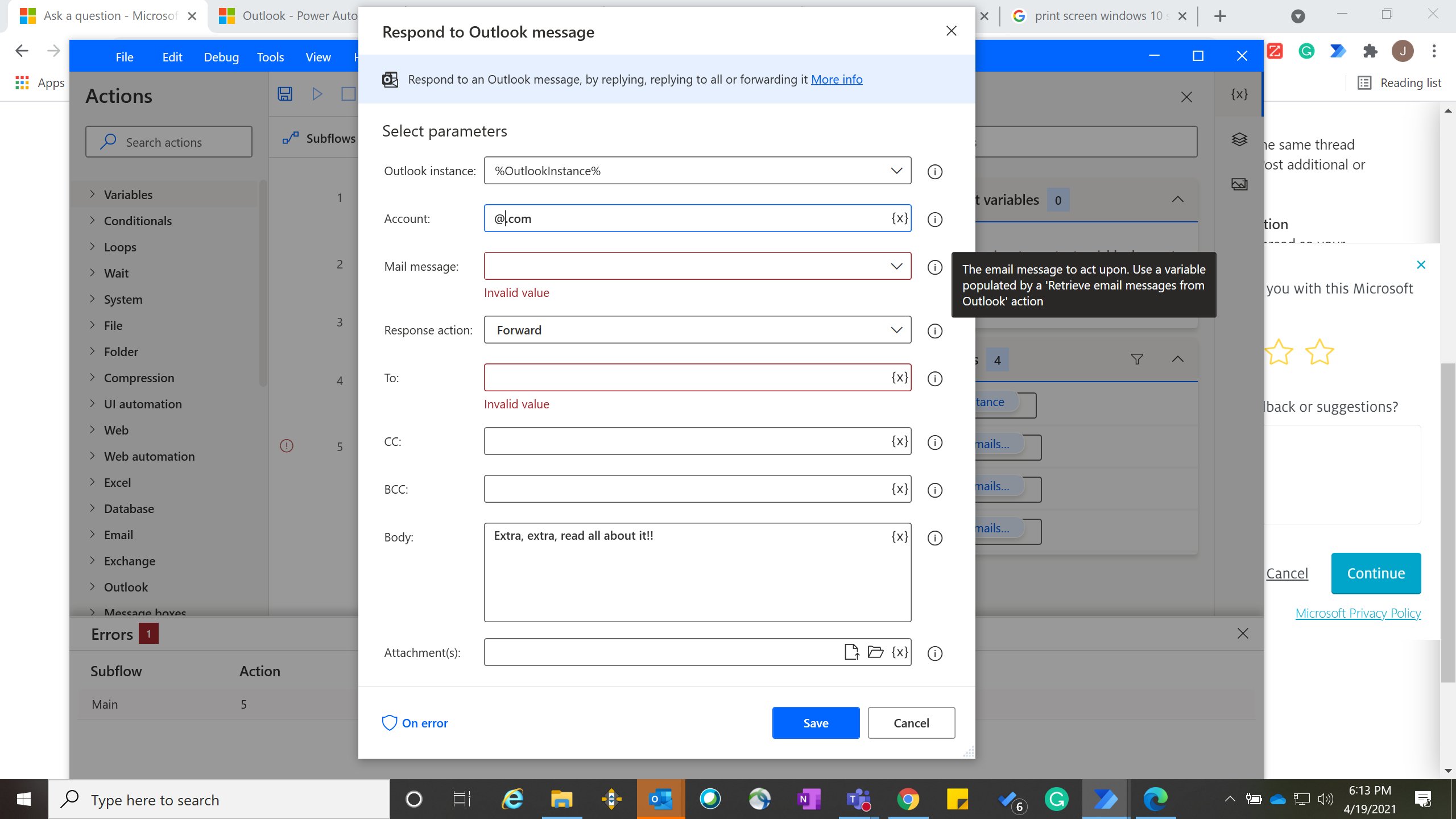
Goal: Using Power Automate's Outlook options, I'm trying to forward emails with certain keywords in the subject line to specific partners.
Challenge: I use the retrieve function to retrieve emails based on keywords, which creates associated variables. Then, when I try to then use the respond function based on the variable from the retrieve function, I get stuck on the 'Mail Message' parameter. It tells me I must use a variable from the retrieve function, but then the drop-down menu for 'Mail message' doesn't show anything (variable or otherwise), contrary to what the info box suggests.
I didn't find anything helpful online (yet) after a fair amount of searching.
Help would be appreciated! If I can figure this out, it'll help myself and other org colleagues adopt this technology :)

' cx='32' cy='32' r='32' /%3E%3Ctext x='50%25' y='55%25' dominant-baseline='middle' text-anchor='middle' fill='%23FFF' %3EA%3C/text%3E%3C/svg%3E)
Power automate is not currently supported here on QnA. The product group actively monitors questions in dedicated forums here.
https://powerusers.microsoft.com/t5/Microsoft-Power-Automate/ct-p/MPACommunity
--please don't forget to Accept as answer if the reply is helpful--
Thank you - posting there
Sounds good, you're welcome.