Developer technologies | Windows Forms
A set of .NET Framework managed libraries for developing graphical user interfaces.
This browser is no longer supported.
Upgrade to Microsoft Edge to take advantage of the latest features, security updates, and technical support.
' cx='32' cy='32' r='32' /%3E%3Ctext x='50%25' y='55%25' dominant-baseline='middle' text-anchor='middle' fill='%23FFF' %3ERR%3C/text%3E%3C/svg%3E)
Hello in my WinForms application i have this below program which helps to Go to next text box when enter key is pressed , But i am facing an issue here .
When I press enter key after I type something or without typing anything in first textbox it is going to next text box.
But if I type something accidentally and hit backspace to erase the first textbox content and if I press enter key then it is not moving to next textbox , Kindly help how to solve this issue.
private void Form1_Shown(object sender, EventArgs e)
        {
            try
            {
                foreach (Control control in Controls)
                {
                    if (control is TextBox textBox)
                    {
                        textBox.KeyDown += (s, ea) =>
                        {
                            if (ea.KeyCode != Keys.Enter) return;
                            ea.SuppressKeyPress = true;
                            SelectNextControl(ActiveControl, true, true, true, true);
                        };
                    }
                    else if (control is ComboBox comboBox)
                    {
                        comboBox.KeyDown += (s, ea) =>
                        {
                            if (ea.KeyCode != Keys.Enter) return;
                            ea.SuppressKeyPress = true;
                            SelectNextControl(ActiveControl, true, true, true, true);
                        };
                    }
                    else if (control is DateTimePicker dateTimePicker)
                    {
                        dateTimePicker.KeyDown += (s, ea) =>
                        {
                            if (ea.KeyCode != Keys.Enter) return;
                            ea.SuppressKeyPress = true;
                            SelectNextControl(ActiveControl, true, true, true, true);
                        };
                    }
                }
            }
            catch (Exception ex)
            {
                MessageBox.Show("Enter Failed:" + ex.Message.ToString(), "Enter",
                    MessageBoxButtons.OK, MessageBoxIcon.Error);
            }
        }
' cx='32' cy='32' r='32' /%3E%3Ctext x='50%25' y='55%25' dominant-baseline='middle' text-anchor='middle' fill='%23FFF' %3EDZ%3C/text%3E%3C/svg%3E)
Hi @Ramadas Ravikumar ,
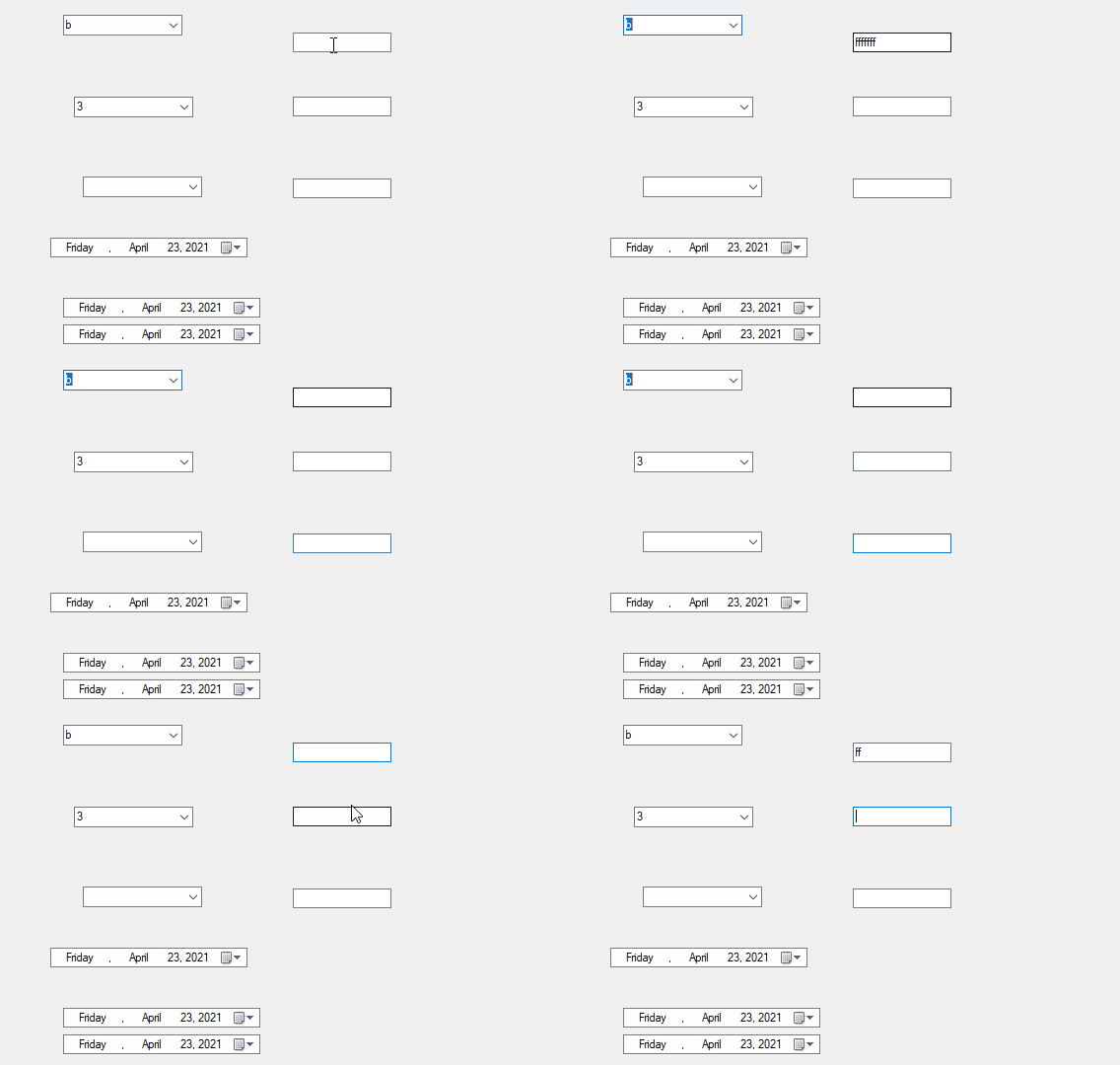
I added TextBox,ComboBox,DateTimePicker to form and made a test with your code.
It worked fine, so what details did I overlook?
Please explain in detail.
Here is test result:
Best Regards,
Daniel Zhang
@Daniel Zhang-MSFT Enter some text in the textbox , press backspace to clear all , then press enter and check whether it is moving to next control or not.
Hi @Ramadas Ravikumar ,
I cleared all text via backspace, and it also moved to next control.
Best Regards,
Daniel Zhang
Ohh Great ..now i think it is the problem from form design .. any idea why it is not working in my form???
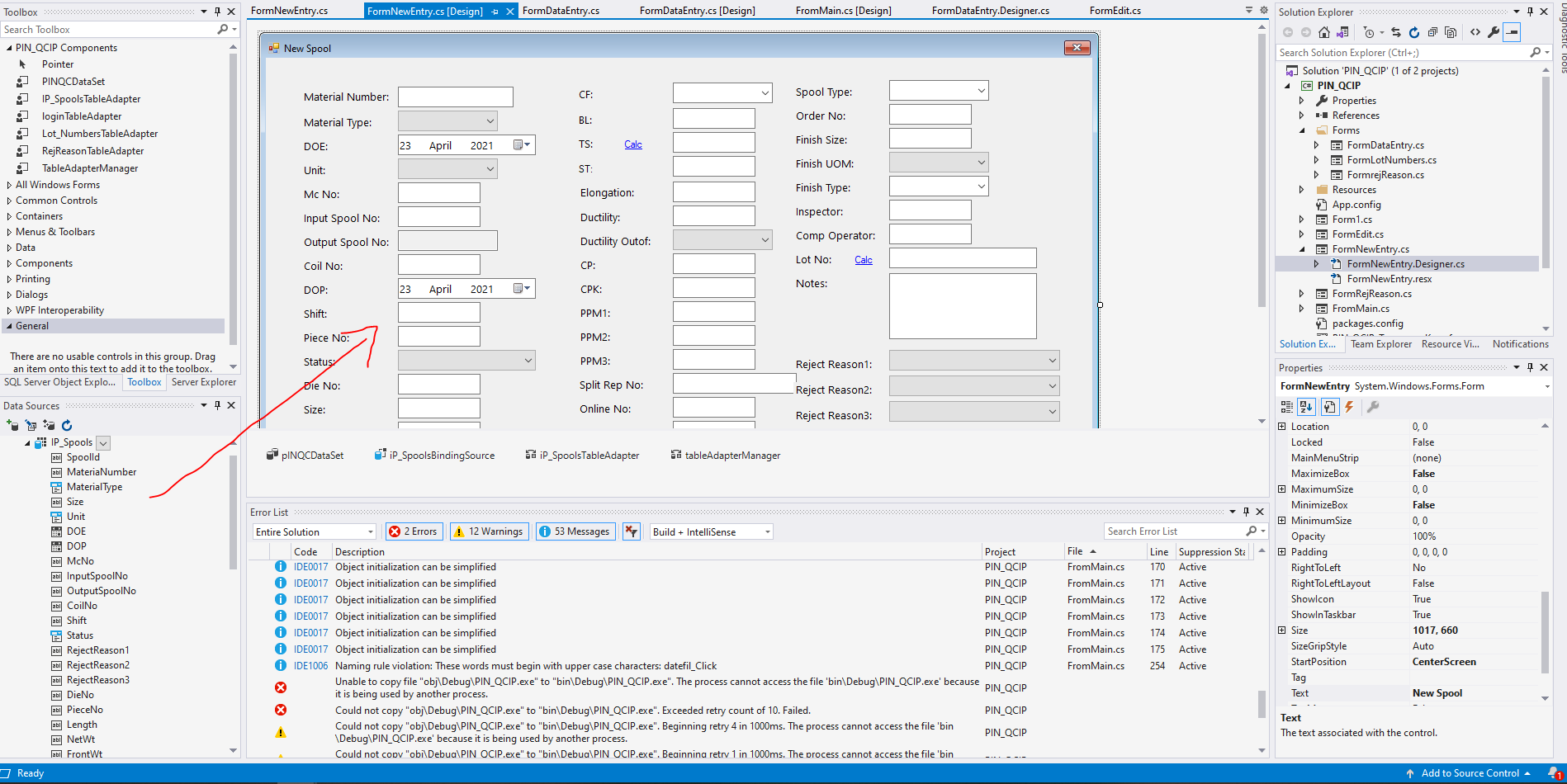
@Daniel Zhang-MSFT I now checked in depth , and i found out the problem is occuring because instead of adding textbox from toolbox , i have dragged the fields from Data source directly to form. So now how to solve this.?
Hi @Ramadas Ravikumar ,
Since I can’t reproduce your problem, I’m not sure what the specific cause is.
And my test environment is Visiual Studio Communtity 2019 and .NET Framework4.8.
I suggest you create a new project to check if the same problem occurs.
Best Regards,
Daniel Zhang
Hi RamadasRavikumar-2512,
I suggest you change the CausesValidation property of your fieldTextBox to false which suppresses validating and validated events.
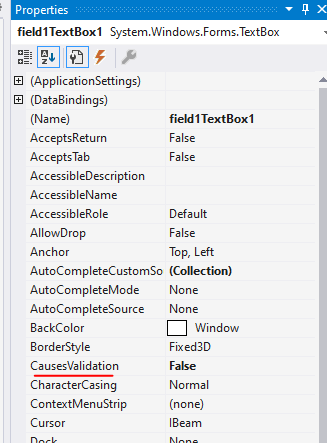
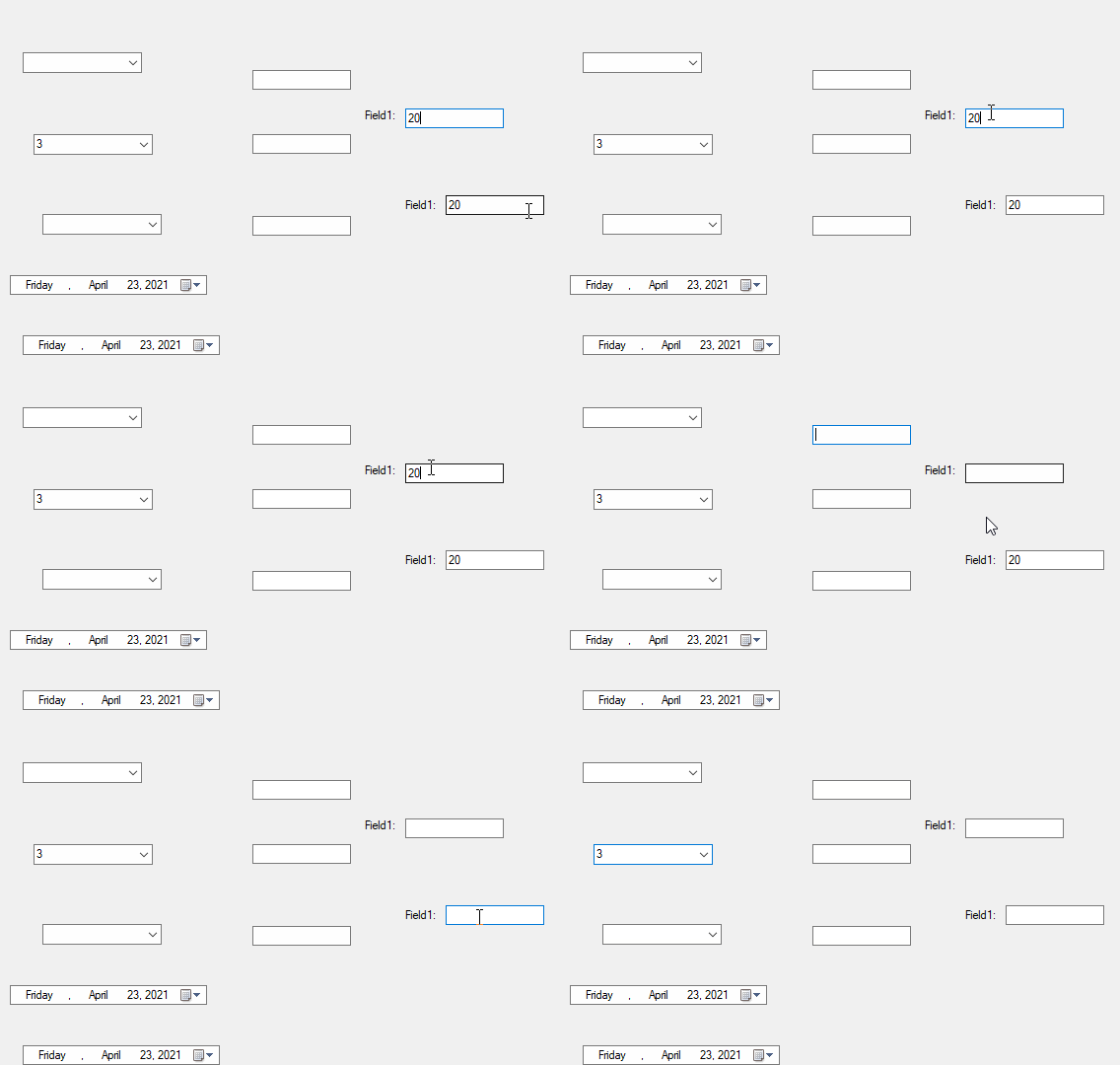
And I made a test, it worked fine.
The test result:
Best Regards,
Daniel Zhang
If the response is helpful, please click "Accept Answer" and upvote it.
Note: Please follow the steps in our documentation to enable e-mail notifications if you want to receive the related email notification for this thread.
@Daniel Zhang-MSFT thank you so much it worked!!!!..