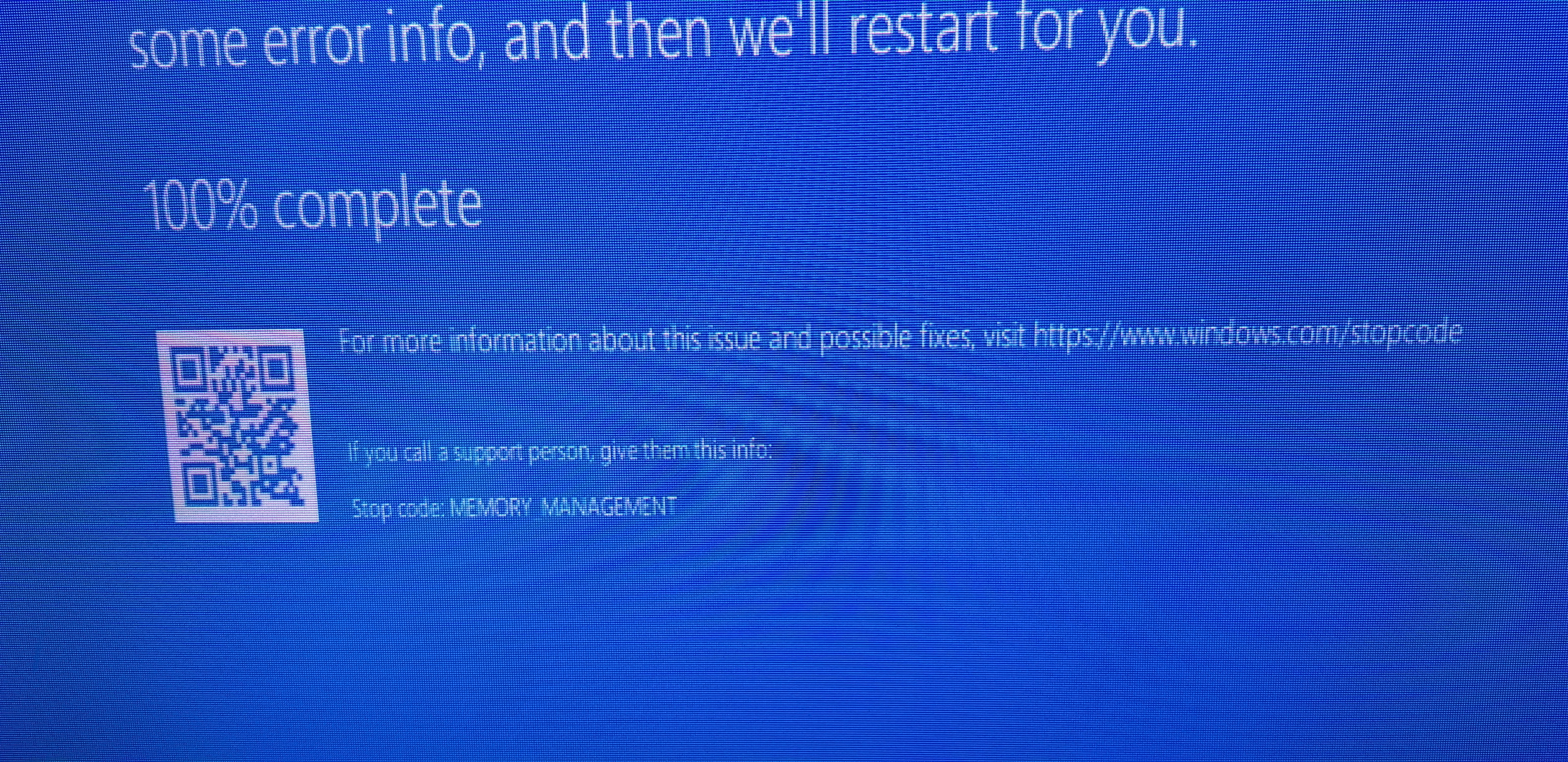
 Hi there, I recently dusted off my PC tower with some "Endust" after it had been sitting under a desk for about close to two years. I started up the computer and had a lot of windows updates to do. I sat there waiting as it updated. During the updates the computer would periodically crash and restart with the blue screen image I've attached. After all the updates finished, I still received this error periodically; or seemingly randomly, when i either was downloading something or had a few applications open. I've tried to troubleshoot this by looking online for any suggestions on the problem or solutions.
So here is the main reason why I'm asking this. When I was plugging my computer back in, I did put in a DDR4 Ram stick with 16GB of memory on it. It was one I hadn't used before as it was from a friend. This made for a total of three Ram sticks in the motherboard; it can have up to four installed. The first two were sticks I had been using since I built the PC, and both are DDR4 8GB. I followed a suggestion from this website by running a "Windows Memory Diagnostic" from the admin tools in the control panel. when the computer restarted, I checked the results, and it declared no errors were detected. So, I'd like to ask for some suggestions as to what else I could do to fix this issue or if I just have to remove the 16GB RAM stick from the situation entirely. I will also note I am still using Windows 10 if that helps.
I have seen a suggestion that recommended I do a "safe boot" to root out and specifically delete which drivers or updates might be causing this issue. However, I fear my knowledge on computers is not surgical or deep enough to pinpoint which driver or background from a long list of maybe more than 15 updates i did today; from amidst the even longer list of background processes, for me to correctly and safely excise if that is the problem in the first place. If any help can be provided it'd be greatly appreciated, and I can give updates if the computer continues to crash with the same error code.
' cx='32' cy='32' r='32' /%3E%3Ctext x='50%25' y='55%25' dominant-baseline='middle' text-anchor='middle' fill='%23FFF' %3EA%3C/text%3E%3C/svg%3E)
