Error 0x80190001

Reported
Anonymous
2025-02-20T05:38:49+00:00

My computer:
Device name DESKTOP-67UDQV3
Processor 12th Gen Intel(R) Core(TM) i7-1255U 1.70 GHz
Installed RAM 16,0 GB (15,8 GB usable)
Device ID 72391BA2-B2F5-41E9-99AD-9A76DF32C0F6
Product ID 00330-50912-59415-AAOEM
System type 64-bit operating system, x64-based processor

My system:
Edition Windows 10 Pro
Version 22H2
Installed on ‎27.‎10.‎2020
OS build 19045.5487
Experience Windows Feature Experience Pack 1000.19061.1000.0

My problem_1:
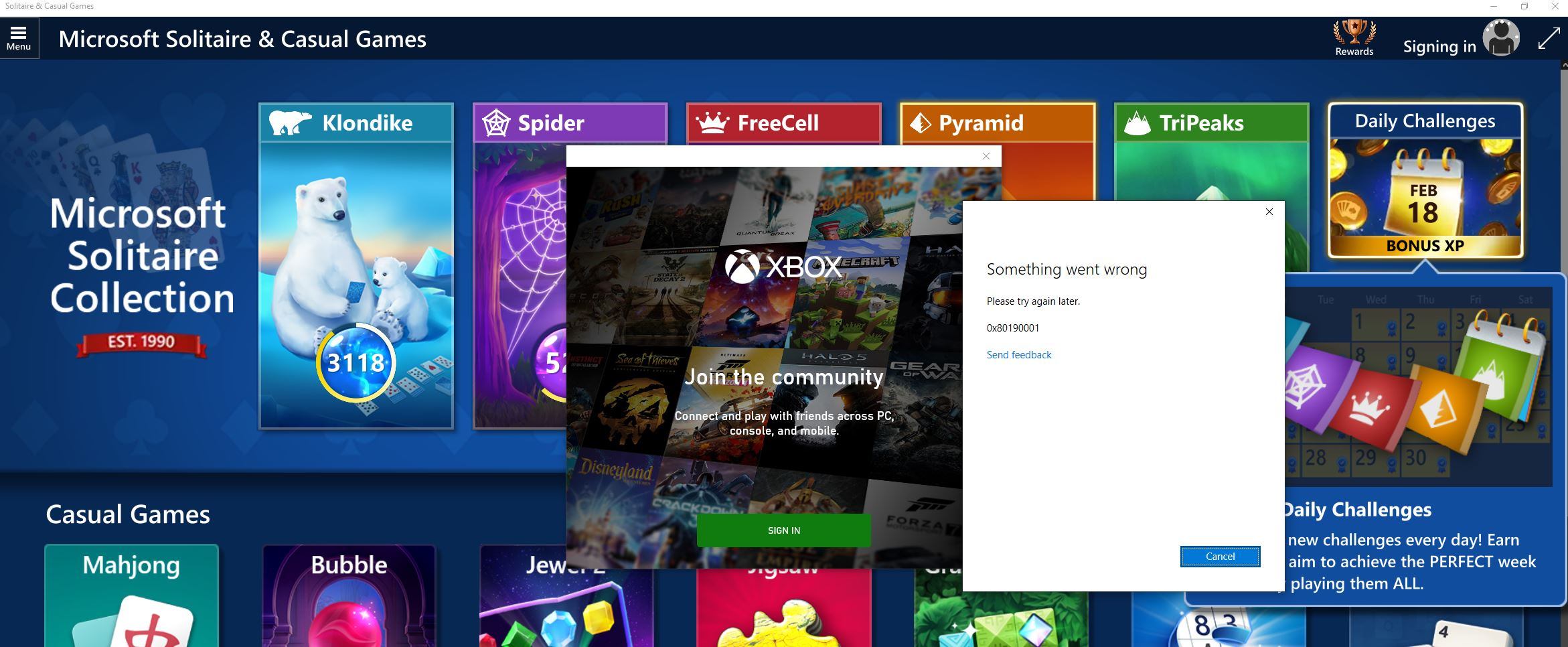
When I try to login I get the error 0x80190001

My problem_2:
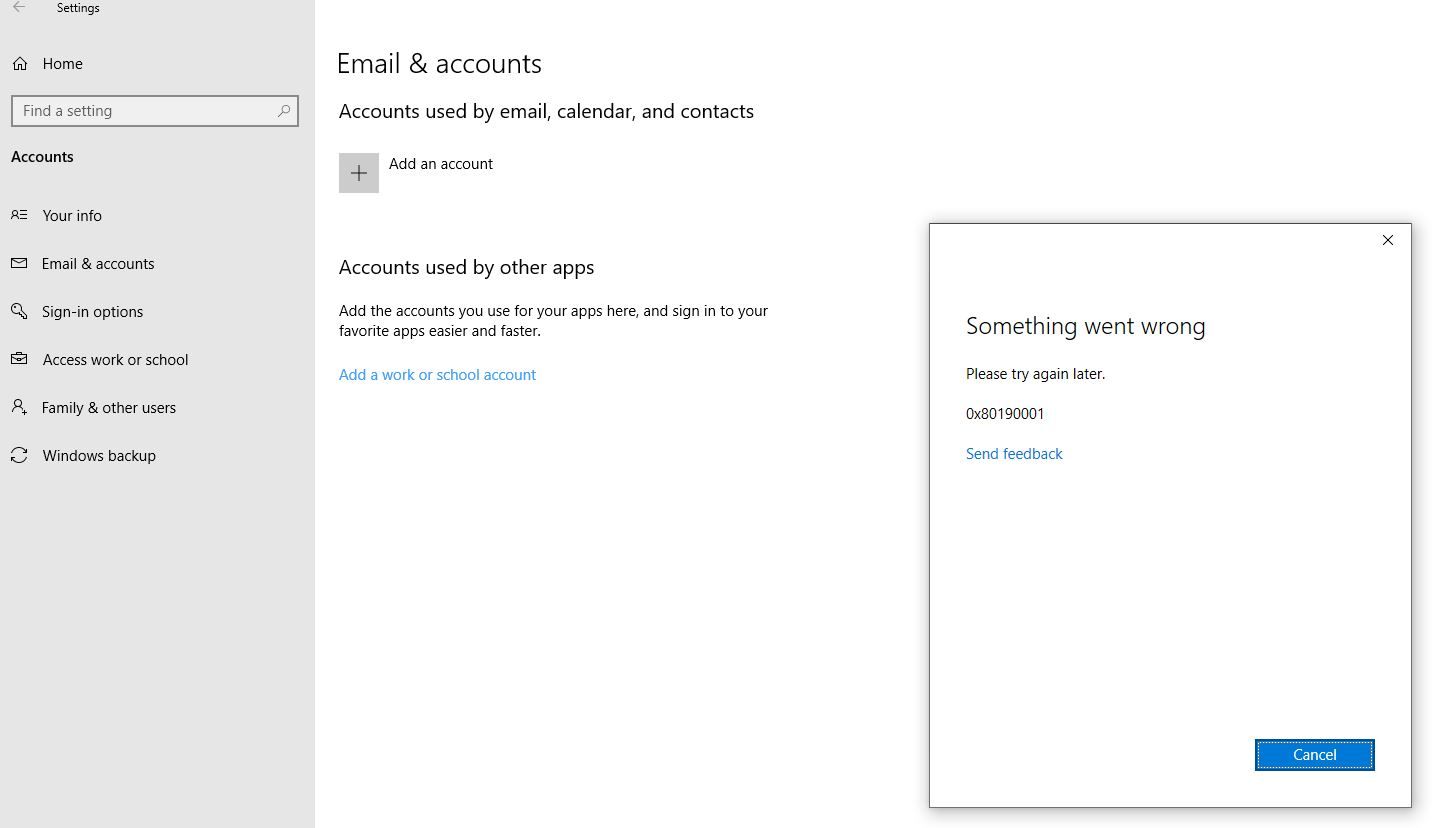
When I try to add an outlook.com account in 'Settings - Account - Email & accounts' I get the same error.

My problem_3:
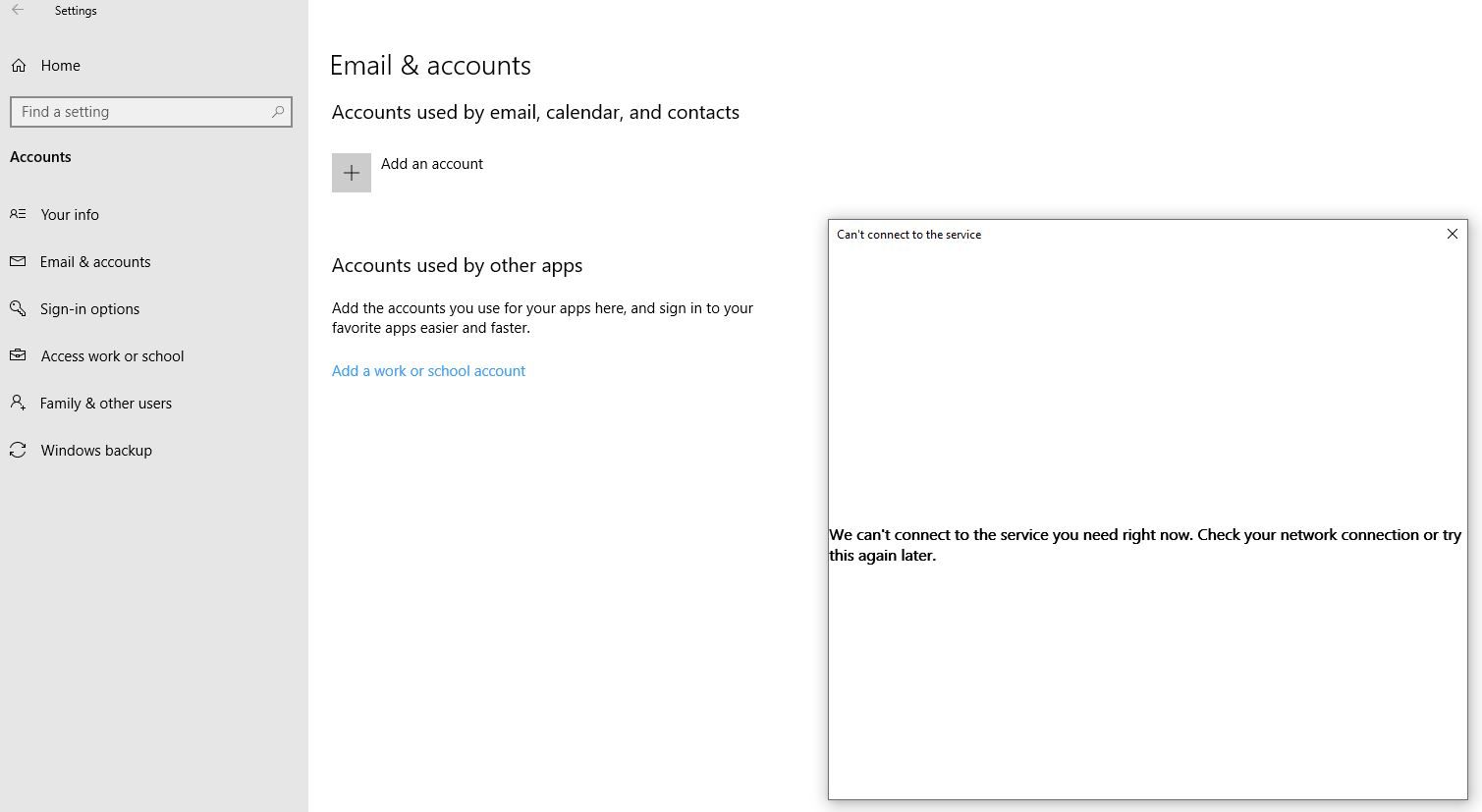
When I try to add a yahoo account in 'Settings - Account - Email & accounts' I get a error message, see below.

My problem_4:
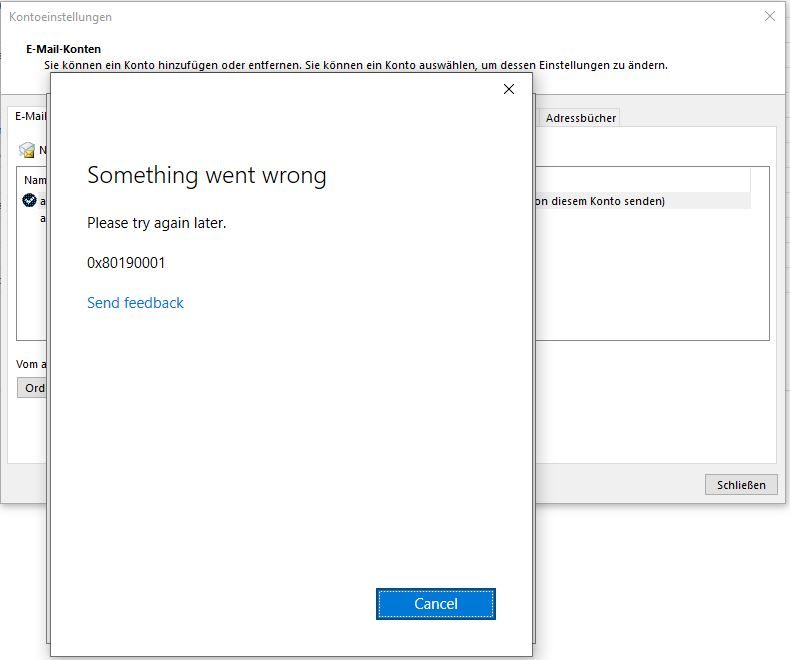
When I try to add a outlook.com e-mail account in my Outlook 2016 I get the error 0x80190001 too.


I think only my problem_3 shows what is wrong. The generic error 0x80190001 just may mean the same.

I would like to know what piece of software is missing, to install or to whitelist in my firewall. Do anyone have an idea what it may be?

But, folks, please, I do not want the usual suggestions like 'Switch off your firewall and try again' and if it not work try this or try that. I would like to know what piece of software is missing, to install or to whitelist in my firewall.

With best regards,

Andreas

Windows for home | Windows 10 | Internet and connectivity

Locked Question. This question was migrated from the Microsoft Support Community. You can vote on whether it's helpful, but you can't add comments or replies or follow the question.

0 comments No comments

10 answers

Sort by: Most helpful
  1. Renzo 2,390 Reputation points
    2025-02-20T07:33:41+00:00

    Hello! My name is Renzo, I'm here to help you with your error 0x80190001. Let's work together and sort this out.

    1. Check for Windows Update.
    2. Run Windows update troubleshooter under Windows Settings> System > troubleshoot>other troubleshoot > Windows Update
    3. Click on "run" and follow the onscreen instruction

    You can also reset the Windows Store by pressing Windows key + R and type wsreset.exe hit enter. Wait for the Store to load up again and check if the issue persists.

    I hope the above steps helped you. In case of additional questions, reach out back to me, and I will be happy to help and try my best to resolve your issue. Thank you.

    0 comments No comments
  2. Anonymous
    2025-02-20T08:20:31+00:00

    Hi Renzo,

    thanks for some more generic suggestions. The update stus of my computer is fine:

    After running wsreset.exe as an administrator I got

    Btw, my Windows Credentials are like that:

    What piece of software is missing, to white list in my firewall or to install?

    With best regards,

    Andreas

    0 comments No comments
  3. Renzo 2,390 Reputation points
    2025-02-20T09:10:43+00:00

    Thank you for trying the above instructions. Error code 0x80190001 on Windows 10, particularly when adding an account, usually indicates a problem with your network connection or potential interference from third-party software, often related to antivirus programs, causing issues with the account syncing process.

    Do you have any application that uses VPN?

    To isolate this, you can try restarting your computer in a clean boot state. This will disable all 3rd party applications while retaining the only necessary software for your computer to run. If the issue persist during the clean boot state, that means your operating system or a hardware is causing the issue.

    To do the clean boot state, follow the steps in this link. https://support.microsoft.com/en-us/topic/how-t...

    If problem doesn't occur in this state, on the clean boot instructions, enable applications 1 by 1 or in 2's to isolate the issue. Remove or repair the application when it occurs after enabling it.

    Let me know the results. Thank you.

    0 comments No comments
  4. Anonymous
    2025-02-21T05:42:32+00:00

    YES, I know what the error code 0x80190001 usually indicates in Windows 10. And NO, I do not use any VPN.

    When trying to add a yahoo account in Settings - Accounts - Email & Accounts I get the only one useful error message:

    "We can't connect to the service you need right now. Check your network connection or try this again later."

    Do you know which service that may be, so that I can whitelist it in my firewall?

    0 comments No comments
  5. Renzo 2,390 Reputation points
    2025-02-21T10:25:30+00:00

    Thank you for your response and I don't have any idea on what application/service that is. Only way for us to know is by isolating it via Clean Boot state as provided on the link above. Were you able to do it? Let me know if you have questions about that. Thank you

    0 comments No comments
