' cx='32' cy='32' r='32' /%3E%3Ctext x='50%25' y='55%25' dominant-baseline='middle' text-anchor='middle' fill='%23FFF' %3EHW%3C/text%3E%3C/svg%3E)


@hao wei
Hi,
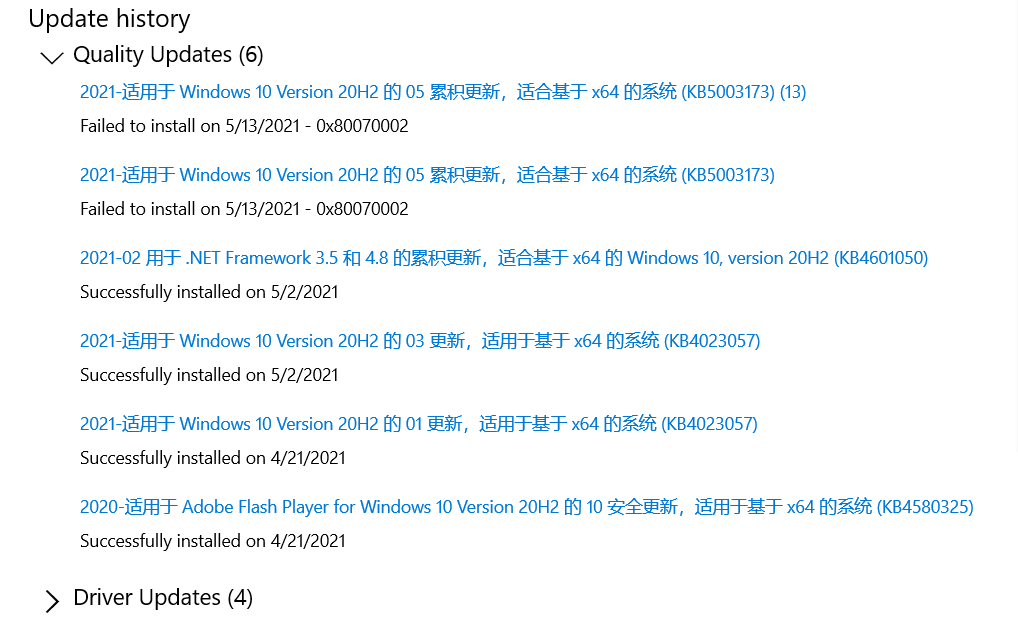
Some users have reported that the update fails to install for users who previously had uninstalled the new Microsoft Edge from Windows 10.
If so, the uninstaller deletes all of the associated files but leaves behind some empty folders.
The Windows 10 KB5003173 update includes the new Microsoft Edge and should reinstall the browser, these empty folders are causing the update to fail.
To fix this bug, Windows 10 users have two choices:
- Manually download and install Microsoft Edge again and install the Windows 10 KB5003173 update again.
- Delete the "C:\Program Files (x86)\Microsoft\Edge" folder and reinstall the Windows 10 KB5003173 cumulative update.
Hope above information can help you.
============================================
If the Answer is helpful, please click "Accept Answer" and upvote it.
Note: Please follow the steps in our documentation to enable e-mail notifications if you want to receive the related email notification for this thread.
' cx='32' cy='32' r='32' /%3E%3Ctext x='50%25' y='55%25' dominant-baseline='middle' text-anchor='middle' fill='%23FFF' %3EHW%3C/text%3E%3C/svg%3E)
