Microsoft 365 and Office | Install, redeem, activate | For business | Windows
Processes in Microsoft 365 for setting up Office apps, redeeming product keys, and activating licenses.

This browser is no longer supported.
Upgrade to Microsoft Edge to take advantage of the latest features, security updates, and technical support.
' cx='32' cy='32' r='32' /%3E%3Ctext x='50%25' y='55%25' dominant-baseline='middle' text-anchor='middle' fill='%23FFF' %3EAT%3C/text%3E%3C/svg%3E)
Hi
I have this problem since last week and it happened suddenly.
We use teams and we share files through this app here in the company.
We were also able to edit these files once we opened them from the desktop apps(word/excel) but it is impossible anymore.
They open as read only in the app and the only way to edit is to download the files or open them in browser.
It was working fine a couple of weeks ago and it is nonproductive now.
Any ideas how to fix it?

@AlexandeR TheGreaT
According to your description, I will change the more appropriate tag - office-itpro . Thanks for your understanding.

Hi @AlexandeR TheGreaT ,
Try to provide the version number of Office you're using, please go to File- Account as shown in the following picture:
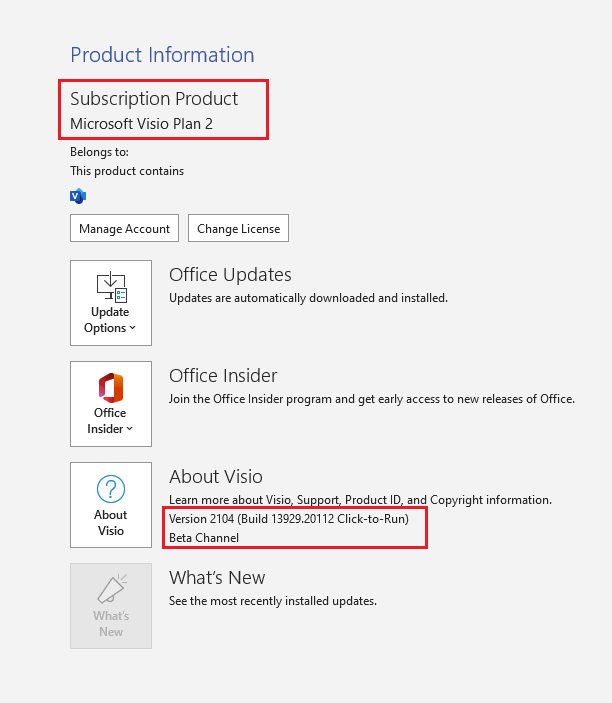
I cannot reproduce this problem in my environment, I suggest you check if this problem only appear in Teams, how about open from online and outlook attachment.
I also suggest you check if the sender can open without read-only mode.
Try to provide more information about this problem and I'm glad to help you.
If the response is helpful, please click "Accept Answer" and upvote it.
Note: Please follow the steps in our documentation to enable e-mail notifications if you want to receive the related email notification for this thread.
Thank you for the reply!
Here is the screenshot of a test .docx file that a user shared with me in teams.
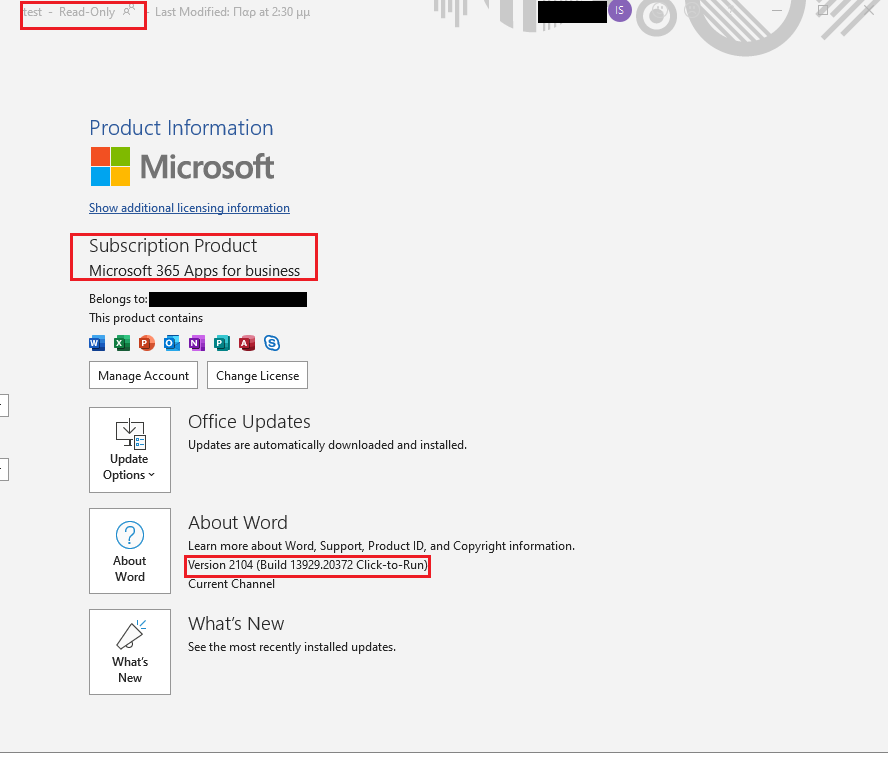
The same problem appears when opening from outlook attachment, as you said.
The sender can open and edit normally, I have tested myself.
I have tried quick and online repair of office and I have uninstalled both teams and the 365 suite but the problem persists.
Update:
I also noticed just now that older .docx files shared with me by various users in the past, open in edit mode.
So, as I understand this problem affects newer files.(?)