Azure Application Gateway
An Azure service that provides a platform-managed, scalable, and highly available application delivery controller as a service.
This browser is no longer supported.
Upgrade to Microsoft Edge to take advantage of the latest features, security updates, and technical support.
' cx='32' cy='32' r='32' /%3E%3Ctext x='50%25' y='55%25' dominant-baseline='middle' text-anchor='middle' fill='%23FFF' %3ETM%3C/text%3E%3C/svg%3E)
Hi Folks
We’ve deployed an Application Gateway with WAF and front-end Public IP in front of a Static Web App. The Static Web App has the default Azure assigned name (something.azurestaticapps.net) and the custom name of the application is abc.xyz.com. It’s an Azure-only environment, meaning there’s no AD DS (on-prem) and so AAD is used for authentication.
We’ve added custom domain (abc.xyz.com as TXT and www.abc.xyz.com as CNAME as per guidance here https://learn.microsoft.com/en-gb/azure/static-web-apps/custom-domain?wt.mc_id=azurestaticwebapps_inline_inproduct_general&tabs=azure-dns#add-domain-using-txt-record-validation)
The issue we’re facing is that when an Internet user browse for the app abc.xyz.com, after the authentication passes (so AAD is out of picture), the URL in the browser automatically changes to something.azurestaticapps.net:80 and it generates the following error:
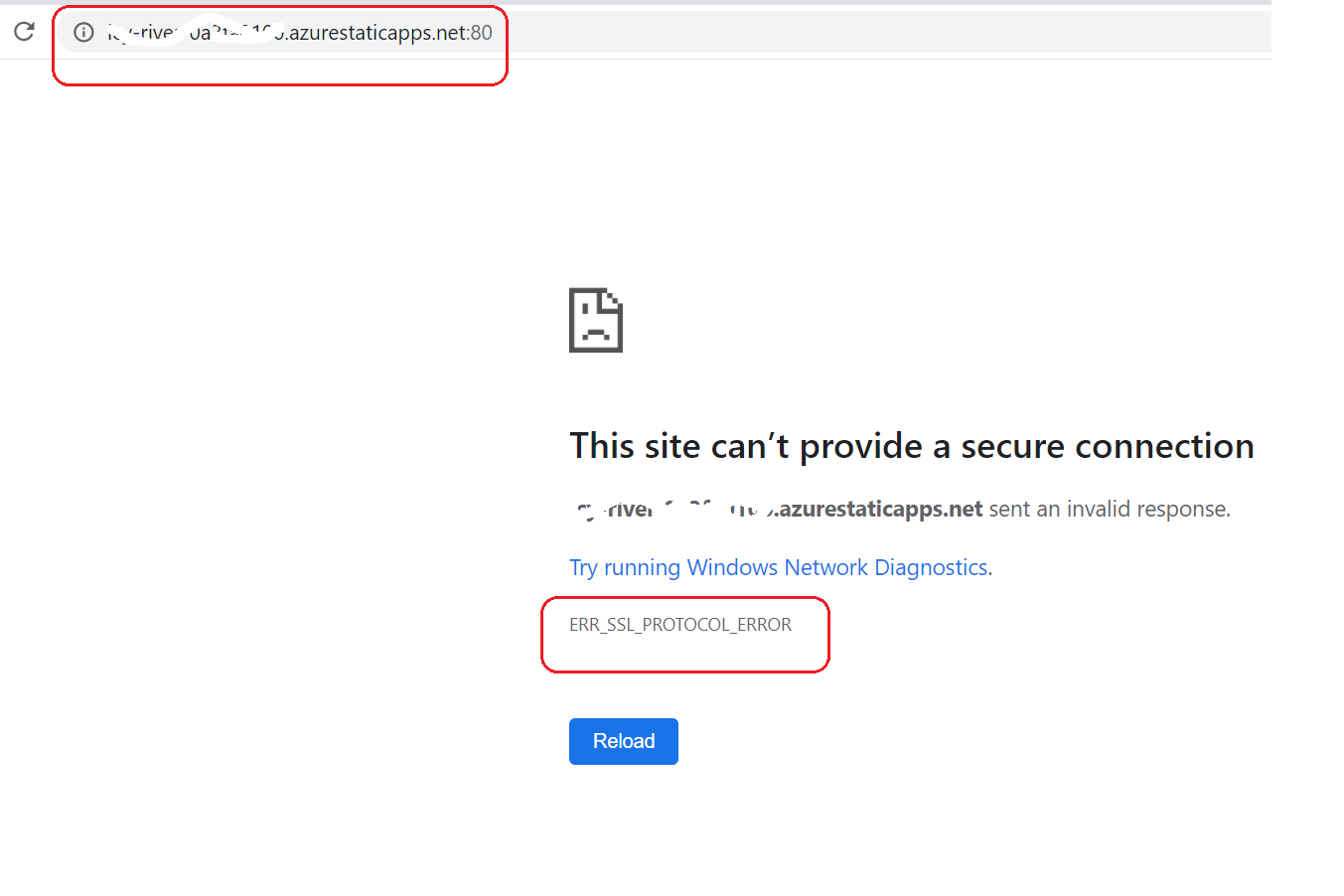
I’ve followed the guidance in the articles:
However, the issue still persists. Any pointers if someone has already seen / resolve this issue.
Thanks
Taranjeet Singh
' cx='32' cy='32' r='32' /%3E%3Ctext x='50%25' y='55%25' dominant-baseline='middle' text-anchor='middle' fill='%23FFF' %3EA%3C/text%3E%3C/svg%3E)
@Taranjeet Malik , Thanks for the great question with a detailed information of the issue.
I understand, you have already tried the suggestions outlined in the docs (you'd shared) 'Sample configuration' and 'Modify a redirection URL'. Typically, from what I have observed in most cases, the issue is due to misconfiguration- caused by rewrite URLs, hostname pick from the Backend, custom domain IP address mapping.
Having mentioned above, I have also noticed that you have raised a ticket with our support team on this ending with '064'. I'll follow-up on this internally for further investigation and keep you posted.
' cx='32' cy='32' r='32' /%3E%3Ctext x='50%25' y='55%25' dominant-baseline='middle' text-anchor='middle' fill='%23FFF' %3EVS%3C/text%3E%3C/svg%3E)
Hi i am facing the exact same issue and get ssl protocol error. Any help is appreciated.

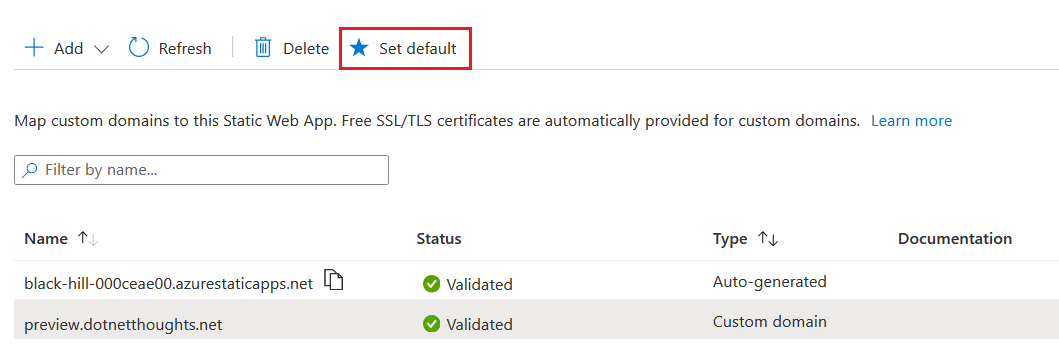
I am also facing the issue with SSL - In my scenario it is my machine's antivirus is causing the problem. Can you try setting the custom domain as the default one and check whether the issue persist?