Windows 11 safe mode resolution

Anonymous
2024-02-05T07:25:12+00:00

Hello,

last week, I performed clean Windows 11 installation over Windows 10. I installed some basic drivers (GPU, chipset) and programs (Firefox, steam, discord etc.).

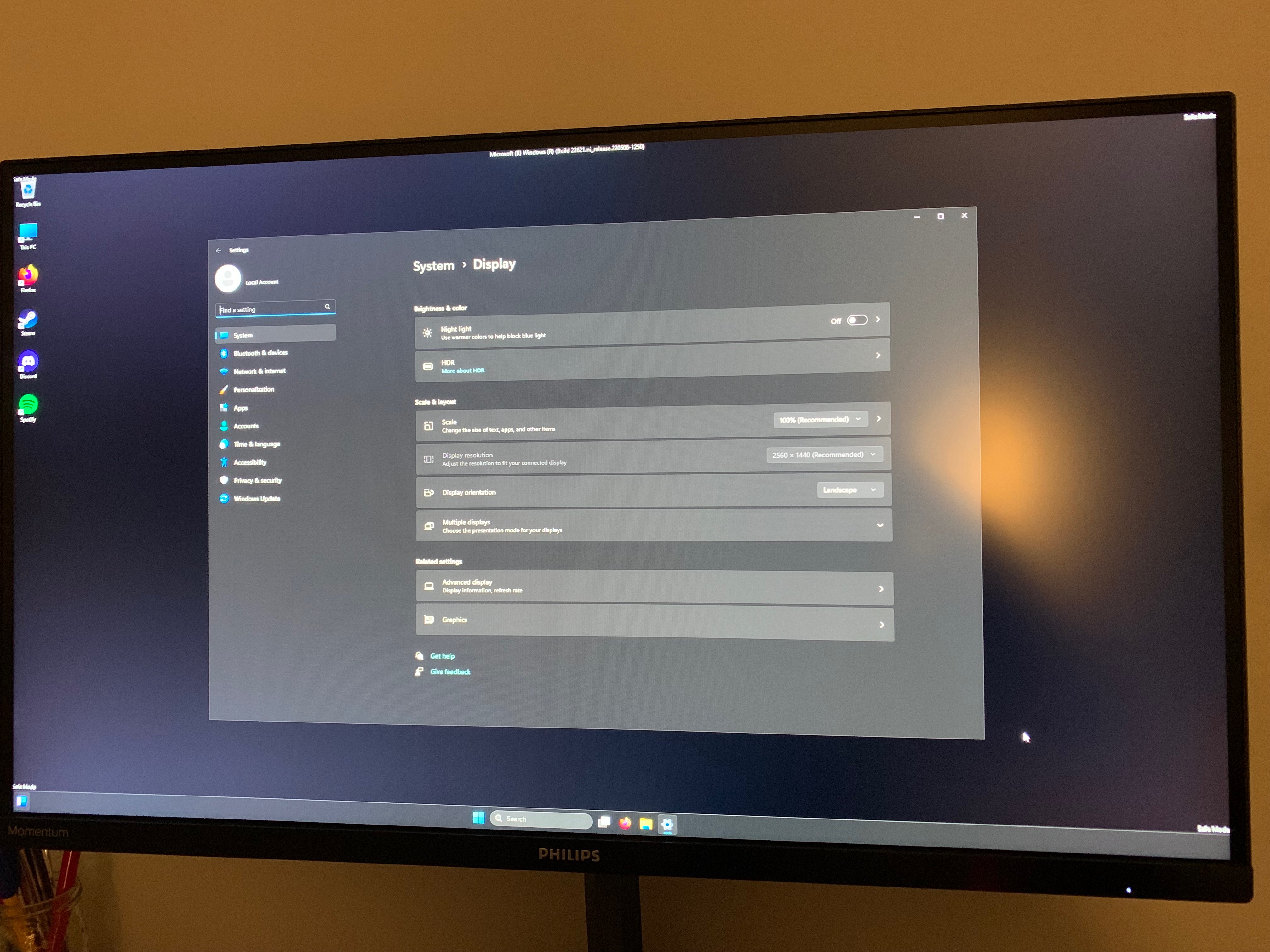
When I went to safe mode and noticed that it started up in native resolution of my monitor (2560x1440), which is weird, because safe mode has always been running in lower resolution. When I try to change the safe mode resolution, it is not possible as you can maybe see in the picture (sorry for the photo, I couldn’t start snipping tool).

Is this a normal setting in Windows 11 safe mode or this could be a sign of a driver malfunction?

Thank you for your help.

Win 11 version: 23H2

OS build: 22631.3085

Windows for home | Windows 11 | Display and graphics

Locked Question. This question was migrated from the Microsoft Support Community. You can vote on whether it's helpful, but you can't add comments or replies or follow the question.

0 comments No comments
{count} votes
Answer accepted by question author
  1. Anonymous
    2024-02-05T07:58:14+00:00

    Hi, I am Dave, I will help you with this.

    In Safe Mode, the graphics drivers are not loaded, the generic Windows display driver is usually loaded instead, it is unusual for your screen to have full resolution in Safe Mode, but nothing to worry about, it that causing any problems for you?

    1 person found this answer helpful.
    0 comments No comments

2 additional answers

Sort by: Most helpful
  1. Anonymous
    2024-02-05T08:17:53+00:00

    Hi Dave,

    thank you for the prompt reply.

    No problems at all, just want to be sure this is okay.

    Have a nice day.

    0 comments No comments
  2. Anonymous
    2024-02-05T08:19:47+00:00

    Glad to help!

    0 comments No comments
