
and this i forgot to send
This browser is no longer supported.
Upgrade to Microsoft Edge to take advantage of the latest features, security updates, and technical support.
' cx='32' cy='32' r='32' /%3E%3Ctext x='50%25' y='55%25' dominant-baseline='middle' text-anchor='middle' fill='%23FFF' %3EA%3C/text%3E%3C/svg%3E)
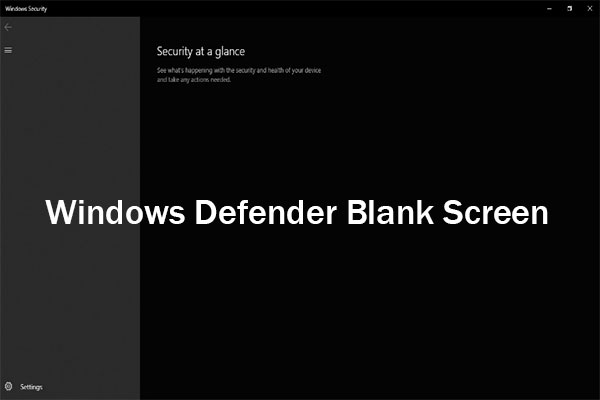
My run vbs file is missing and its always having a pop up when i start my laptop and i were also unable to reseet my pc and the windows security center cant be turned on or its just shows all black and shows nothing and for some reasons i cannot send the screenshots so i will find some images in google


Locked Question. This question was migrated from the Microsoft Support Community. You can vote on whether it's helpful, but you can't add comments or replies or follow the question.
and this i forgot to send
it says due to some kind of a restriction of my laptop i cannot install it

The Farbar downloads are working.
You can also try at https://www.majorgeeks.com/files/details/farbar_recovery_scan_tool_64_bit.html
it says error 404
Please share Farbar Recovery Scan Tool (FRST) logs. We need to ensure all the malware is removed before repairing Windows Defender.
https://www.bleepingcomputer.com/download/farbar-recovery-scan-tool/
Note: If you are downloading FRST with Edge, smartscreen will initially block it.
Click on the 3 dots next to the warning and select Keep-> Show more-> Keep anyway.