Hi
I have a long-going issue maybe since time I've updated my hardware but kept the old Windows 10.
My old rig was: ASUS B85M-G / 4770K / 16Gb 1600Mhz / R9 280
My new is MSI B550M Mortar MAX Wi-Fi / 5600X / 32Gb 3600Mhz (XMP1) / RTX 3060
My PC never shuts down or sleeps by itself, but when I DO put it to sleep (or it goes to sleep by the timeout) is occasionally - about 50-75% the time - simply turns off the screen while still being powered on. In other words, the OS is off but the mobo itself is still running for about 3-5 minutes and then it finally powers off completely. The OS of course sees it as an unexpected shutdown - it wanted to go to sleep, not to be killed - hence the following errors in a descending order, from last to first:
| 1 |
Error |
10/10/2023 17:01:43 |
BugCheck |
1001 |
None |
| 2 |
Error |
10/10/2023 17:01:33 |
Eventlog |
1101 |
Event processing |
| 3 |
Critical |
10/10/2023 17:01:22 |
Kernel-Power |
41 |
(63) |
| 4 |
Error |
10/10/2023 17:01:32 |
EventLog |
6008 |
None |
And the general for each one:
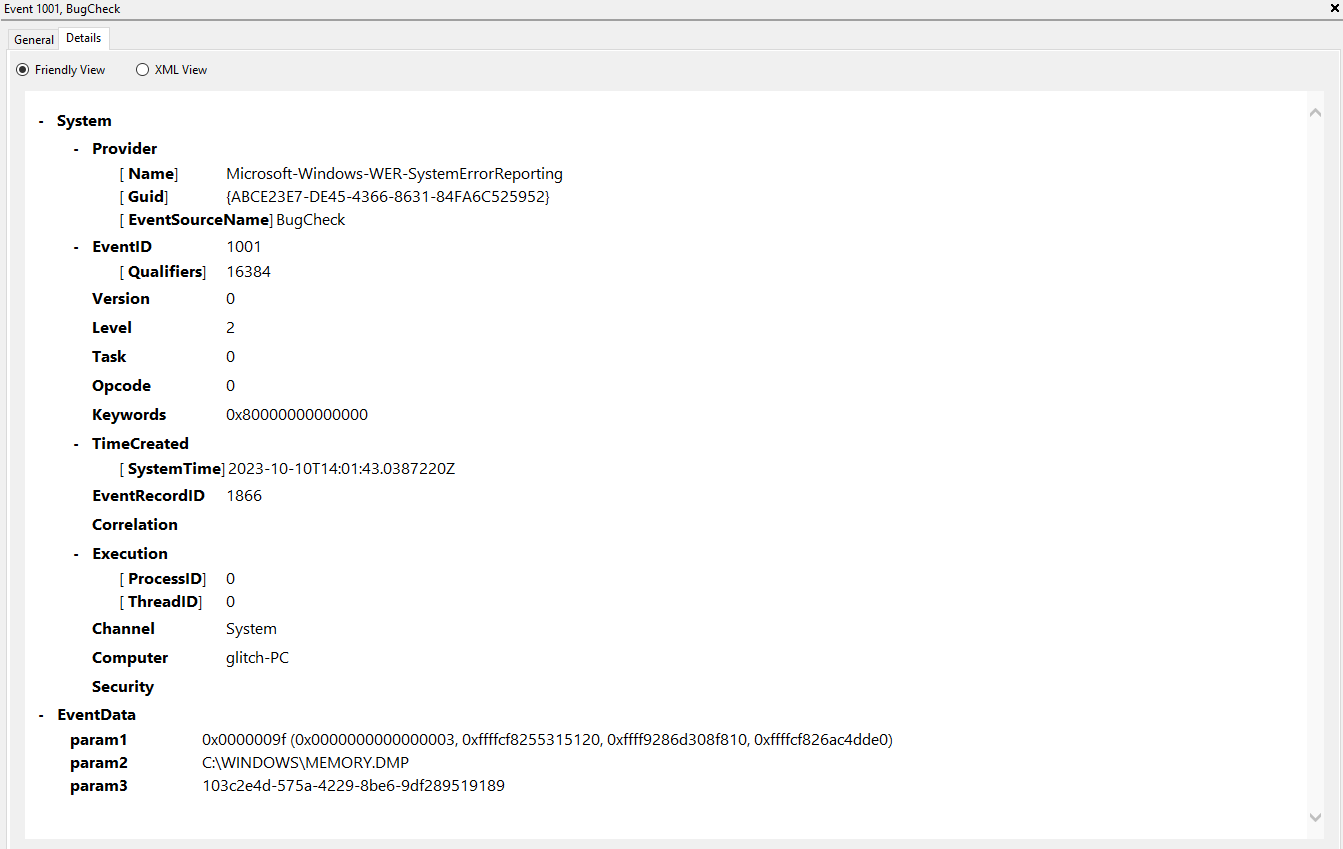
- The computer has rebooted from a bugcheck. The bugcheck was: 0x0000009f (0x0000000000000003, 0xffffcf8255315120, 0xffff9286d308f810, 0xffffcf826ac4dde0). A dump was saved in: C:\WINDOWS\MEMORY.DMP. Report Id: 103c2e4d-575a-4229-8be6-9df289519189.
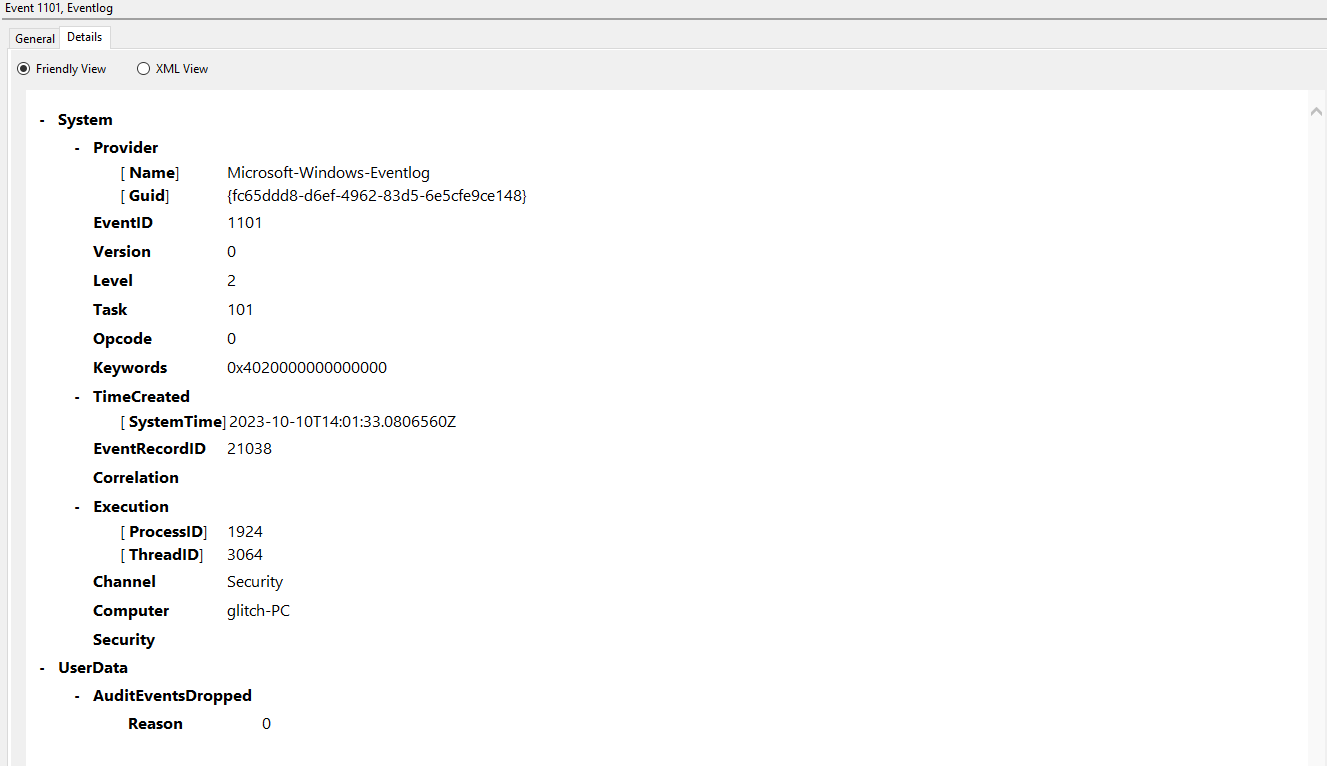
Audit events have been dropped by the transport. 0
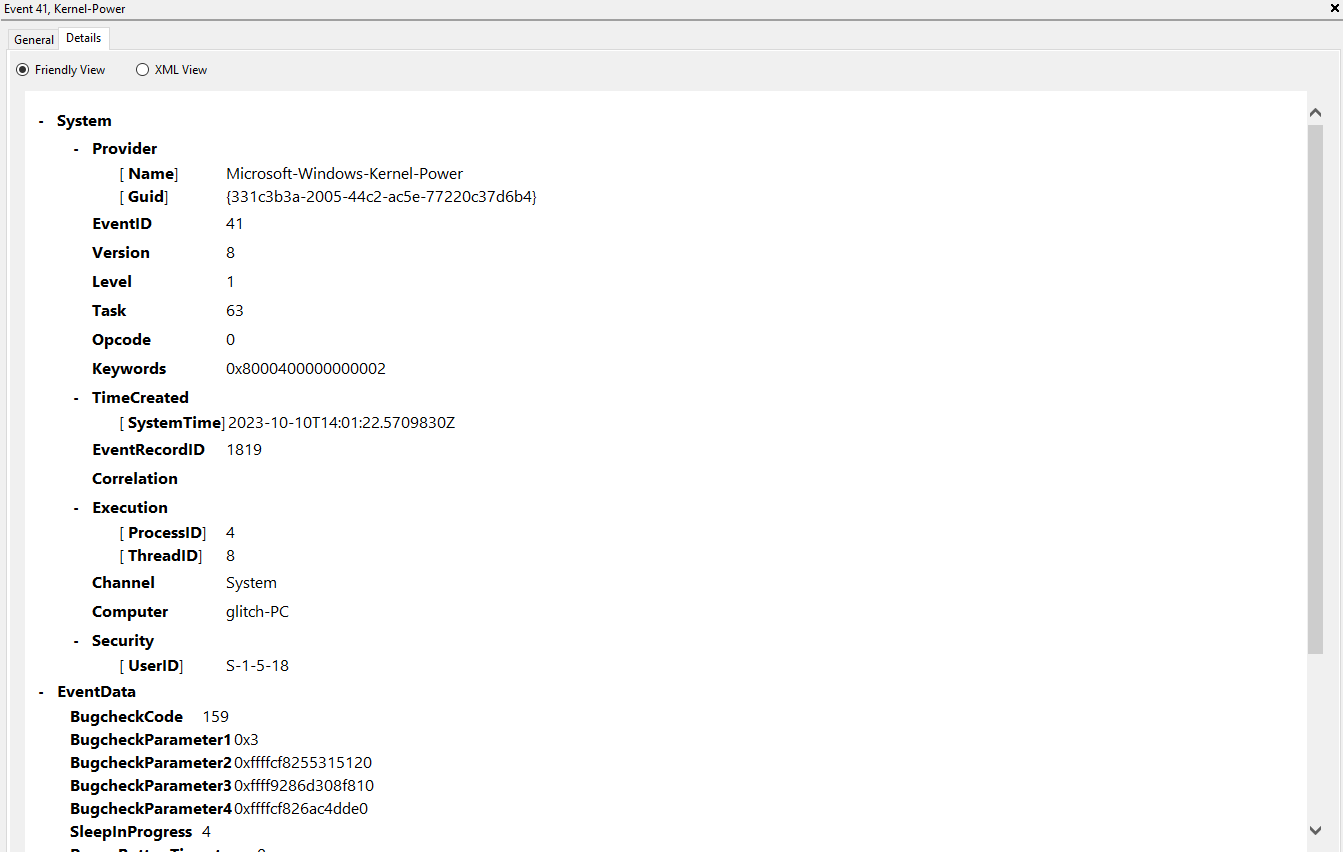
3.
The system has rebooted without cleanly shutting down first. This error could be caused if the system stopped responding, crashed, or lost power unexpectedly.
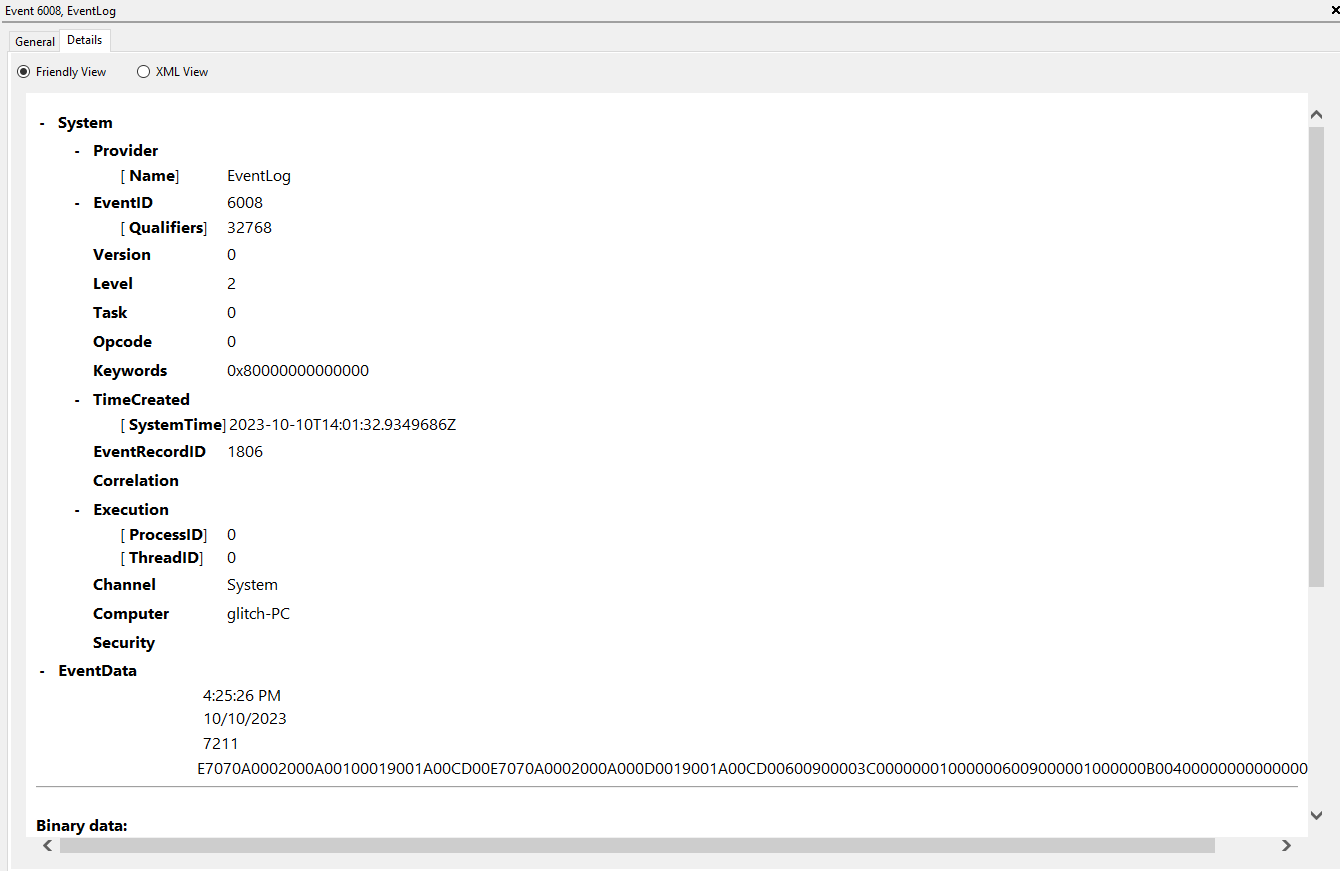
4.
The previous system shutdown at 4:25:26 PM on 10/10/2023 was unexpected.
And the details for each one:
1.
2.
3.

4.
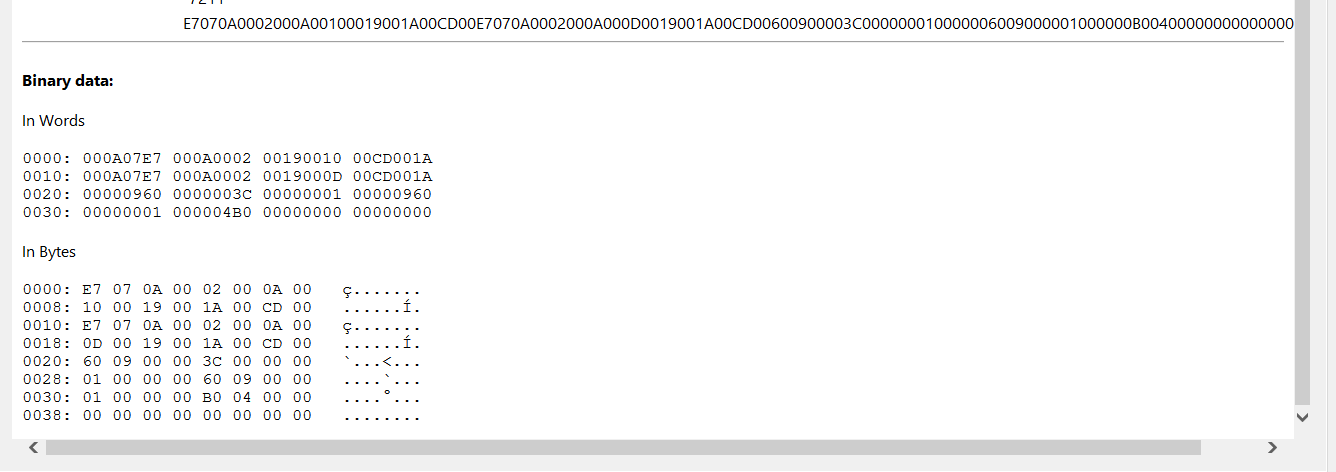
I've tried so far:
- sfc ;
- DISM ;
- Reparing OS from a USB drive (created via the official Media Creation tool) ;
- Removind old AMD/Nvidia drives via DDU ;
- Reinstalling all AMD mobo drivers.
I didn't try the safe mode though, but since the issue is not 100% there, it would be a nightmare to test this. I'd better get you some dump or something like that. By the way C:\WINDOWS\MEMORY.DMP is NOT here.
I don't wanna disable XMP or any kind of overlocking (PBO downvolting, may I say, not OC by itself - tested in Prime95 multiple times) because it's ridiculous. MSI supports advices me to update my BIOS but it's quite dangerous and I'm not 100% sure it's gonna address the issue.
Windows version is the latest: Windows 10 Pro N 22H2 19045.3516 Windows Feature Experience Pack 1000.19052.1000.0
' cx='32' cy='32' r='32' /%3E%3Ctext x='50%25' y='55%25' dominant-baseline='middle' text-anchor='middle' fill='%23FFF' %3EA%3C/text%3E%3C/svg%3E)

