Microsoft Security | Microsoft Entra | Microsoft Entra ID
A cloud-based identity and access management service for securing user authentication and resource access

This browser is no longer supported.
Upgrade to Microsoft Edge to take advantage of the latest features, security updates, and technical support.
' cx='32' cy='32' r='32' /%3E%3Ctext x='50%25' y='55%25' dominant-baseline='middle' text-anchor='middle' fill='%23FFF' %3EEE%3C/text%3E%3C/svg%3E)
I have been attempting to follow the directions on how to use Azure RBAC for credential management for VM's howto-vm-sign-in-azure-ad-windows)+
I have the VM created, my account given the role "Virtual Machine Administrator Login" and verified that the VM is a member of the AzureAD group.
> dsregcmd /status


+----------------------------------------------------------------------+
| Device State                                                         |
+----------------------------------------------------------------------+

             AzureAdJoined : YES
          EnterpriseJoined : NO
              DomainJoined : NO
               Device Name : xxxxxxxxxx
(And based on the above, I can login to the "local" admin account created during creation of the VM so the port is open, etc.)
My local client is running Windows Pro 21H1.
I used the ******@mycompany.com login credentials to CREATE the VM after login to the portal so I know the credentials work in some fashion.
The "only thing" different that I can think of is the the "******@mycompany.com" login originated with an Office 365 account and that Azure was added later. (Every time I manage the account I get "dumped" from the portal and have to manually go back as there is NO obvious LINK back to portal.azure.com that I can find any ware.)
So, how the heck do I trouble shoot this?
I have followed the "Troubleshoot" suggestions (as much as they work anyway, most of the curl expressions fail for me.) The goal of being AzureAdJoined has been met, so this HAS to be something ELSE (????) right?
' cx='32' cy='32' r='32' /%3E%3Ctext x='50%25' y='55%25' dominant-baseline='middle' text-anchor='middle' fill='%23FFF' %3EMT%3C/text%3E%3C/svg%3E)
Where are you trying to log in? At what point does your login fail?
From everything I can tell (which I actually DON'T KNOW, hence my question) the failure is after the client connects.
I've tried AzureAd\me@mathieu.company .com and me@mathieu.company .onmicrosoft.com with the same effect.

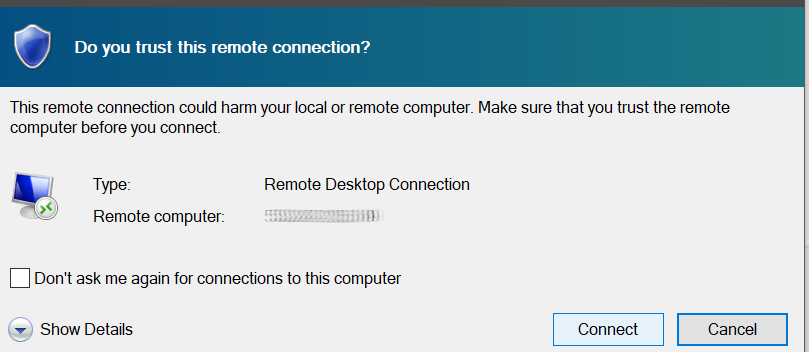
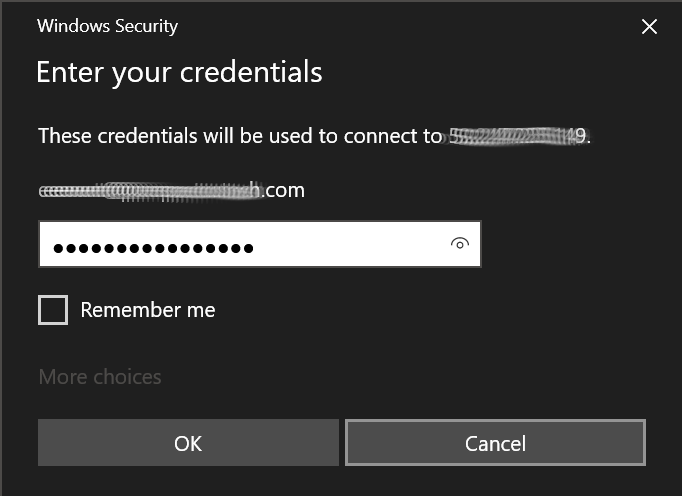
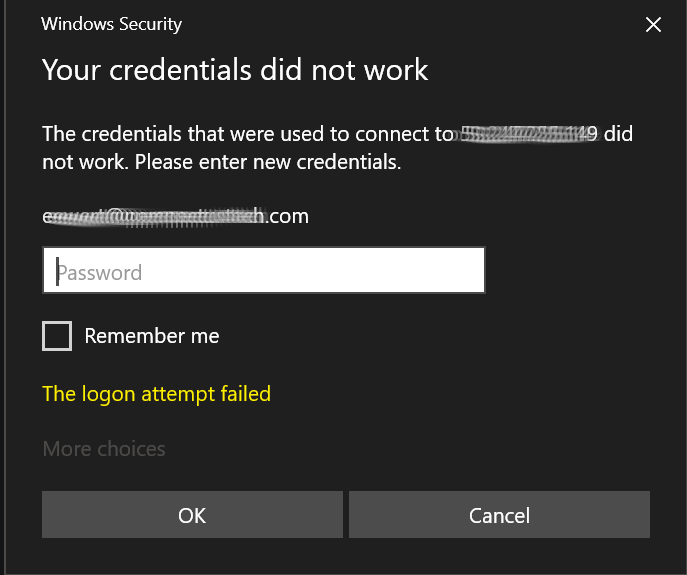
and for completeness:
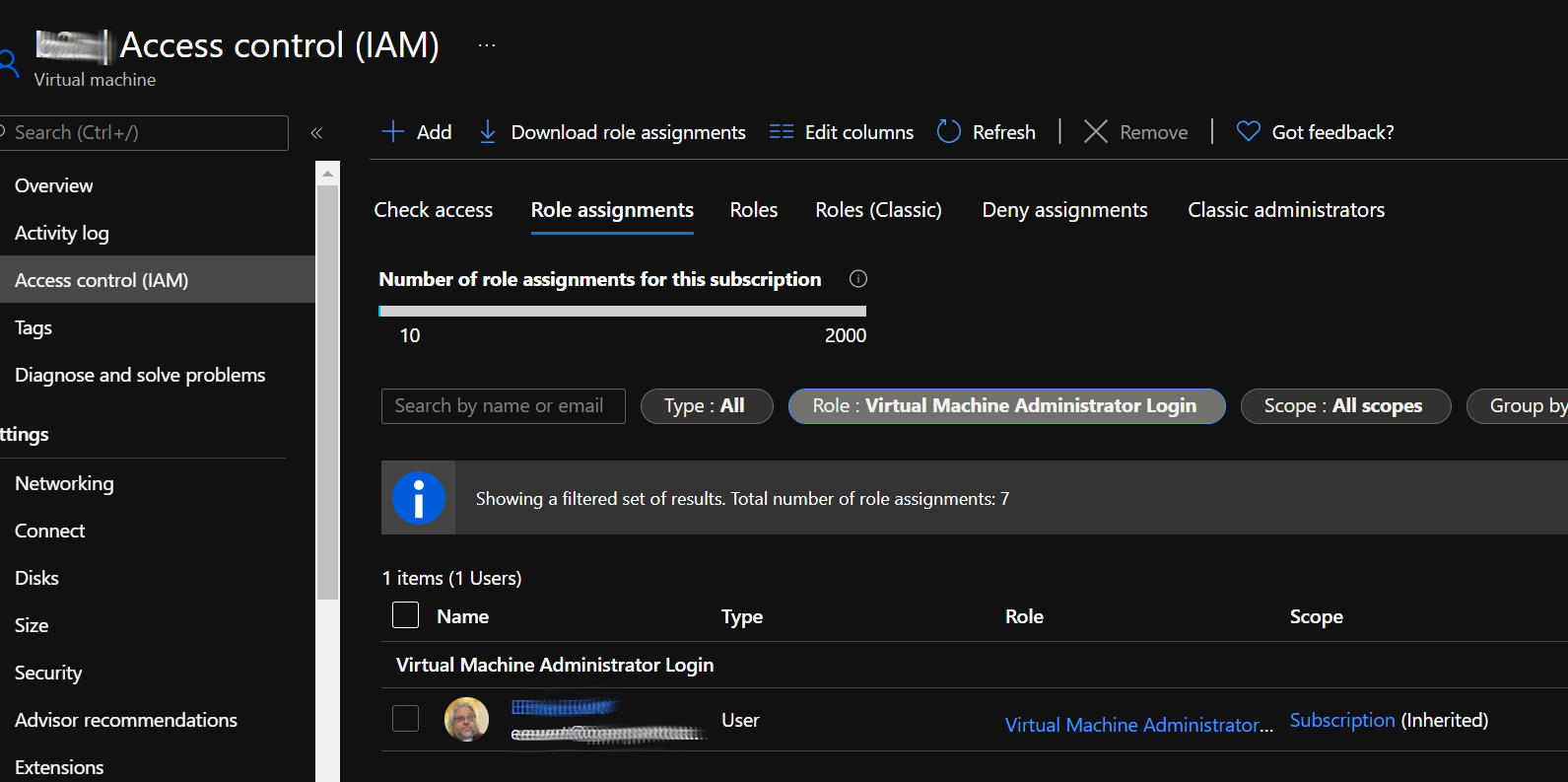
Hello?
How do I troubleshoot this issue?