Share via

Windows Update stuck at please wait

Anonymous
2020-11-11T18:10:16+00:00

Hello

I have a problem with my Windows 10 PC. After updating to the newest version, 20H2, it seems like something went wrong.

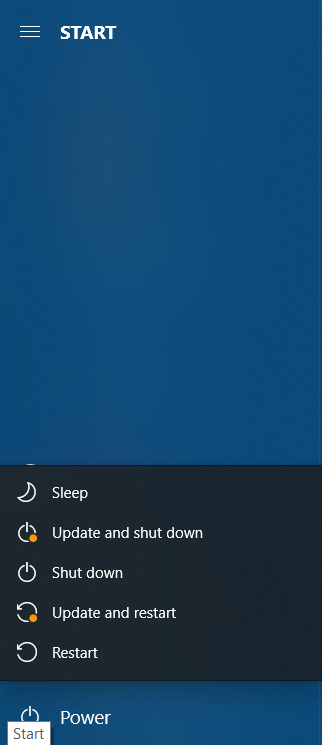
First of all, I saw that in the power options from Start there still appears the options to restart

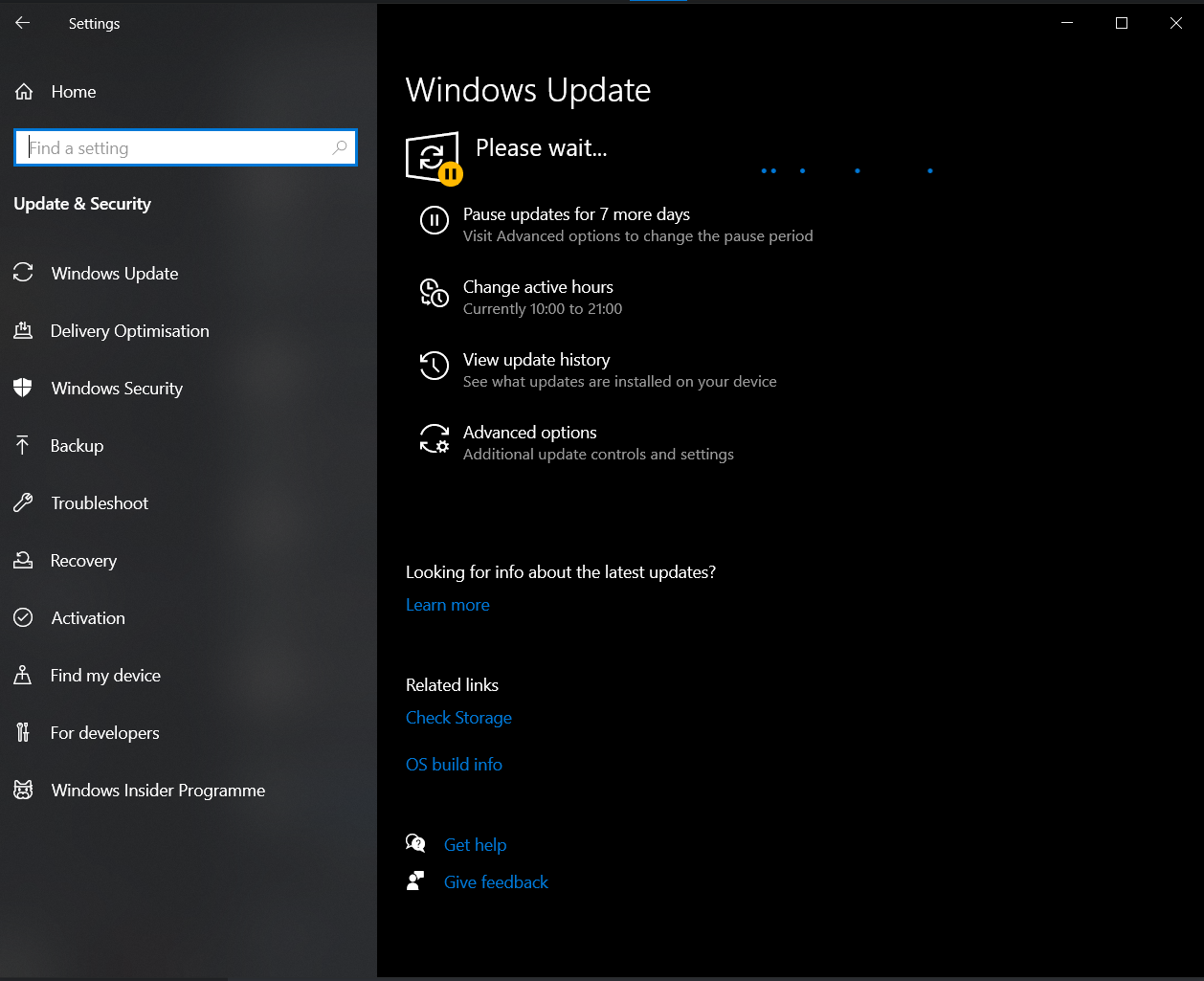
After that, I opened settings and it is stuck at Please wait.

I let it some time...and nothing changed.

The same problem appeared on my laptop, but after a forced restart, and a sfc /scannow it solved.

But on the PC I tried both the DISM.exe /Online /Cleanup-image /Restorehealth command, and then the sfc /scannow, but nothing...

I restarted it and I noticed if I press restart and update option, it takes longer to restart, but after that it closed.

I don't know what else to do, please help
Windows for home | Windows 10 | Windows update

Locked Question. This question was migrated from the Microsoft Support Community. You can vote on whether it's helpful, but you can't add comments or replies or follow the question.

0 comments No comments

Answer accepted by question author

Anonymous
2020-11-11T18:38:49+00:00

Hello,my name is Elias.

I suggest you go into security mode and use windows fix and also the update problem repairer

https://support.microsoft.com/en-us/windows/sta...

https://support.microsoft.com/en-us/windows/use...

https://support.microsoft.com/en-us/help/10164/...

Restart your computer and check to see if the problem occurs

Was this answer helpful?

4 people found this answer helpful.
0 comments No comments

1 additional answer

Sort by: Most helpful
  1. Anonymous
    2020-11-11T18:47:36+00:00

    Hello....when I started now the PC there was no problem.. I think it solve by itself or idk but thank you very much.. If this happens again, I will know what to do

    Was this answer helpful?

    0 comments No comments
