Hello,
I have an unexpected shutdown problem with my Acer E5-576g Windows 10, and I'm stuck in determining the problem source.
At the beginning of the problem, I tried every possible software solution, and the last one was cleaning the entire SSD and reinstall a different version of Windows 10 but nothing solves it.
I searched about hardware problems cause an unexpected shutdown and I had tried this solution,
1- Checked CPU temperature, and its in a safe state.
2- Checked my HDD and SSD by CMD and it shows both OK.
3- Updated my GPU drivers (Intel and Nvidia) but doesn't solve it.
4- I had a problem with my Nvidia GPU in the following screenshot:
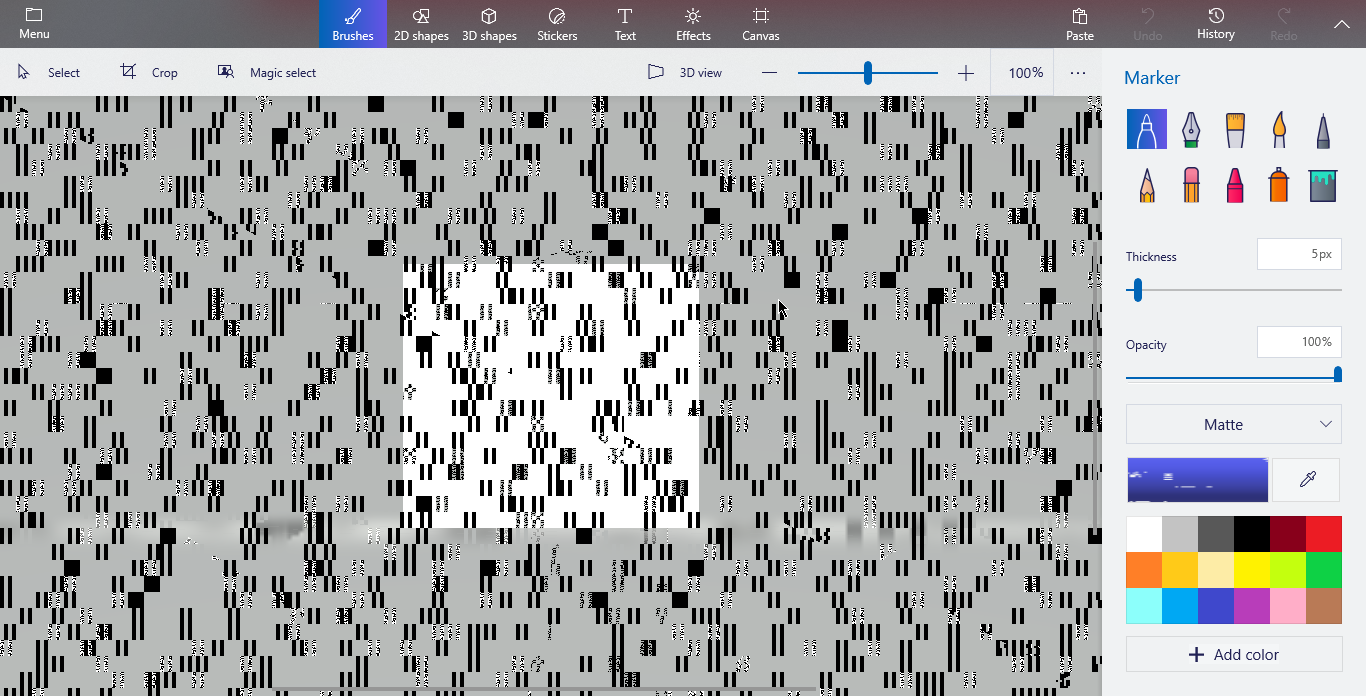
So I disabled it from the devices manager and my Paint3D work fine but it doesn't solve the shutdown problem.
5- I checked my RAM's by memory diagnostic and it shows everything is fine.
6- I opened my laptop and have a look at the hardware and far as I see its fine, also I tried to remove the Nvidia chip but I didn't find it.
Notes:
1- I can't remember the problem happens while it's plugged in power.
2- Sometimes it happens when it's in a stable state but in the most, it's happened when I move it.
3- It's normally happened one or two times per day, but also sometimes it's shut down 1-5 times in a row at the same time when I try to boot.
4- Event viewer only shows The previous system shutdown at (date) was unexpected. and The system has rebooted without cleanly shutting down first. This error could be caused if the system stopped responding, crashed, or lost power unexpectedly.
Now my questions are:
1- What hardware device(s) could cause this problem?
2- Is there another solution I should try?
3- Is it possible that the battery just cut power, then connecting again at the same time?
Please help me and thank you.
' cx='32' cy='32' r='32' /%3E%3Ctext x='50%25' y='55%25' dominant-baseline='middle' text-anchor='middle' fill='%23FFF' %3EA%3C/text%3E%3C/svg%3E)
