Share via

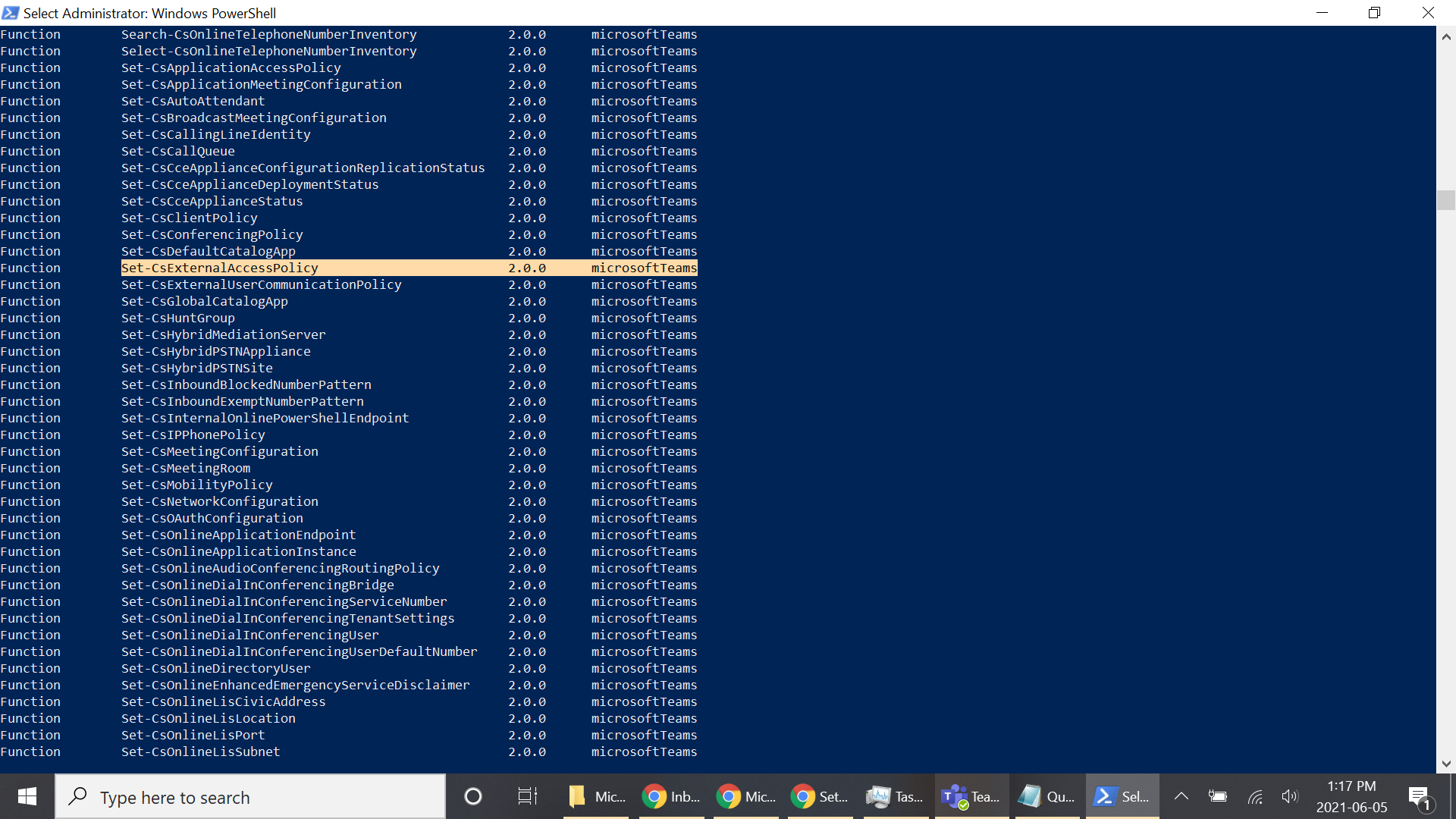
Microsoft Teams Powershell function Set-CsExternalAccessPolicy not found

Vasudev Gupta 1 Reputation point
2021-06-04T16:27:31.117+00:00

I have installed the Microsoft Teams module successfully, but the function Set-CsExternalAccessPolicy and New-CsExternalAccessPolicy are not recognized as a function in PowerShell. It's really frustrating because all the other functions and command lets from that module are working, except those 2. I am even using the latest version of that module 2.3.1 . Please help. I have even uninstalled and reinstalled the module. I checked the spelling of the function many times too.

Windows for business | Windows Server | User experience | PowerShell
Microsoft Security | Microsoft Graph
0 comments No comments

2 answers

Sort by: Most helpful
  1. Rich Matheisen 48,116 Reputation points
    2021-06-05T15:02:32.573+00:00

    Could this be a problem with Teams RBAC (Role Based Access Control)? Is your user account assigned to an administrator role? You might want to add a "Microsoft Teams" tag to your question. This may be something specific to the product and not to PowerShell.
    Was this answer helpful?


  2. Rich Matheisen 48,116 Reputation points
    2021-06-04T18:37:39.893+00:00

    Do those cmdlets show up in Get-Command?

    Was this answer helpful?


Your answer

Answers can be marked as 'Accepted' by the question author and 'Recommended' by moderators, which helps users know the answer solved the author's problem.
