After installing WSL 2 and installing a few Linux VMs, Windows Explorer starts displaying a Linux tree, but whenever I try to access it, I get the following error:
"\wsl.localhost is not accessible. You might not have permission to use this network resource. Contact the administrator of this server to find out if you have access permissions.
Insufficient system resources exist to complete the requested service"
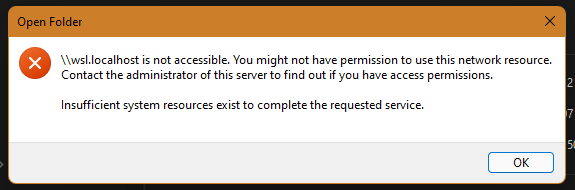
Though my PC is recent with updated specs:
Motherboard: ASUSTeK COMPUTER INC. ROG STRIX B460-G GAMING
Bios: ver.1101Processor: Intel i9 10th generation @3.7GhzLiquid-cooled by Cool MasterRAM: HyperX 64GB RAM & 2666MhzStorage: 1TB SSD, 2TB HDDGPUs:Intel(R) UHD Graphics 630
NVIDIA GeForce RTX 3060 12GB GDDR6
OS: Windows 11 Professional (x64) Version 21H2 (build 22000.282)
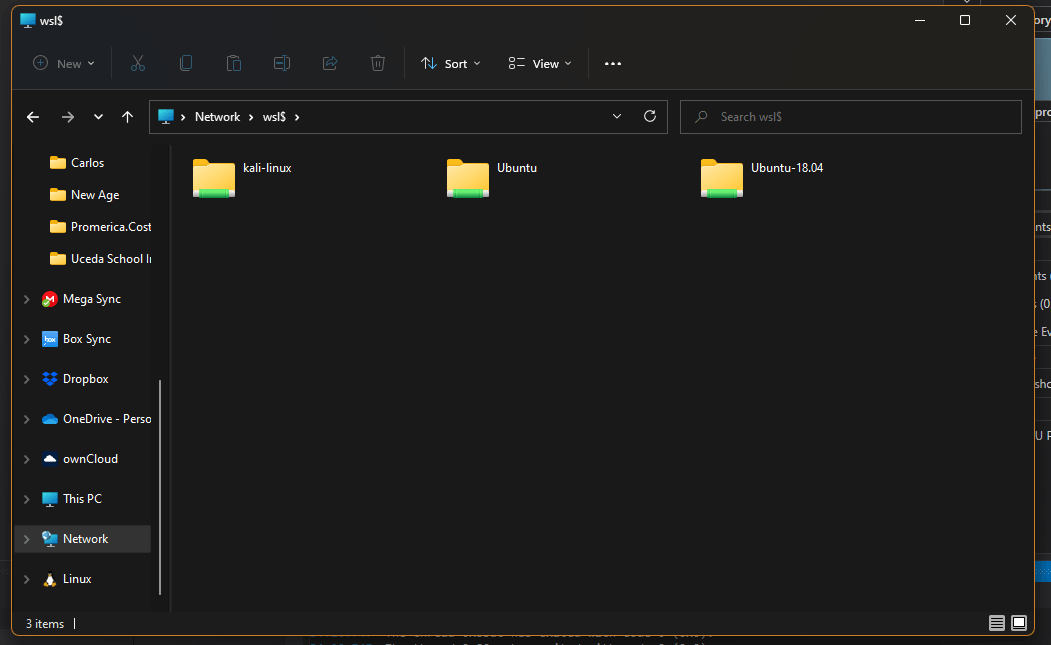
But when I try browsing manually to \wsl$\ it works. How can I fix this?
' cx='32' cy='32' r='32' /%3E%3Ctext x='50%25' y='55%25' dominant-baseline='middle' text-anchor='middle' fill='%23FFF' %3EA%3C/text%3E%3C/svg%3E)
