Hi there everyone,
I have an ASUS RT-AX86U router for one and half year now. I've been using it always with the same setup - laptop connected via ethernet cable - and I was always able to access its admin page via browser.
Yesterday, I connected for the first time an HDD to the router, so I can use it as shared drive. So far so good, my TV can see it on the network, my laptop and other family members as well.
While on my laptop, I opened the file explorer and went to Network and clicked on the new device. Some Windows info came up that I accidentally clicked on it. (And I think this was THE thing.)
So, what now?
When I try to access my router admin page via browser, I can't access it any longer. ��♂️
Here's the browsers' message:
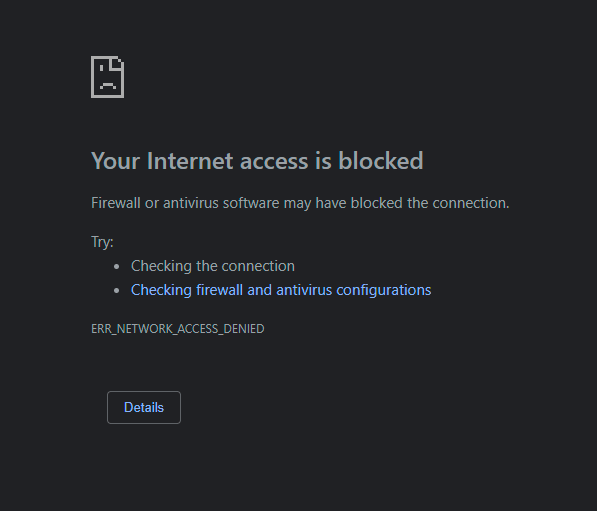
Image 1 - Brave browser
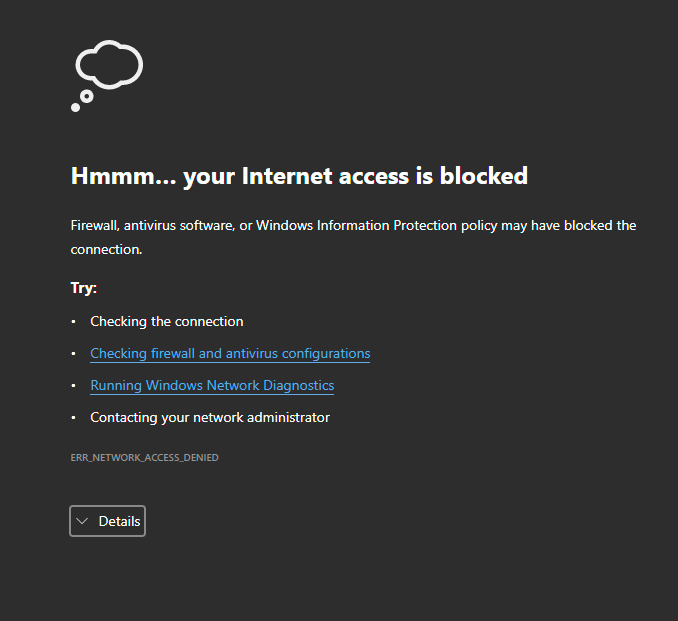
Image 2 - Edge browser
I did some troubleshooting to try to isolate the problem:
- I can access the router via browser from other devices;
- I can access the router via "Asus router" mobile app;
- I can ping the router successfully on the command line;
Interesting one: If I switch my home network profile from Private to Public, I can access the router from my laptop. But this is not a desirable solution.
So, I contacted the ASUS support just to confirm my guess that is not a router issue. The agent that assisted me, after checking that I can access the page from other devices on the network, told me that this should be a misconfiguration on my laptop.
I don't know what I've done.
I need some help!
Thanks in advance!
I use:
- Dell XPS 13 9310
- Win 10 Business v21H2, OS build 19044.2006, Exp. Pack 120.2212.4180.0
- Brave browser
[UPDATE]
My laptop is a company laptop - I login with my company credentials.
' cx='32' cy='32' r='32' /%3E%3Ctext x='50%25' y='55%25' dominant-baseline='middle' text-anchor='middle' fill='%23FFF' %3EA%3C/text%3E%3C/svg%3E)
