So, what I wanted is to absolutely clean my computer from all the programs and everything. As if I wanted to sell it and configure again from zero everything. (I already saved my pictures and documents and everything I wanted to preserve separately)
So, when configuring the restore I selected to eliminate everything from all drives and reinstall windows from the cloud.
A couple hours latter after it finished, I don’t come up to the welcome page of windows, instead I am presented with the login page with my username and asking me the password to enter the desktop. So… that shouldn’t happen. 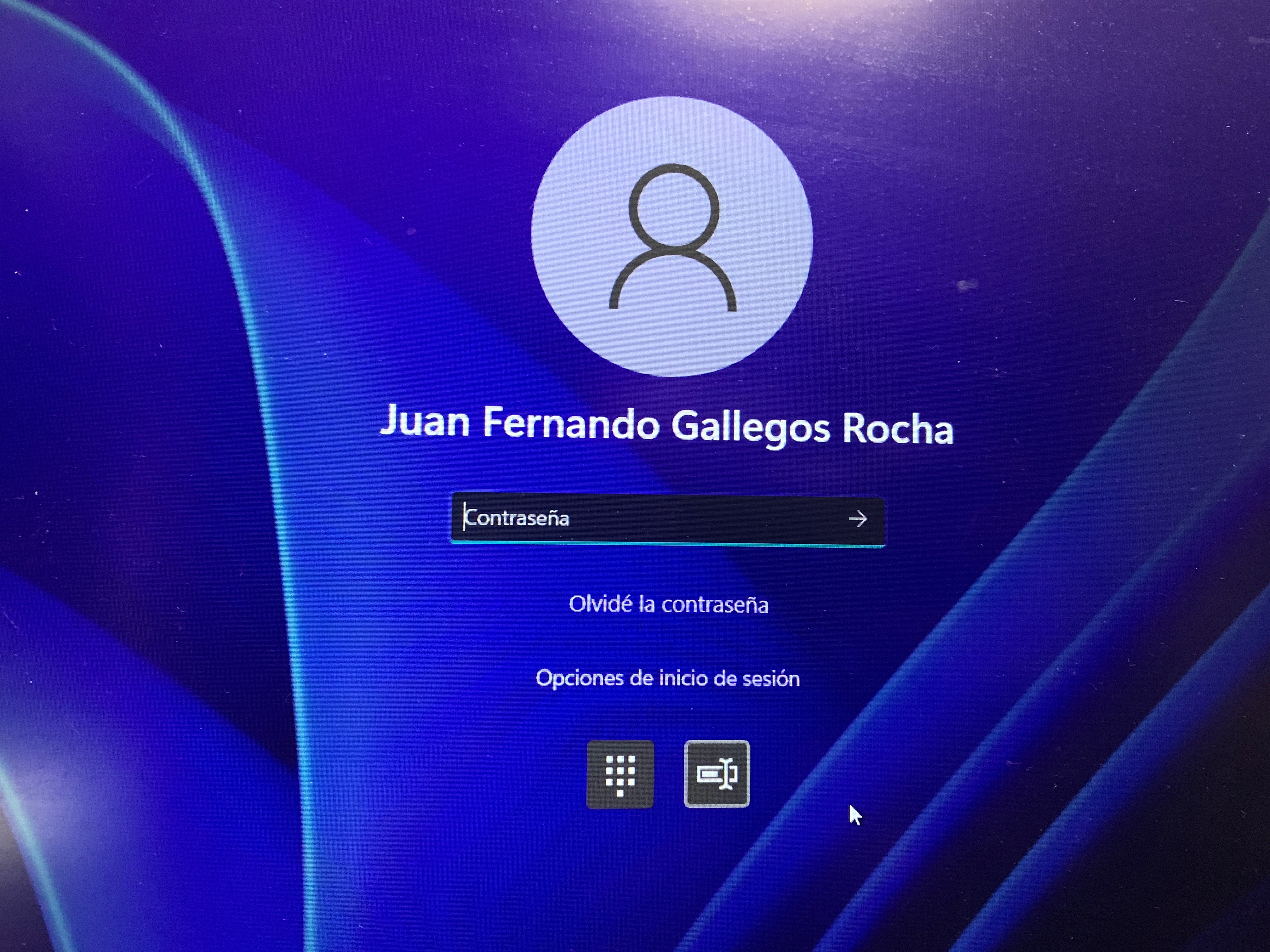
And it doesn’t ask me for my pin (as I normally used to enter into my desktop, it asked me for the password of my Microsoft account) and after I input it, I get:
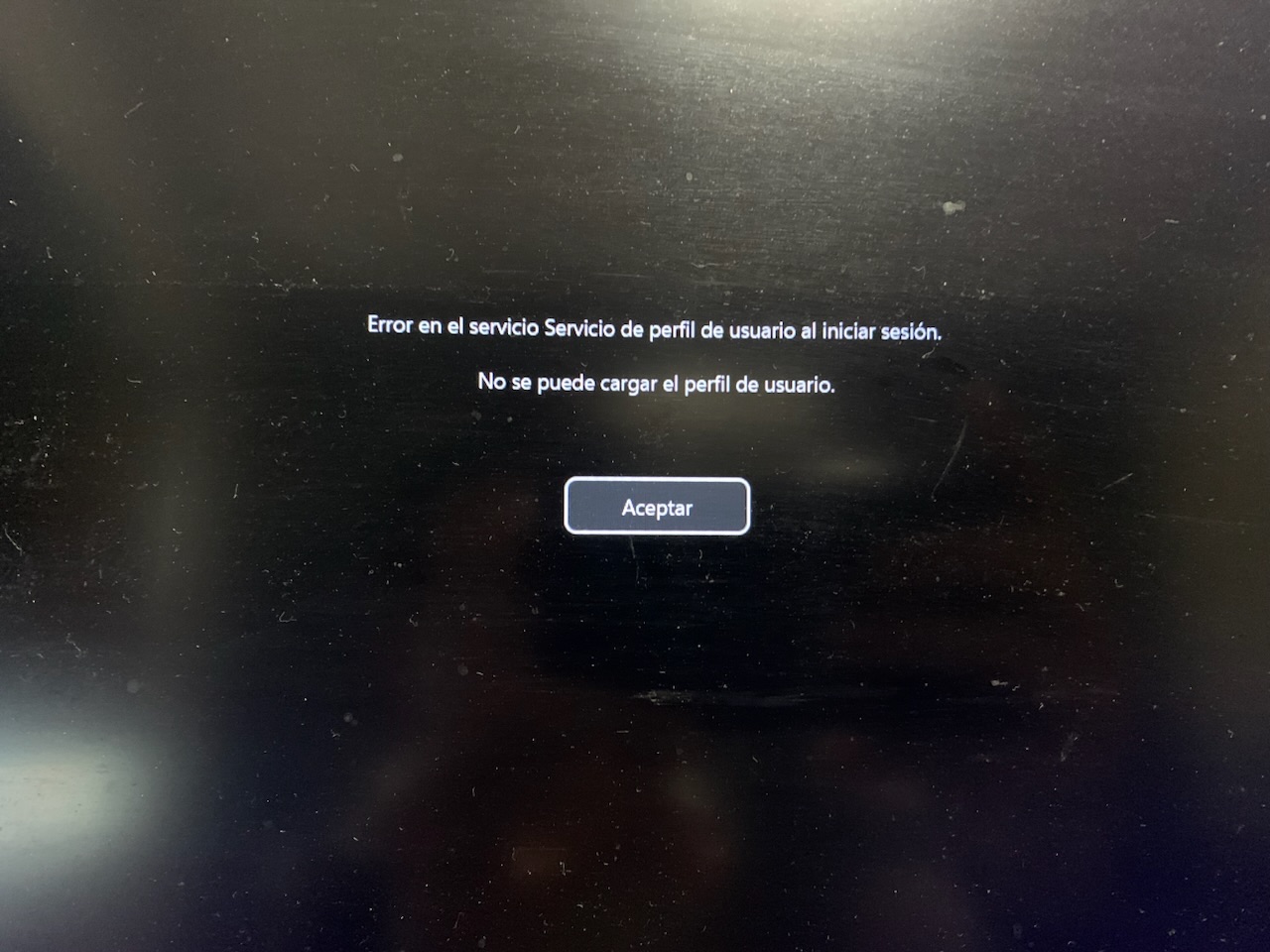
Wel, that’s very odd. So I entered the safe mode and with networking options available and I could finally enter the desktop but it was all black and this warning: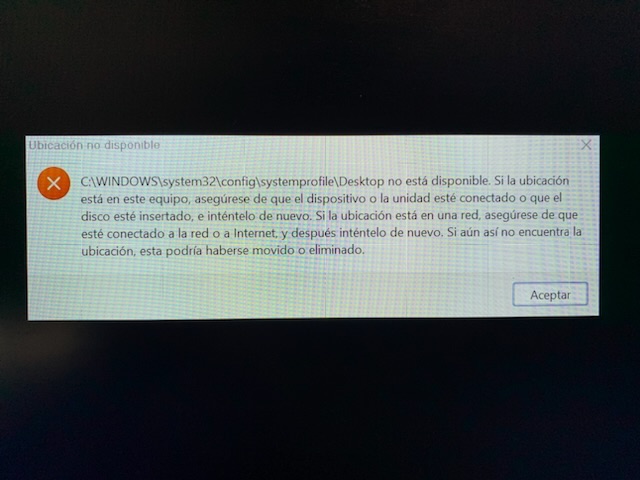
It says that the computer could not find the desktop, then I launched via the task manager explorer.exe and it solved some problems, now I could see the recicle bin and the safe mode notes in the background. Then I checked the users folder but the only user I used was empty.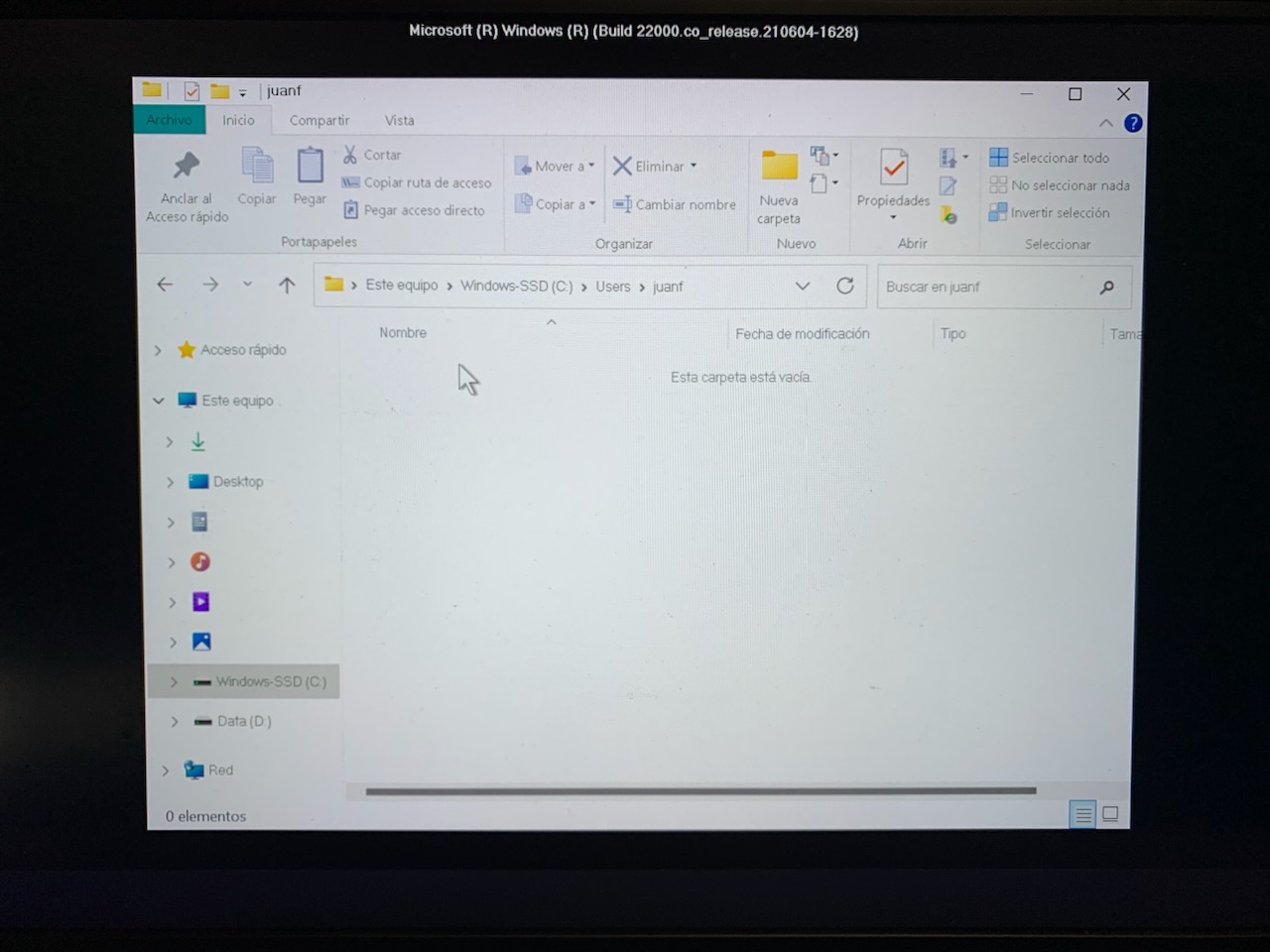
So I tried to create a new user in the user account window using cmd and “control userpassword2” but when I click the button of add, it just clicks but it doesn’t do anything. So I created a new user with administrator privileges using commands but when I try to enter that user it shows me an error similar to the second image.
So, what should I do? I just wanted to erase everything, start over and completely configure the computer as if i just bought it.
Notes
- I tried restoring it again but using local drive instead of downloading windows from the cloud (also because it didn’t let me because of an error) and it is still the same problem, I am welcome to the enter the desktop password, instead of the welcome page of a brand new computer.
- When I entered the desktop in safe mode I couldn’t use the windows button and no icons appeared on the icons space, not even the hour.
- I noticed that the second hard drive of 1 terabyte was completely clean but the other drive (SSD where windows is installed) didn’t change much and there is still some folders with programs that I had before resorting the PC. Why didn’t they got erased?
- The folder with the only user I have in the ssd is completely empty (last image)
' cx='32' cy='32' r='32' /%3E%3Ctext x='50%25' y='55%25' dominant-baseline='middle' text-anchor='middle' fill='%23FFF' %3EA%3C/text%3E%3C/svg%3E)

